The 8 most popular 3D printers for 2027, tested on the same part
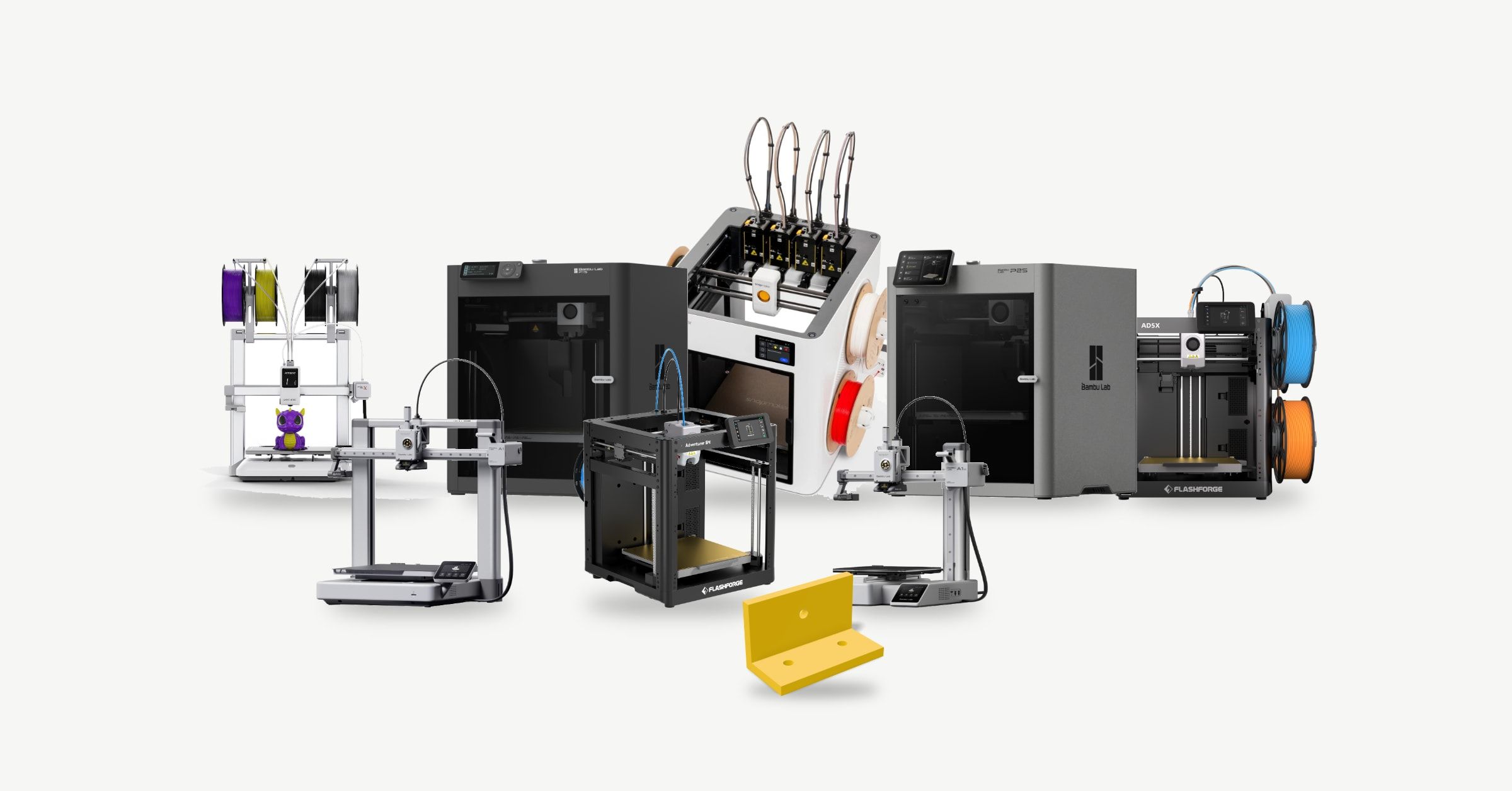
These are the 3D printers people are actually buying right now, and how they compare when they all print the same part.
What's on the list
The eight filament printers selling best going into 2027, from $219 to $749. Each card has the price, what the printer is good at, a video review, its pros and cons, and where to buy it.
How we ranked them
We took the best sellers on Amazon in the US, the UK and Germany and at MatterHackers on 15 October 2026. The higher a printer places on each list, the more points it gets. The P1S comes first with five stars, and the rest are scaled to it.
How we tested them
We sliced the same small bracket for all eight in OrcaSlicer, with each maker's standard settings and its own PLA. The fastest needs 21 minutes and the slowest 32. The pros and cons also draw on reviews by Tom's Hardware and TechRadar.
1Bambu Lab P1S
$399
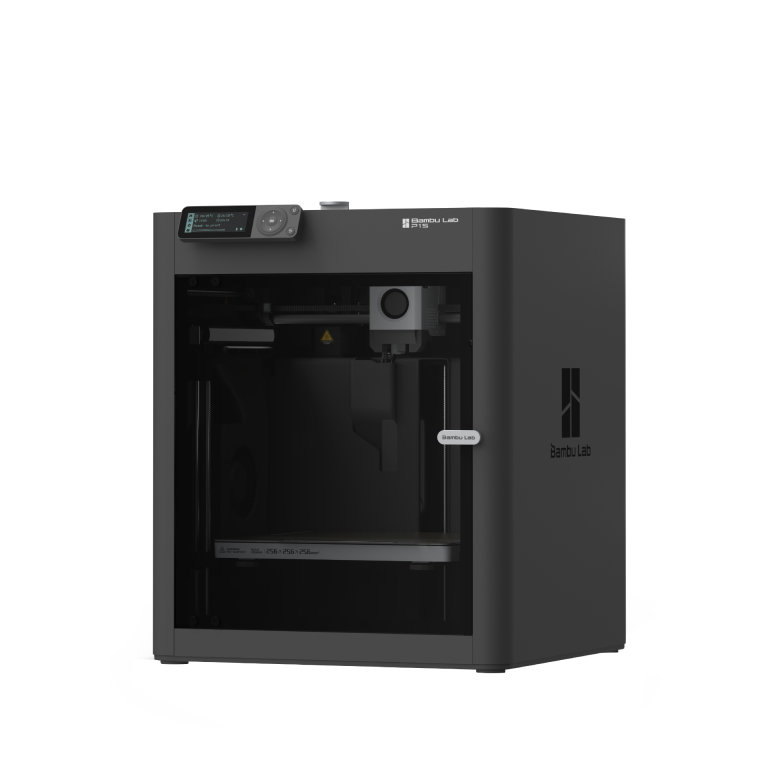
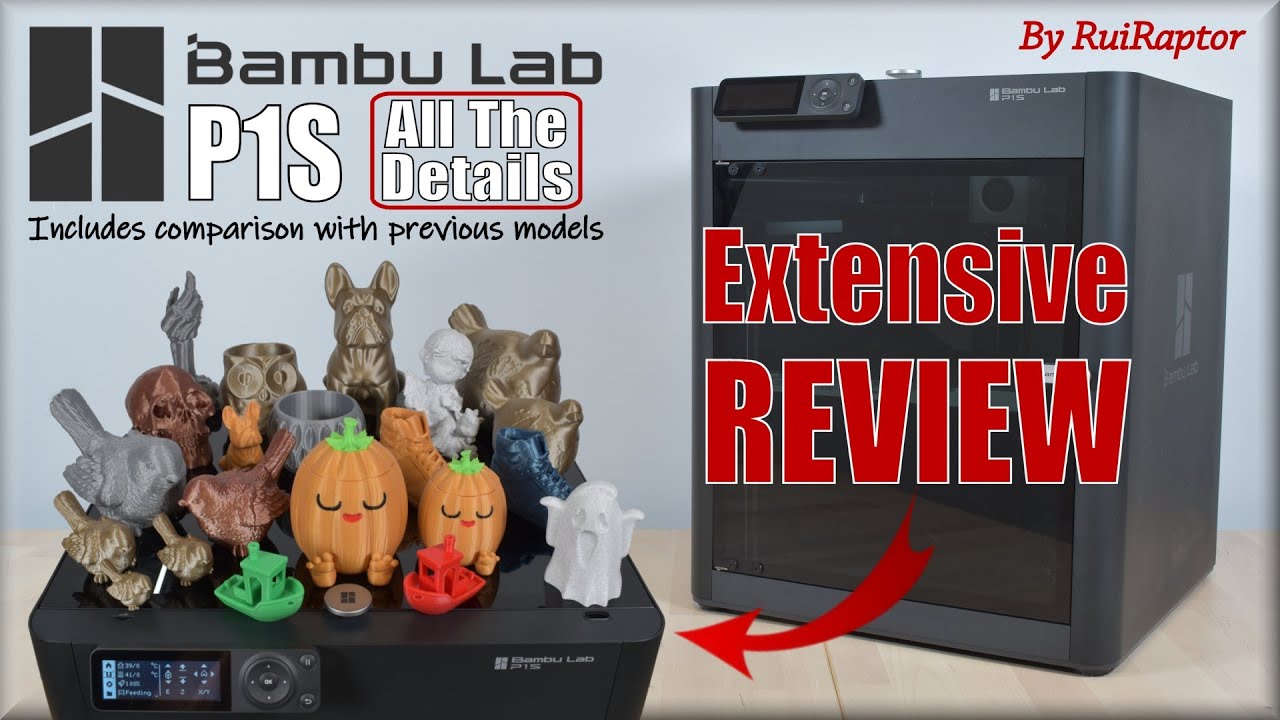
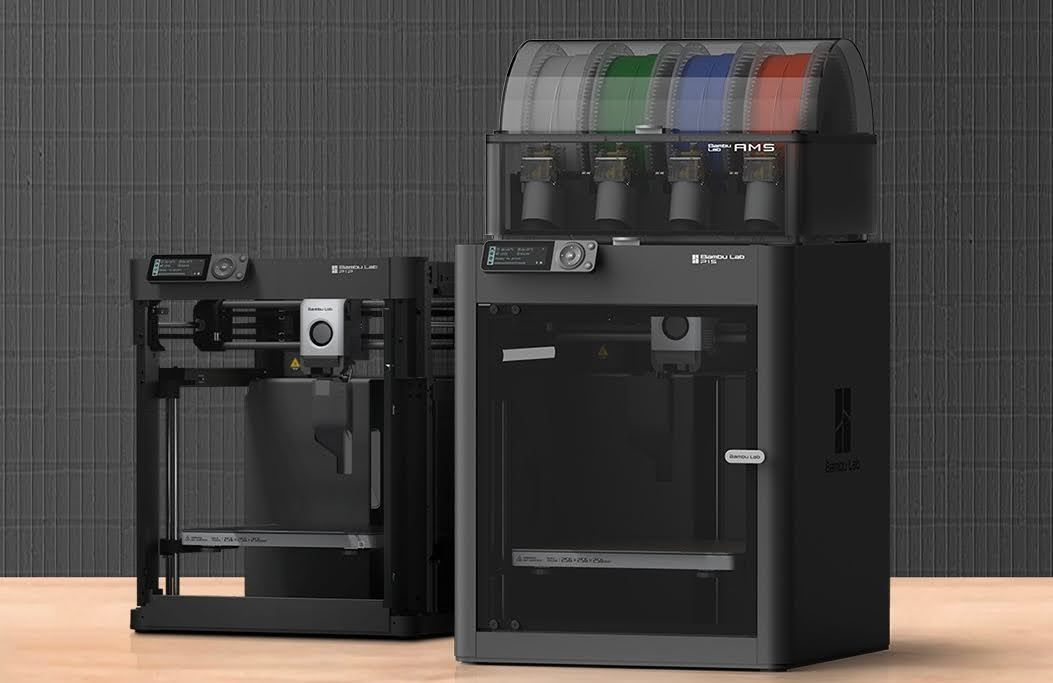
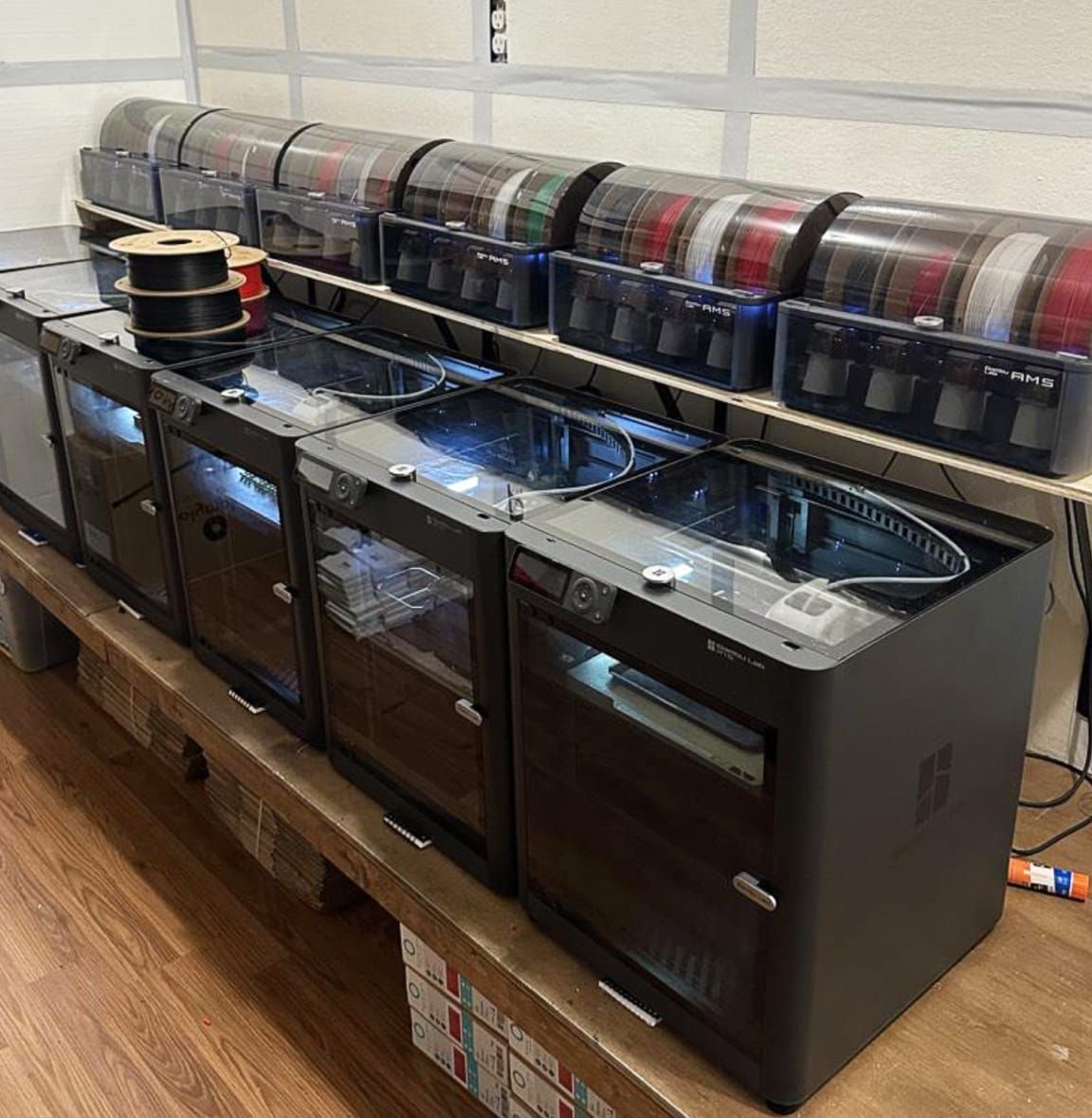
The enclosed CoreXY that most people buy, and the fastest printer in our test. The enclosure keeps the heat in, so ABS and ASA print as well as PLA, and the AMS on top feeds up to 16 colours. It has been on sale since July 2023 and is still in the top 3 on every Amazon store we checked.
- Fastest in our test, 21 minutes
- Enclosed, so ABS and ASA work
- 256 mm cube to print in
- Easy auto bed levelling
- Noisy
- Spare parts are Bambu's own
- The AMS wastes filament on colour changes
 Amazon
 Bambu Lab store
 Micro Center
Photos: Bambu Lab
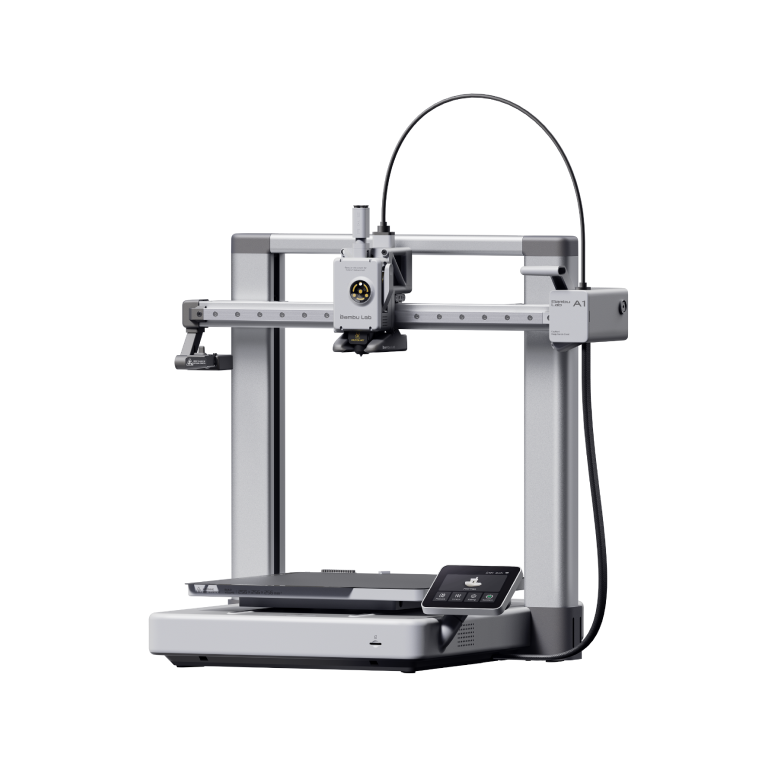

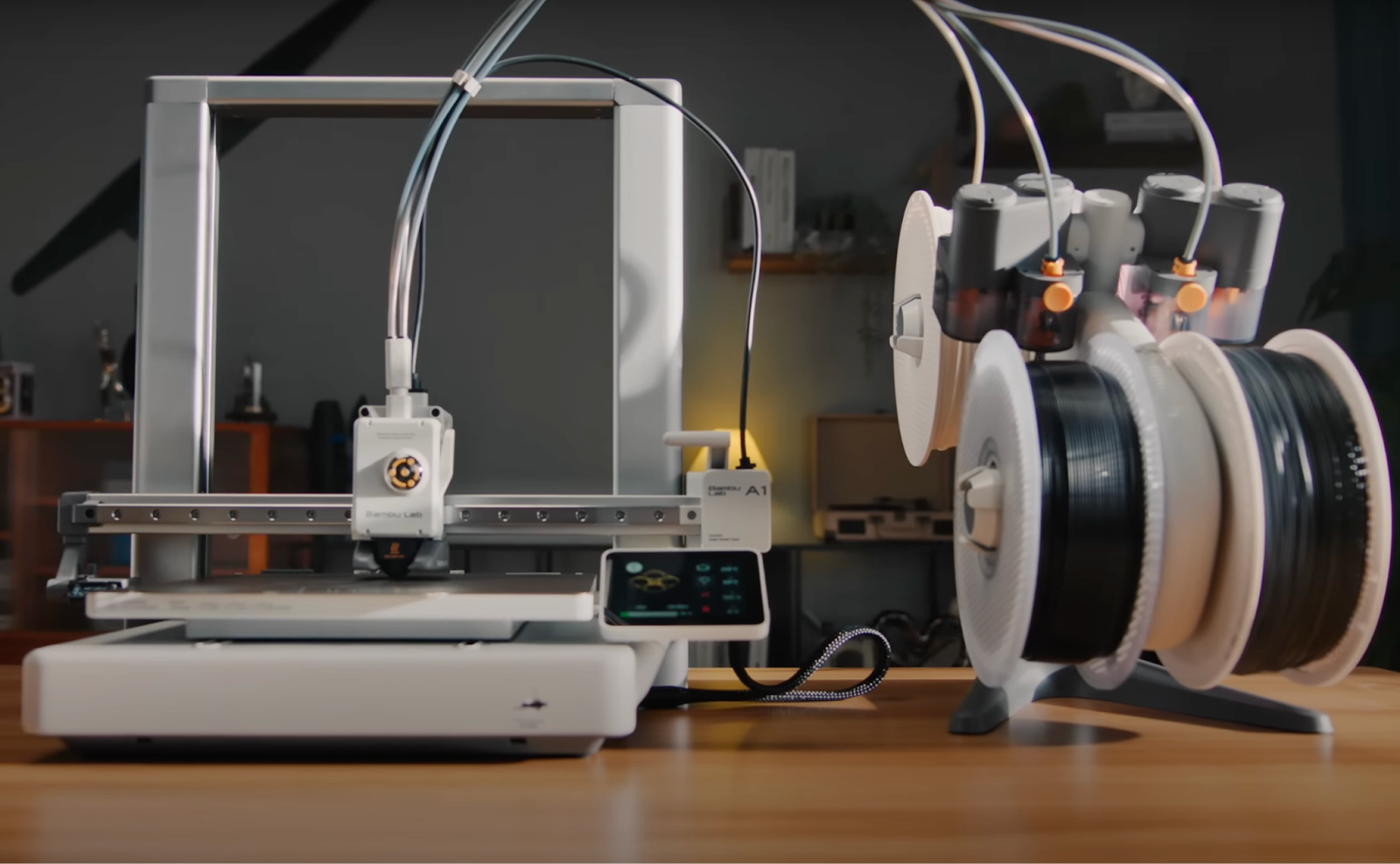
2Bambu Lab A1
$299
The cheapest way to Bambu Lab's full 256 mm bed, and quiet with it. With no enclosure and a bed that heats to 80 °C it's made for PLA and PETG more than ABS. Add the AMS lite and it prints in four colours.
- Full 256 mm bed for $299
- Reliable and quiet
- Quick-change nozzle
- Four colours with the AMS lite
- No enclosure
- The bed only heats to 80 °C
- 31 minutes in our test, 10 more than the P1S
- The AMS lite takes up a lot of room
Photos: Bambu Lab
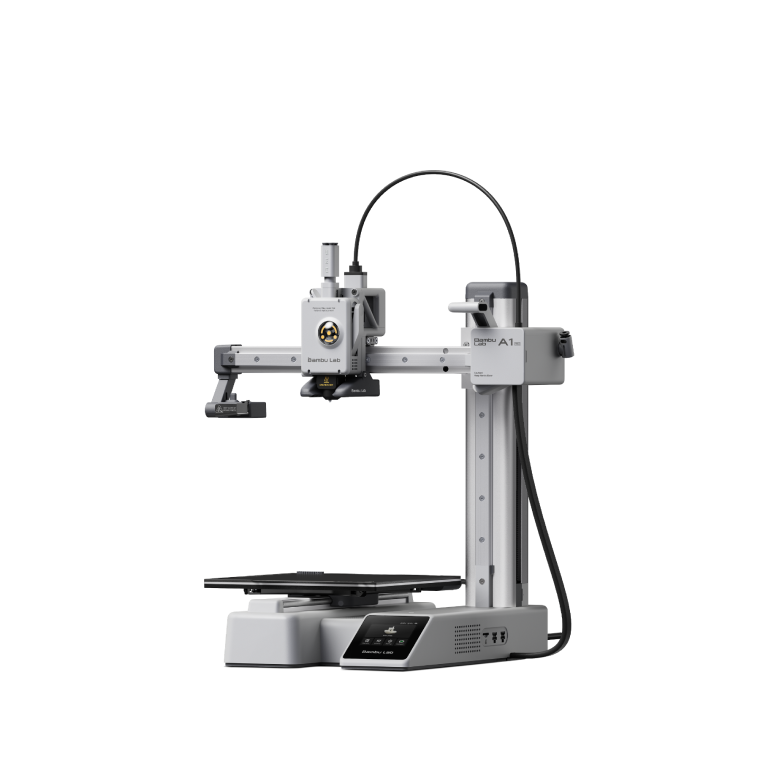

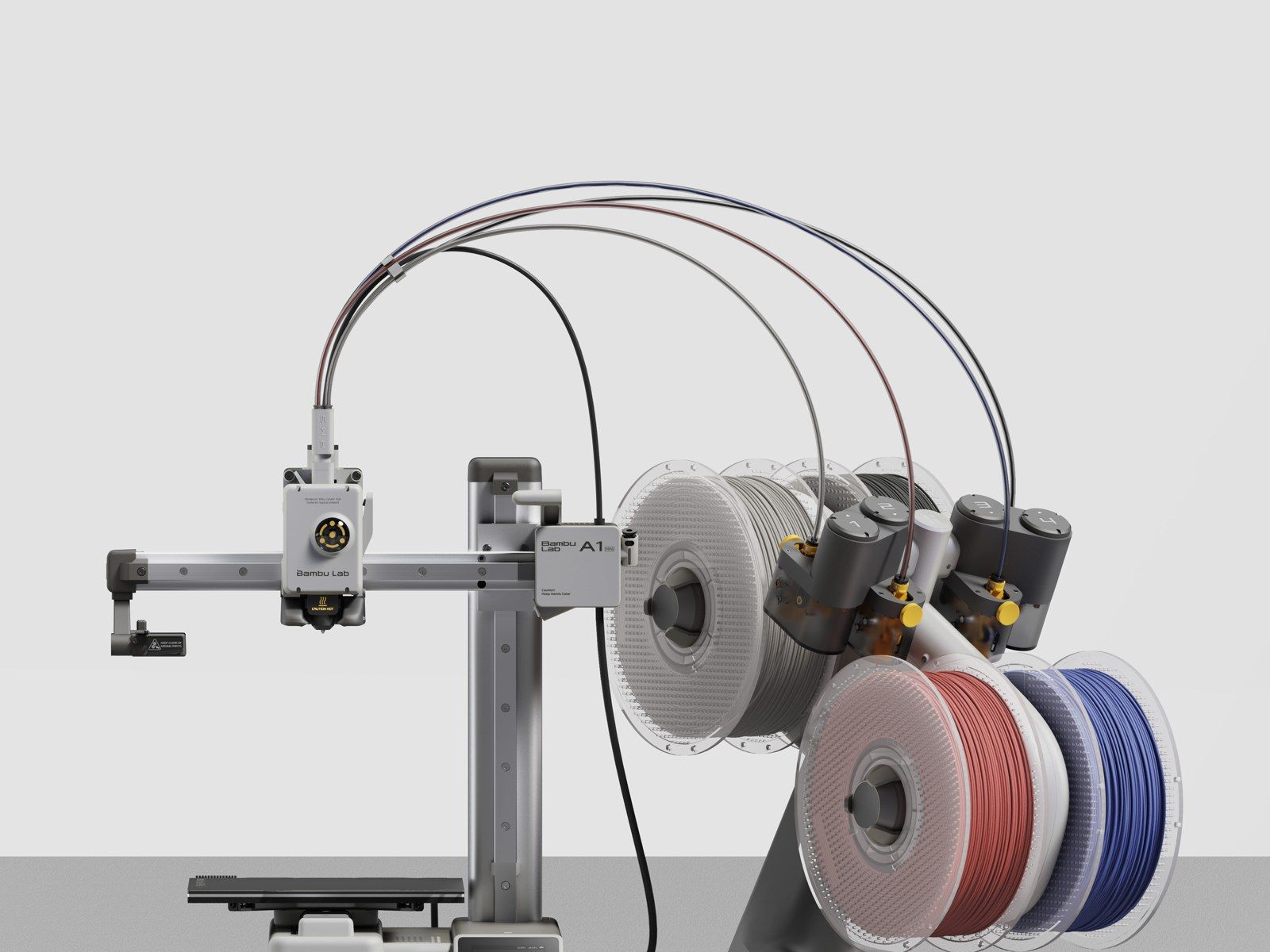
3Bambu Lab A1 mini
$219
Small, cheap and easy. Most people's first printer, if their parts fit. The bed is 180 mm square, so a helmet or a long shelf bracket won't go on in one piece, but for small parts and gifts it's hard to beat at $219.
- Cheapest here, $219
- Fast, quiet and easy to use
- Quick-change nozzle
- Four colours with the AMS lite
- Small 180 mm bed
- No enclosure
- The AMS lite takes up a lot of room
Photos: Bambu Lab
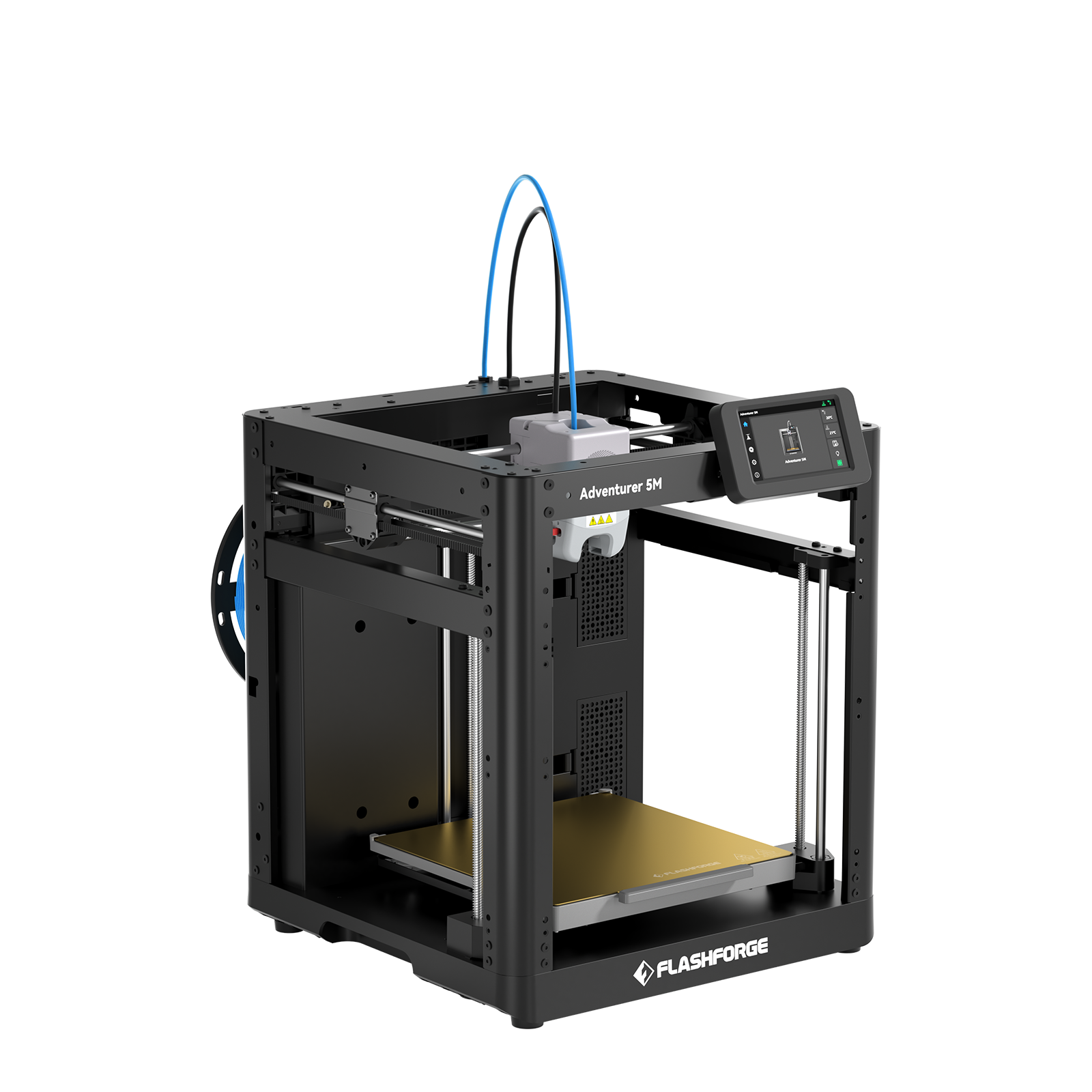

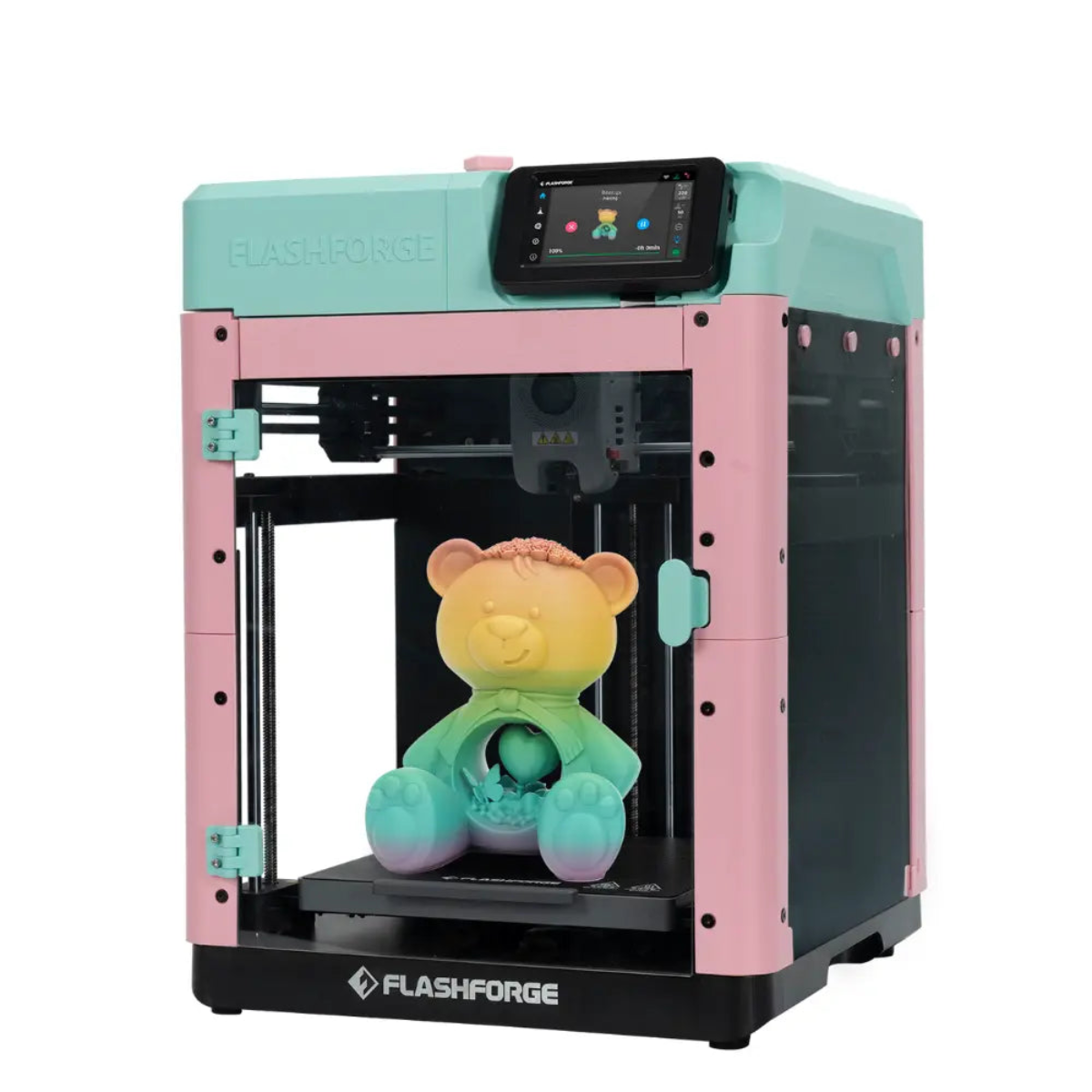
4Flashforge Adventurer 5M
$249on sale, $399 list
A one-colour CoreXY at a bed slinger's price, and the second fastest in our test. It's open, so it's best with PLA and PETG; Flashforge sells an enclosure kit separately. On sale it's the cheapest CoreXY here.
- Second fastest in our test, 27 minutes
- Cheapest CoreXY here, $249 on sale
- 220 mm cube to print in
- Quick-release nozzles
- One colour only
- Not made for ABS
- The enclosure is a separate kit
 Flashforge store
 Walmart
Photos: Flashforge
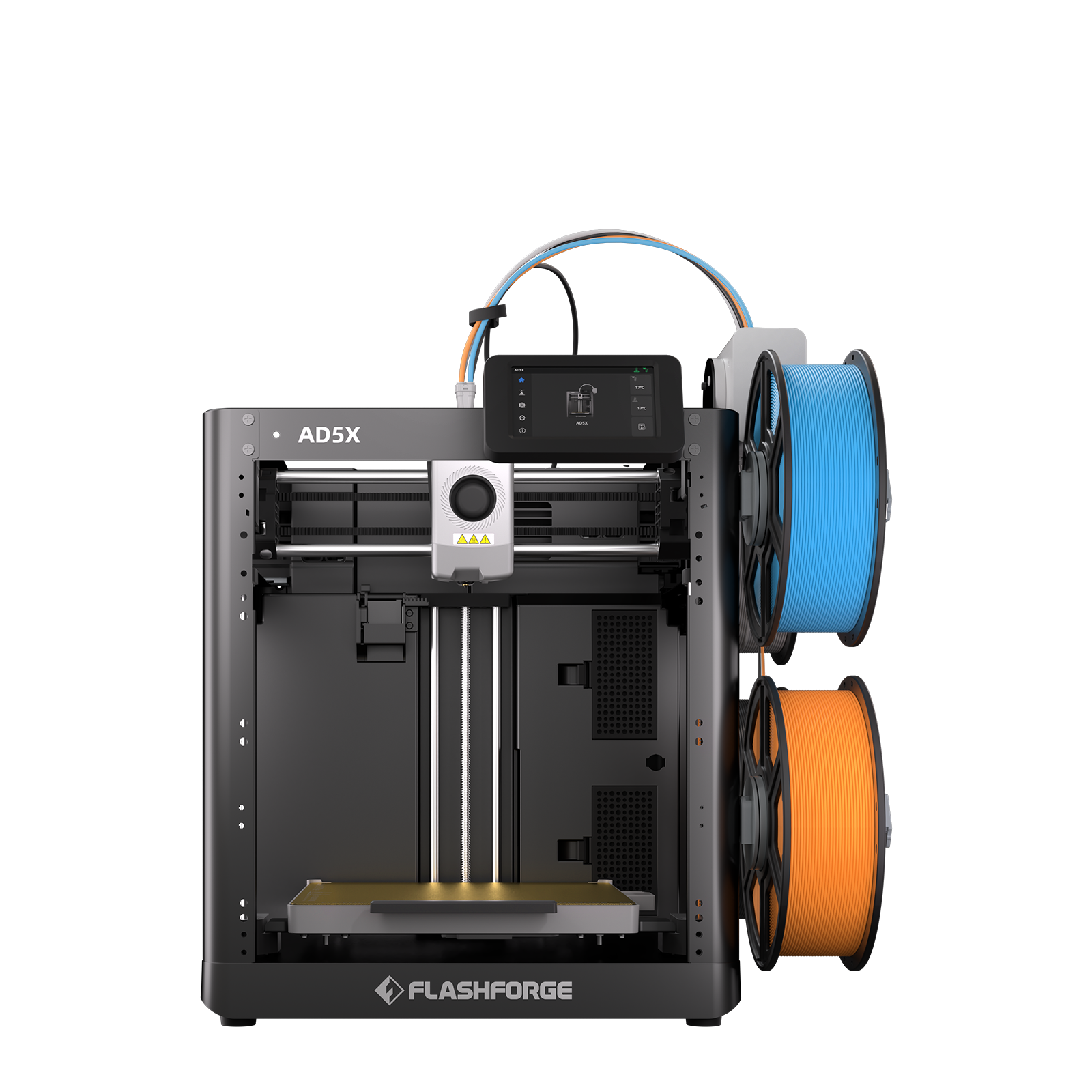

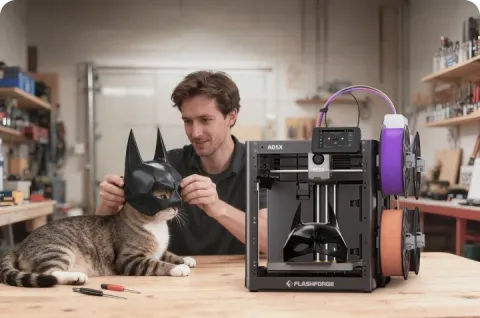
5Flashforge AD5X
$349on sale, $499 list
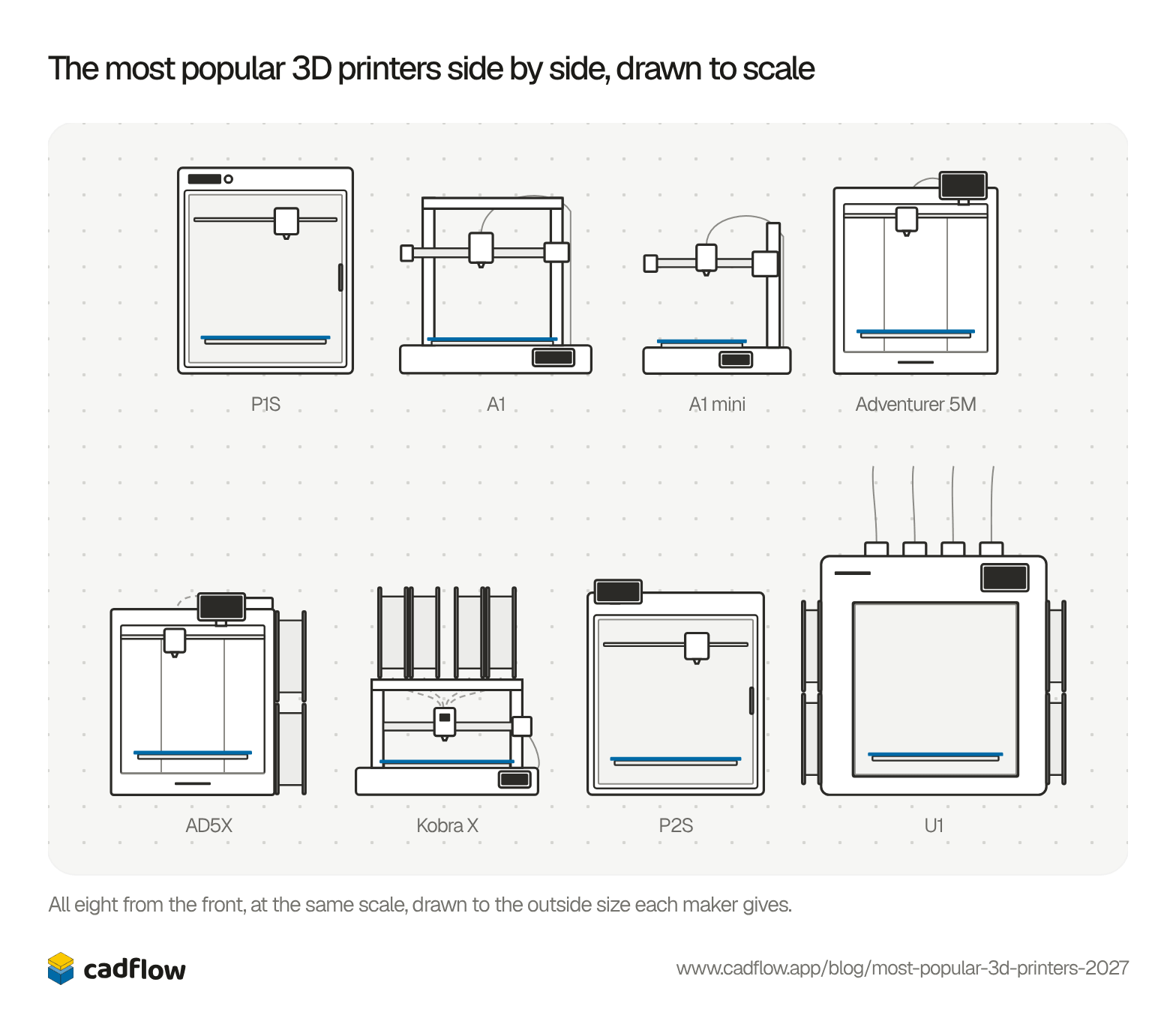
The 5M with four colours, the spools hanging off its side instead of sitting in a box on top. That keeps it small on a desk. It was also the slowest printer in our test, by a few seconds.
- Four colours built in
- Small footprint, spools on the side
- 220 mm cube to print in
- Quick-change nozzle
- Slowest in our test, 32 minutes
- No camera or light
- The enclosure is a DIY kit
Photos: Flashforge

6Anycubic Kobra X
$299on sale, $399 list
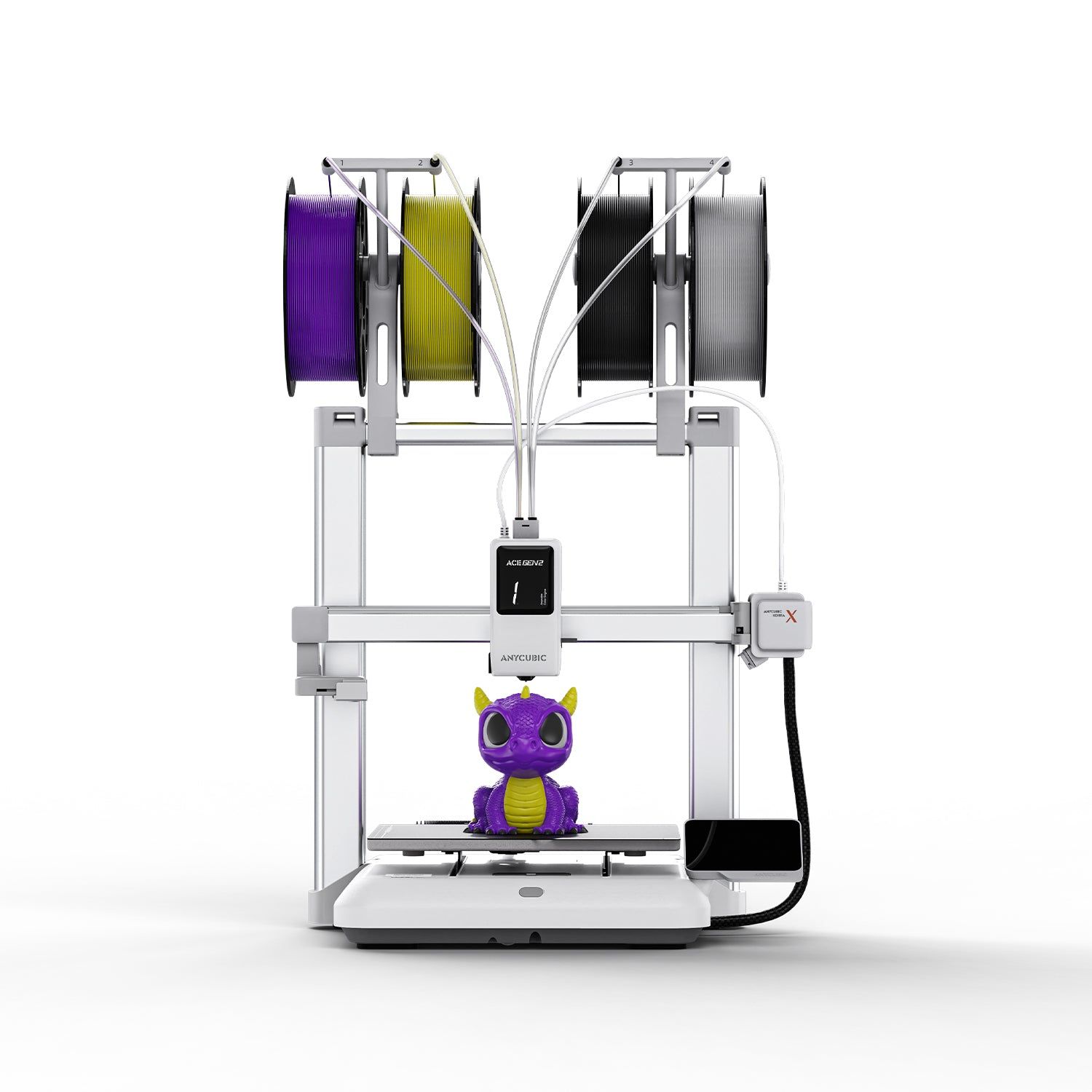
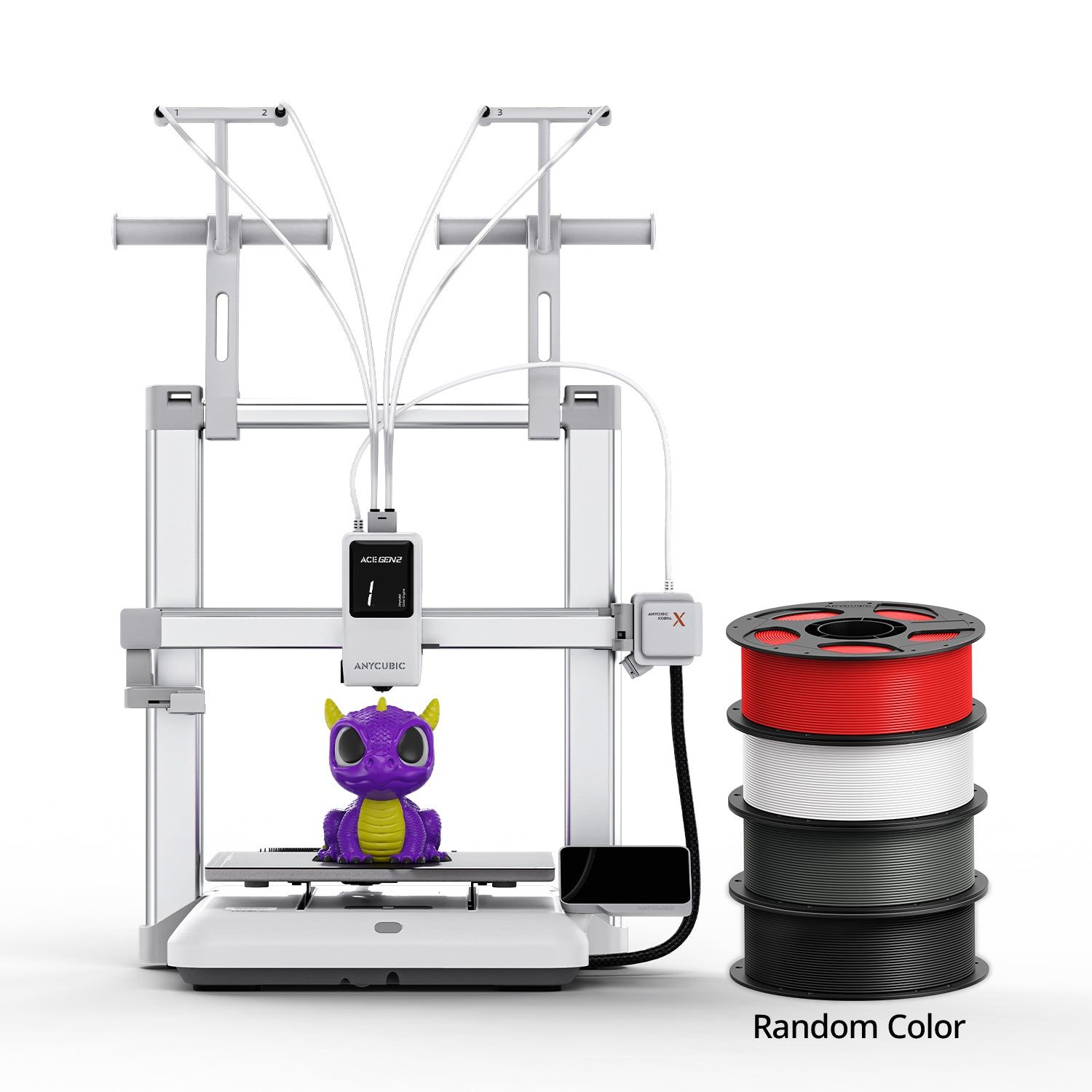
Four colours built into the print head, so nothing has to stand beside it, and it can handle up to 19. Its 260 mm bed is one of the biggest here. It's an open bed slinger, which keeps it to the easier materials.
- Four colours built into the head
- 260 mm cube to print in
- Quick filament swaps
- Reliable bed levelling
- Open frame limits materials
- Lots of purge waste
- Loading the spools is awkward
 Anycubic store
Photos: Anycubic

7Bambu Lab P2S
$549
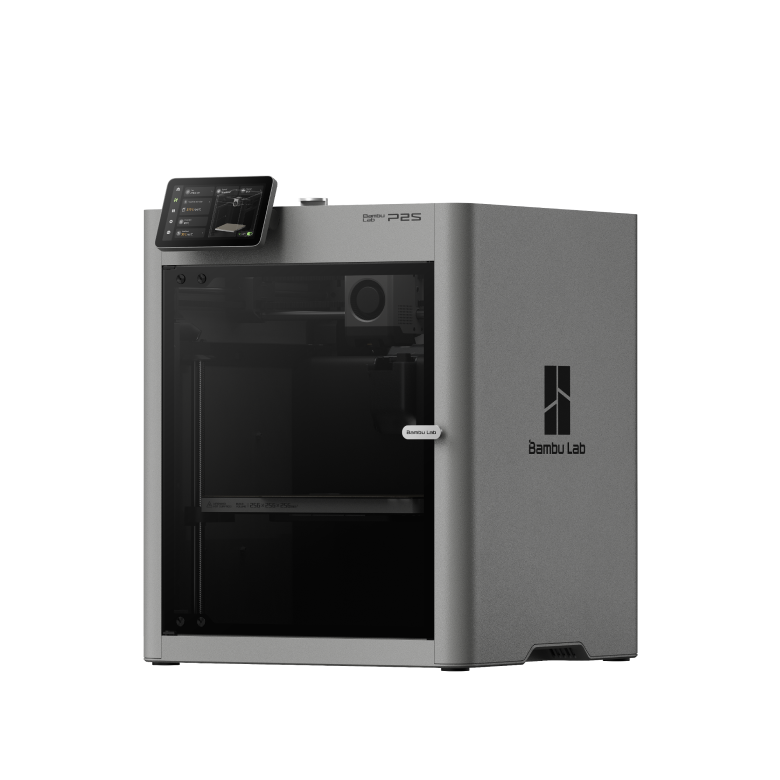
The P1S's successor, with a touchscreen, an easy-swap nozzle and room for 20 colours. The door stays shut for every material, though the chamber isn't actively heated. It costs $150 more than the P1S and was six minutes slower in our test.
- Touchscreen and easy-swap nozzle
- Enclosed, with the door shut for every material
- Up to 20 colours
- 256 mm cube to print in
- $150 more than the P1S
- 27 minutes in our test, six more than the P1S
- The chamber isn't actively heated
Photos: Bambu Lab

8Snapmaker U1
$749on sale, $999 list
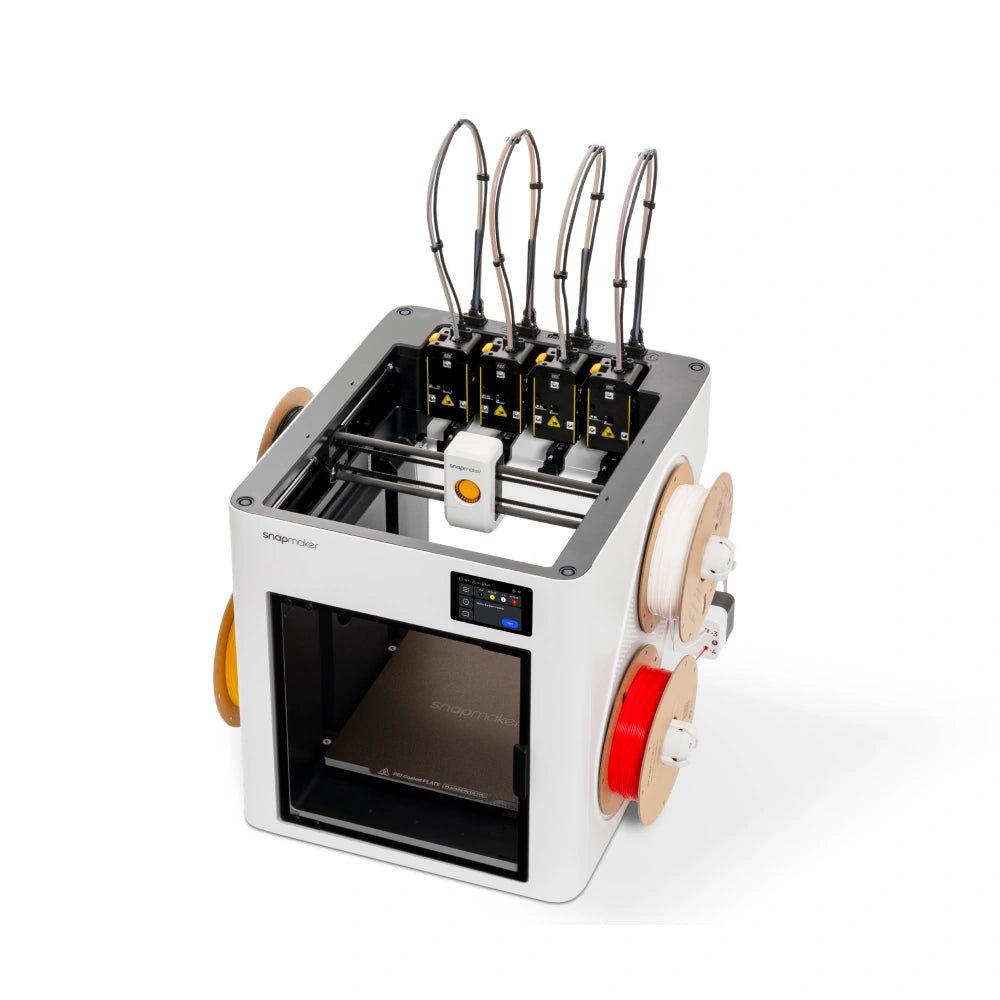
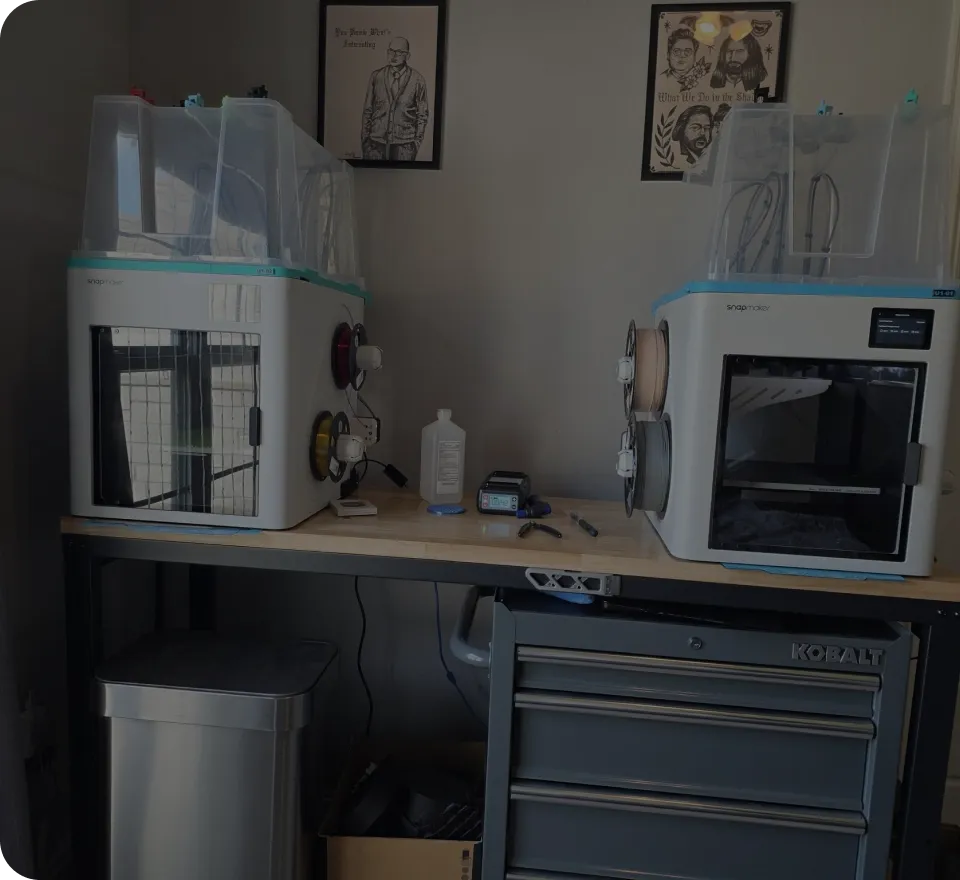
A tool changer: four whole print heads, one for each colour, so it wastes far less filament than a single nozzle swapping colours. It has the biggest bed here, a camera and excellent bed levelling. It's also the biggest and dearest printer on the list.
- Four heads, so far less waste
- Biggest bed here, 270 mm
- Excellent bed levelling and a camera
- Biggest and dearest here, $749 on sale
- The enclosure costs extra
- Early connection bugs in one review
 Snapmaker store
Photos: Snapmaker and its community
The same part on all eight
The makers’ speed claims all say 500 to 600 mm/s, but the times are further apart than that suggests: the P1S needs 21 minutes for our bracket and the AD5X 32.
Show as a table
| Printer | Print time |
|---|---|
| Bambu Lab P1S | 21 min 20 s |
| Flashforge Adventurer 5M | 26 min 47 s |
| Bambu Lab P2S | 27 min 16 s |
| Bambu Lab A1 mini | 29 min 46 s |
| Bambu Lab A1 | 30 min 40 s |
| Snapmaker U1 | 31 min 35 s |
| Anycubic Kobra X | 31 min 47 s |
| Flashforge AD5X | 32 min 03 s |
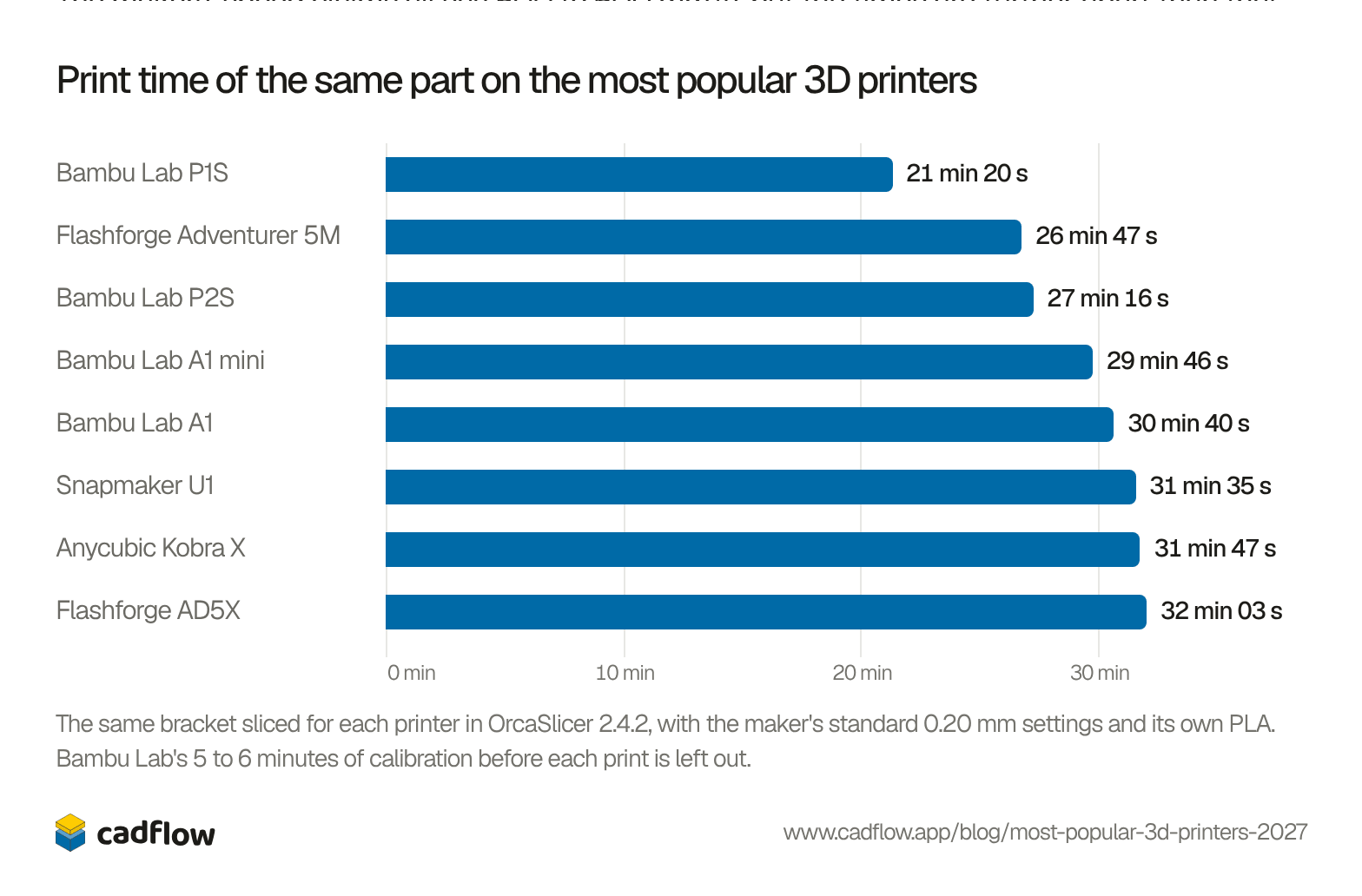
These are the slicer’s estimates, but they use each printer’s own speed and acceleration limits, so they compare fairly. The bracket is in our library if you want to print it yourself, and for anything else there are the seven most visited sites for free STL files.
Side by side
The ranking in detail
On each list we kept only the filament printers, and counted a printer and its combo as one. First place is worth 15 points, second 14, and so on down to 1 point for 15th. The P1S is in the top three on all three Amazon stores, so it comes out on top.
Show the numbers
| Printer | Amazon US | Amazon UK | Amazon Germany | MatterHackers | Points | |
|---|---|---|---|---|---|---|
| 1 | Bambu Lab P1S | 1 | 3 | 3 | 7 | 50 |
| 2 | Bambu Lab A1 | 4 | 6 | 1 | 10 | 43 |
| 3 | Bambu Lab A1 mini | 6 | 4 | 4 | 14 | 36 |
| 4 | Flashforge Adventurer 5M | 3 | 7 | 7 | – | 31 |
| 5 | Flashforge AD5X | 14 | 1 | 5 | – | 28 |
| 6 | Anycubic Kobra X | 10 | 11 | 2 | – | 25 |
| 7 | Bambu Lab P2S | 2 | – | – | 5 | 25 |
| 8 | Snapmaker U1 | 5 | – | – | 6 | 21 |
Bambu Lab has four of the eight, which fits the market. Context, which tracks printer shipments, says Bambu Lab, Creality, Elegoo and Anycubic shipped 87% of all entry-level printers in the second quarter of 2026 (TCT Magazine). Creality’s sales are spread over six models on these lists, so none of them made the eight.
Which one would we buy?
In our opinion the P1S is still the one to beat if you want a printer that does everything well, but the P2S is replacing it, so that’s the safer buy if the price is ok. On a tight budget, start with the A1 mini, as long as your parts fit in 180 mm.
We sliced everything in OrcaSlicer, which is also the slicer inside CadFlow, the CAD tool we make for parts you’re going to print, cut or saw. It isn’t public yet.
Questions people ask
Which 3D printer brand sells the most?
Bambu Lab. Context gave it 37% of entry-level printers in its report on late 2025, and on the lists we checked its P1S was the best seller overall.
Is a bed slinger worse than CoreXY?
Not worse, but usually slower. In our test the three bed slingers took 29 to 32 minutes for the bracket, and the CoreXY printers 21 to 32. Bed slingers are often cheaper, though.
Do I need an enclosed printer?
For PLA and PETG, no. For ABS and ASA an enclosure keeps the air around the part warm, so it's much less likely to warp or crack accross its layers.
Where do the pros and cons come from?
From reviews by Tom's Hardware and TechRadar, the Adventurer 5M's spec page, and our own test: Bambu Lab P1S, Bambu Lab A1, Bambu Lab A1 (TechRadar), Bambu Lab A1 mini, Adventurer 5M spec page, Flashforge AD5X, Anycubic Kobra X, Anycubic Kobra X (TechRadar), Bambu Lab P2S, Bambu Lab P2S (TechRadar), Snapmaker U1, Snapmaker U1 (TechRadar).
Free tools for this
- Timing pulley generatorGT2, HTD, T and MXL timing pulleys, with flanges, hub and set screw, and the belt that joins two. Download STL, SVG or DXF.
- Camera field of view calculatorWhich lens a camera needs, and what it covers from a height: field of view and area, in 3D.
- 3D print cost calculatorWhat a print costs in filament, electricity and wear, and what to charge for it.
History of this post
- Updated: A summary at the top: all eight in ranked order, with the price and print time.
- Updated
- Published
Read next
Top 4 3D printer software for 2027 (three of them share one ancestor)
3D printer filament types compared: PLA, PETG, ABS, ASA, TPU and nylon
The 7 most visited sites for free STL files in 2027


This blog is by the team making CadFlow, where you build your project in 3D and show how it goes together.
See how CadFlow works