Top 8 CAD software for 2027, ranked by popularity
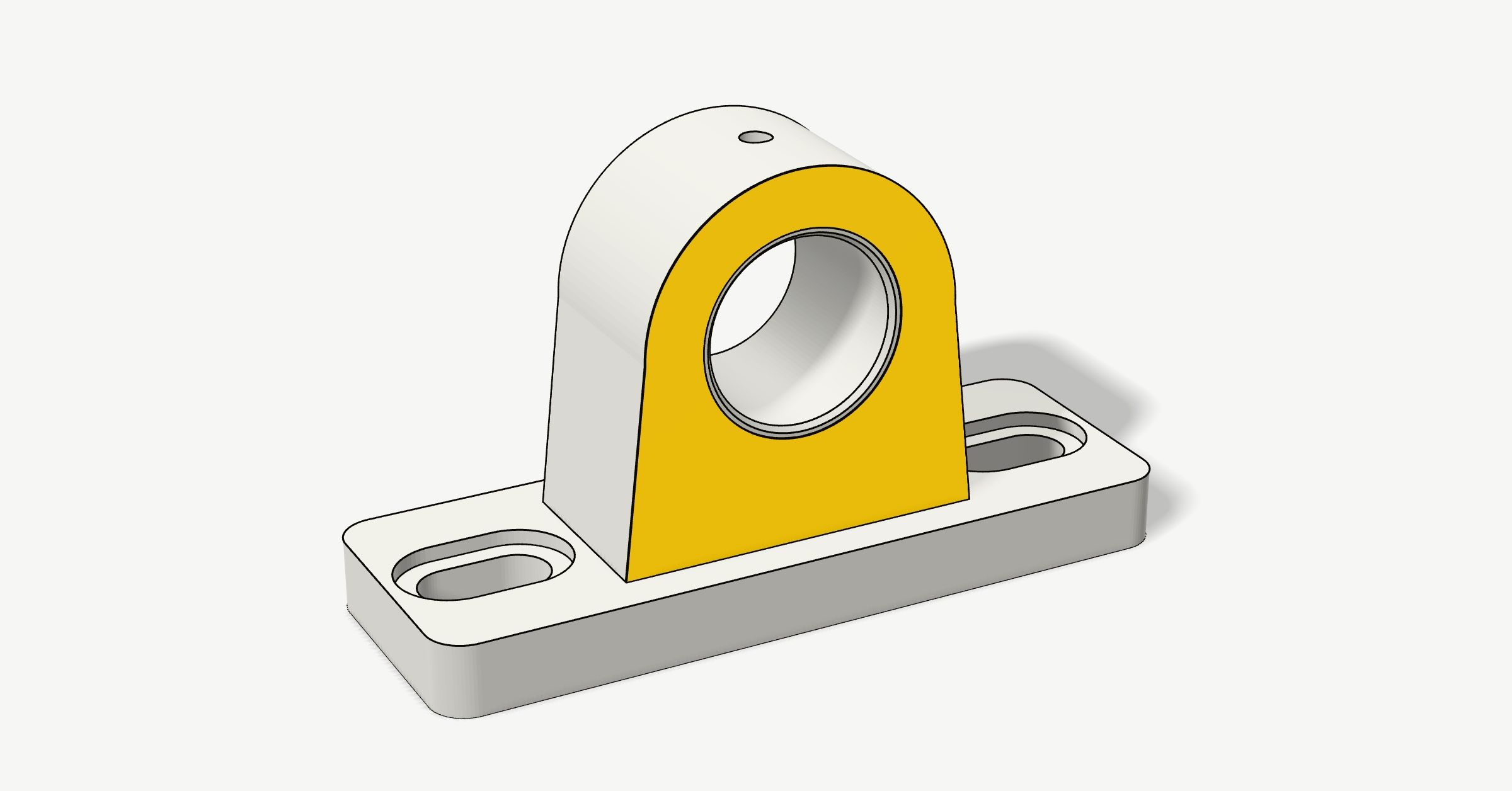
CAD is where a part gets drawn before anyone prints, cuts or machines it. We counted how often people looked up each CAD program over the past year. Tinkercad, the free browser program that schools use, came out ahead of SolidWorks, and Autodesk makes three of the eight.
What's on the list
The eight CAD programs people looked up most over the past year, from free to $2,820 a year. Each card has the price, what the program is good at, its pros and cons, where to get it, screenshots and a video that walks you through it.
How we ranked them
We added up a year of Google searches and Wikipedia views for each program, from October 2025 to September 2026. AutoCAD came first by a long way. CATIA and Siemens NX would have come seventh and eighth, but they're made for car and aircraft companies, so we left them out.
What we checked
Prices, free plans and their limits are from each maker's own US pages on 22 October 2026, before tax. The pros and cons come from the makers' documentation and from reviews, listed under the questions at the end.
| If you want to | Start with |
|---|---|
| Draw floor plans, or flat parts for a laser cutter | AutoCAD, or AutoCAD LT |
| Plan furniture, a shed or a kitchen | SketchUp |
| Make your first 3D print, or teach kids | Tinkercad |
| Design parts for a 3D printer or CNC at home | Fusion or FreeCAD |
| Work on a team, from any computer | Onshape |
| Design machines with many parts, on Windows | SolidWorks |
| Shape curved products, jewellery or boats | Rhino |

1AutoCAD
$2,095 a yearor $260 a month; LT, for 2D only, $540 a year
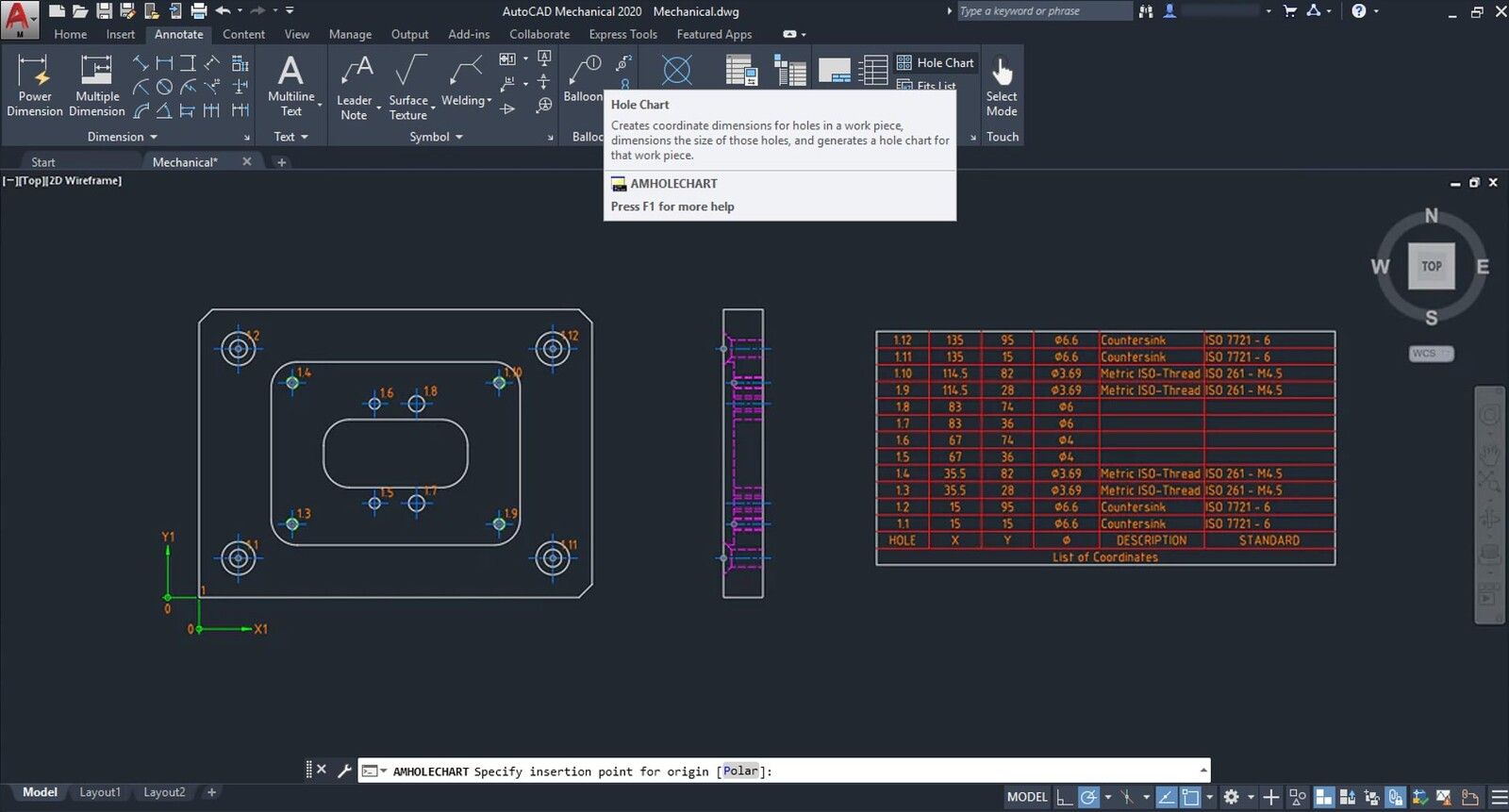
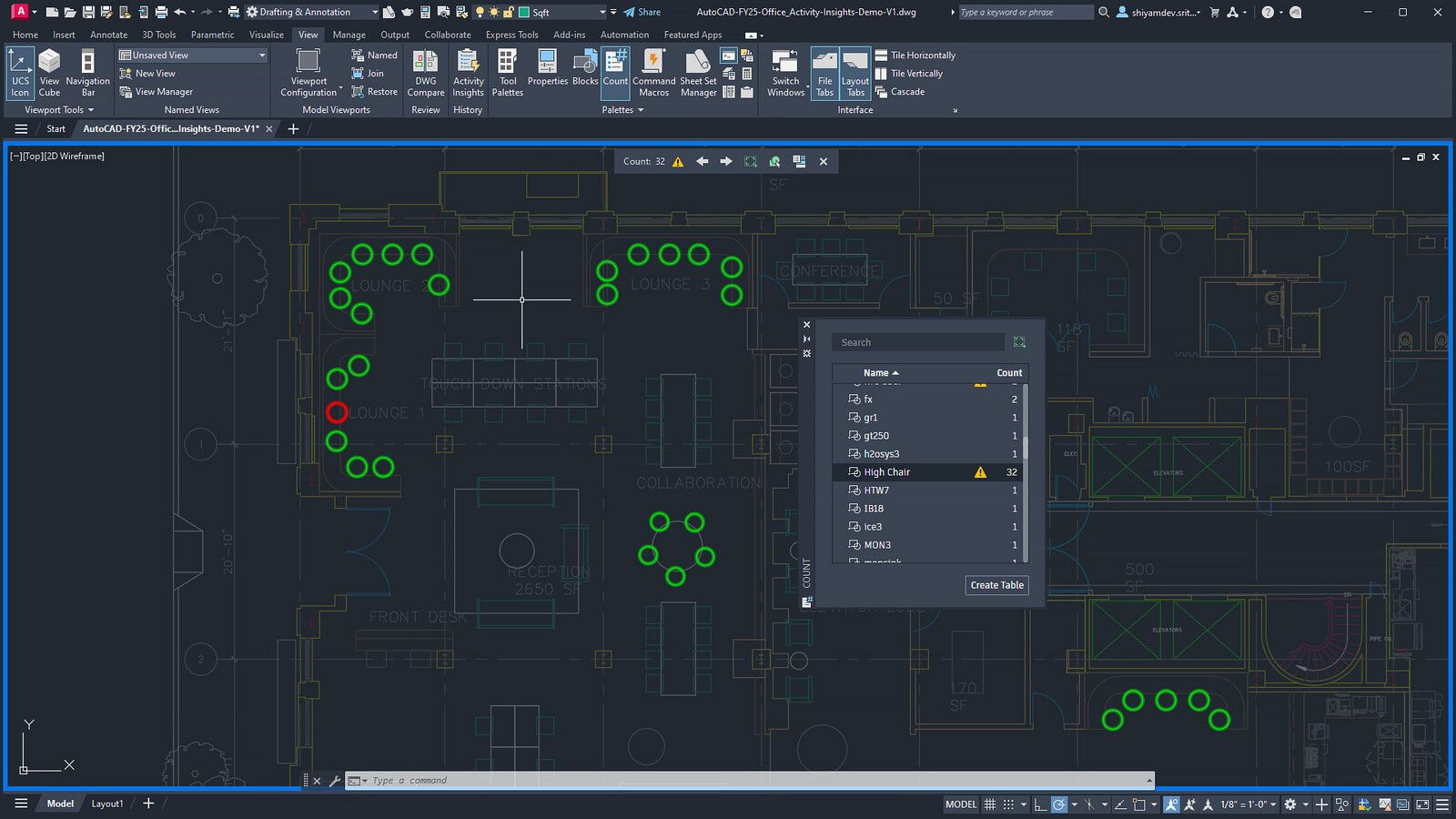
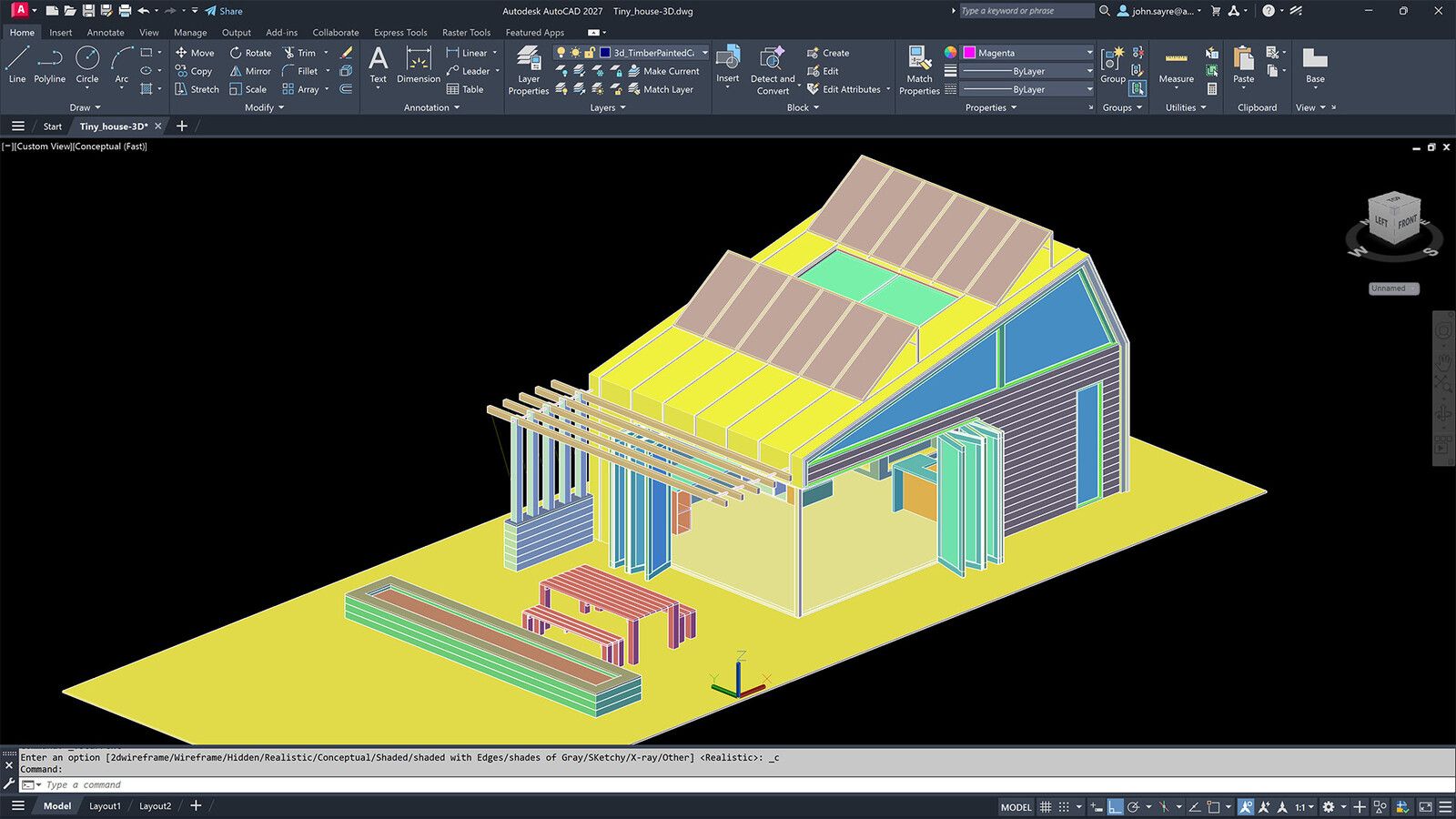
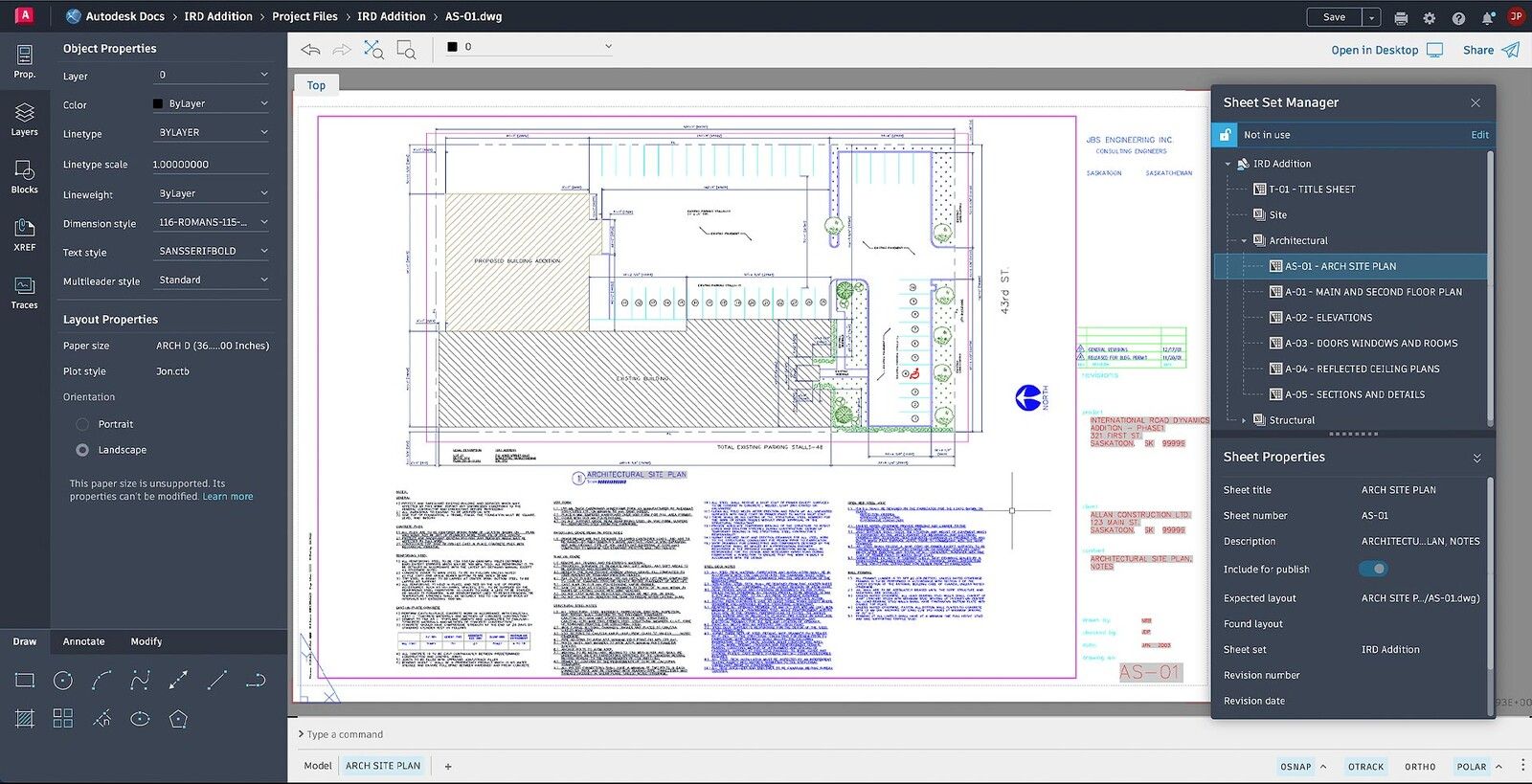
The oldest program here, sold since 1982, and the one looked up most by a long way. It's made for 2D drawings, such as floor plans, site plans and the flat parts you send to a laser cutter. It does 3D as well, but its parametric constraints only work in 2D, so a 3D part is harder to change later than in Fusion or SolidWorks.
- Its DWG files open in most other CAD programs
- Seven industry toolsets on Windows, such as Mechanical with 700,000 standard parts
- Windows, Mac, the browser and phones
- A subscription covers the last four versions
- $2,095 a year, with no hobby plan
- No STEP or 3MF export in plain AutoCAD
- Constraints only in 2D
- Has to go online every 30 days
Screenshots: Autodesk

2SketchUp
Freeon the web, non-commercial; Pro $399 a year
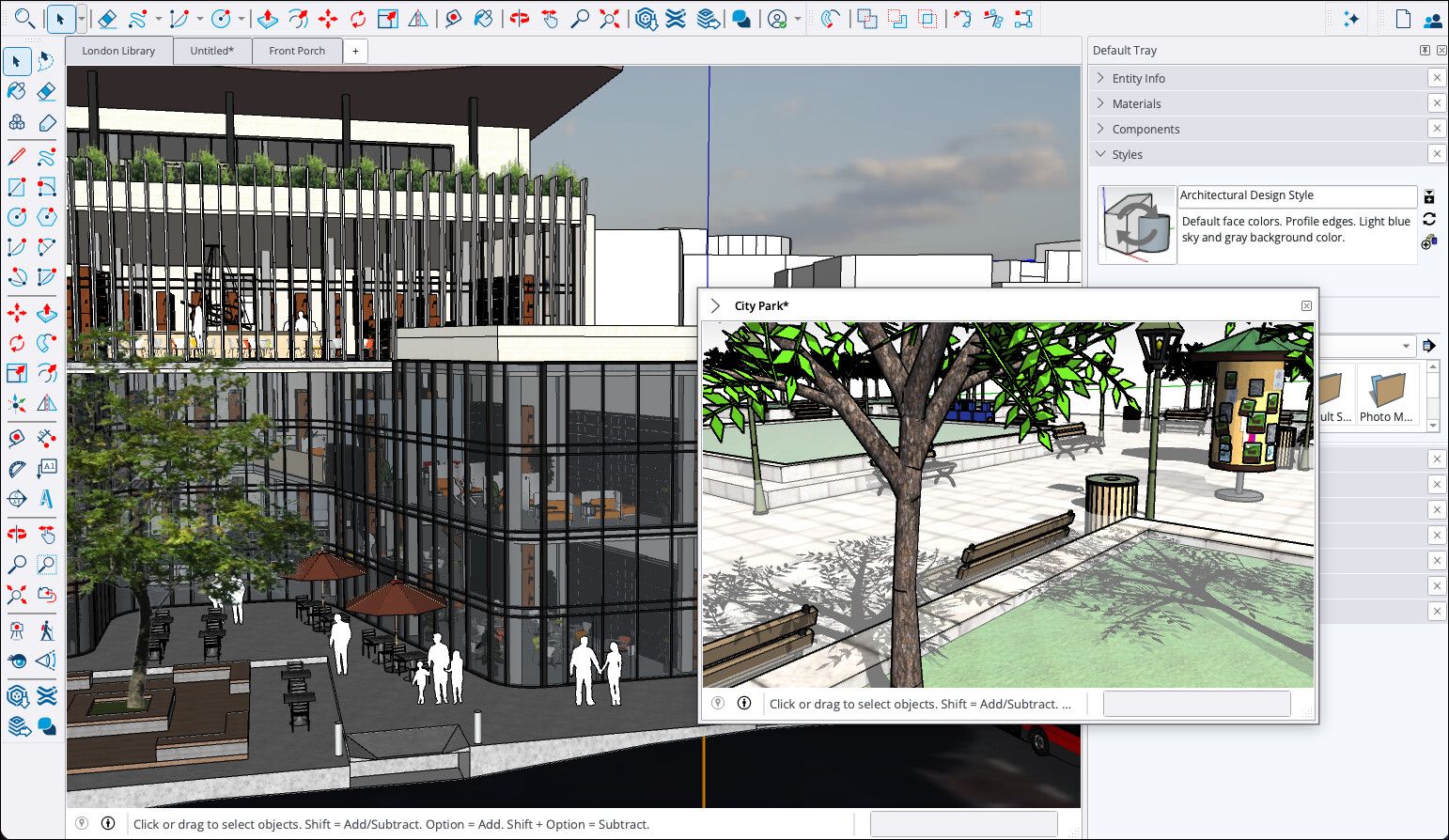
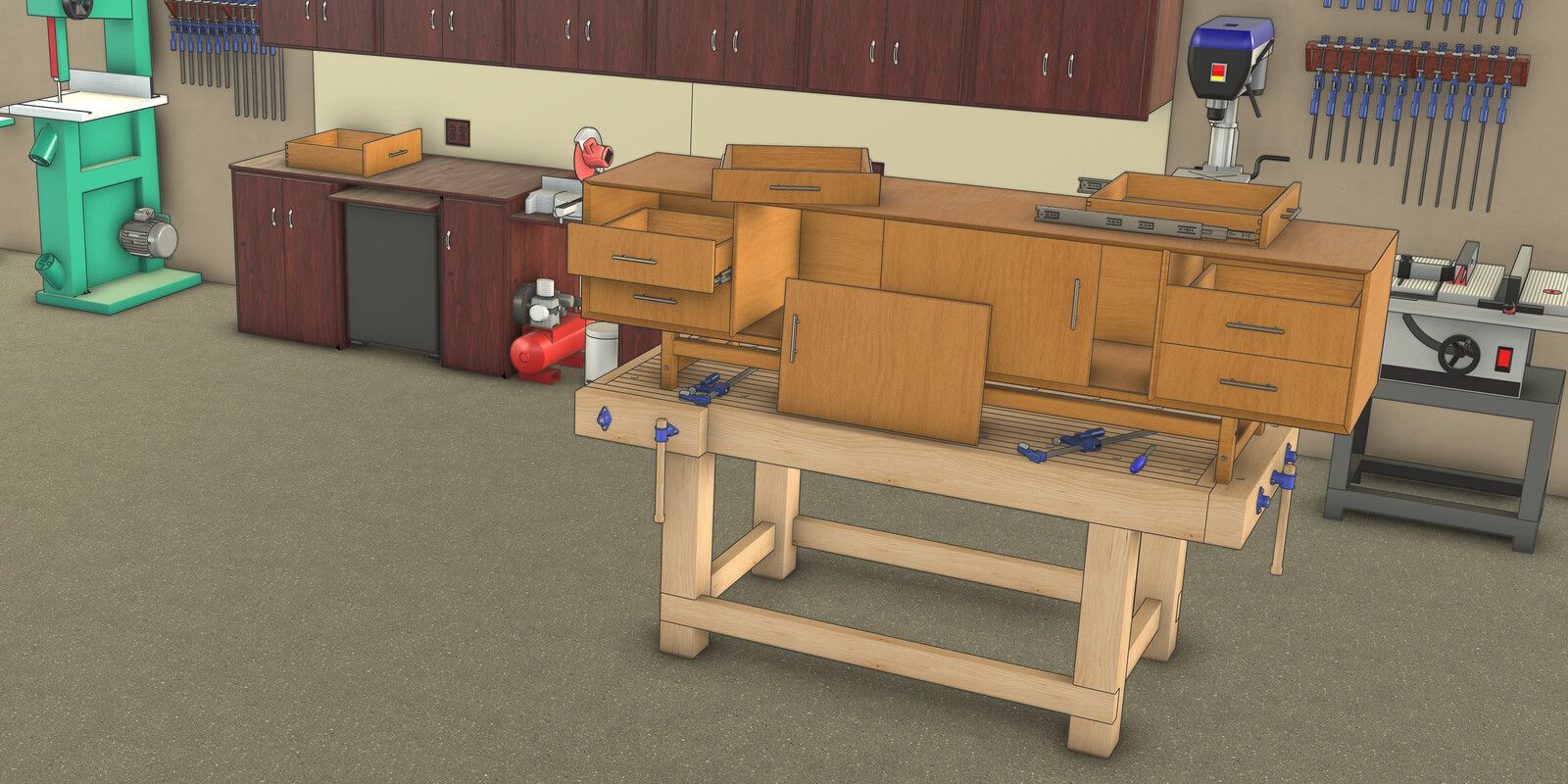
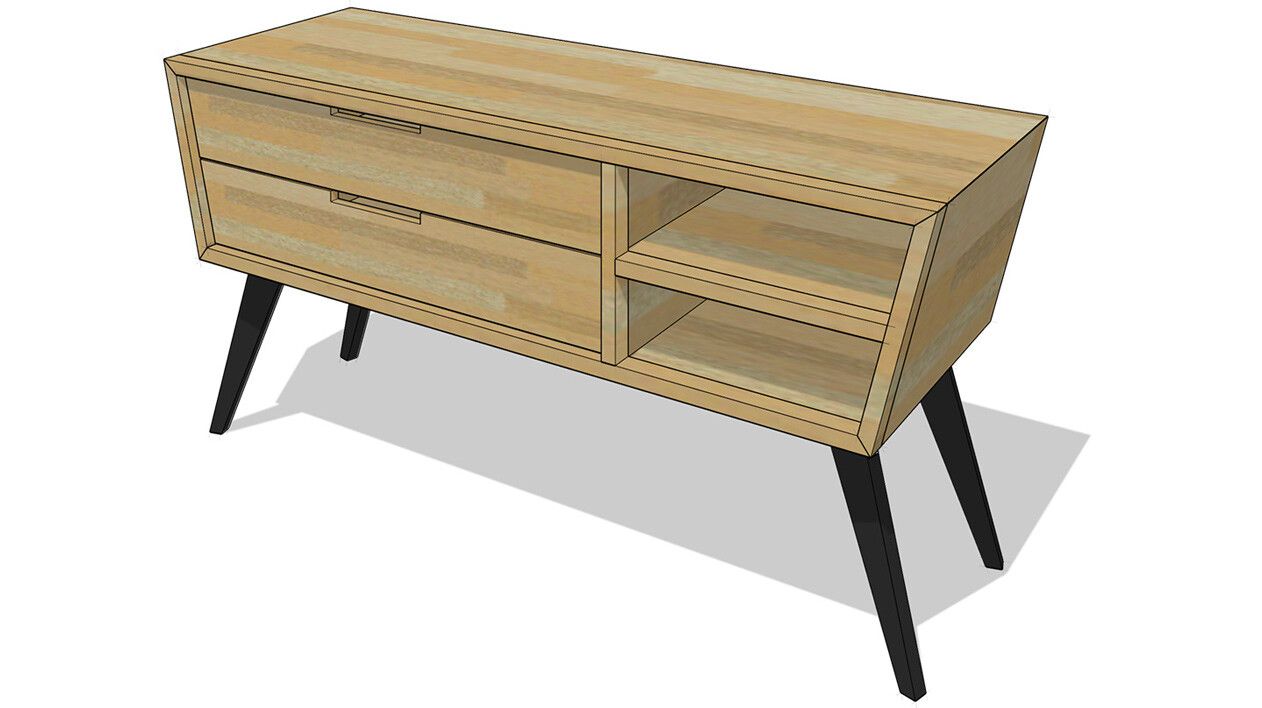
You push and pull flat shapes into 3D, typing the exact length as you go, which makes it quick for furniture and rooms. Woodworkers plan projects in it, and free extensions turn a model into a cut list. SketchUp Free runs in the browser for non-commercial use. The desktop program comes with Pro at $399 a year, and Go, for the web and iPad, is $129 a year.
- Quick to block out furniture and rooms
- Free extensions make cut lists and cutting diagrams
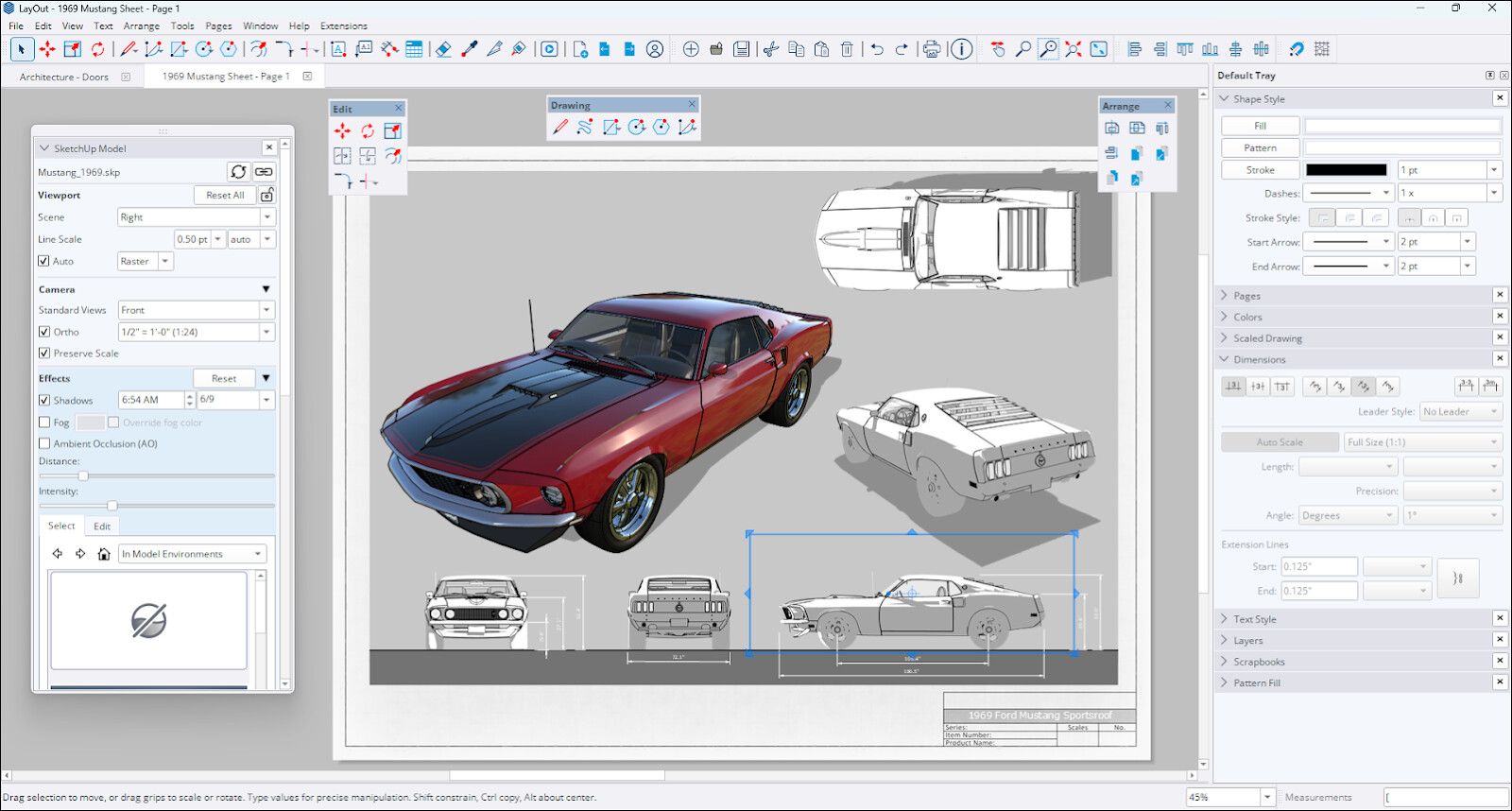
- LayOut, for scaled 2D plans, comes with Pro
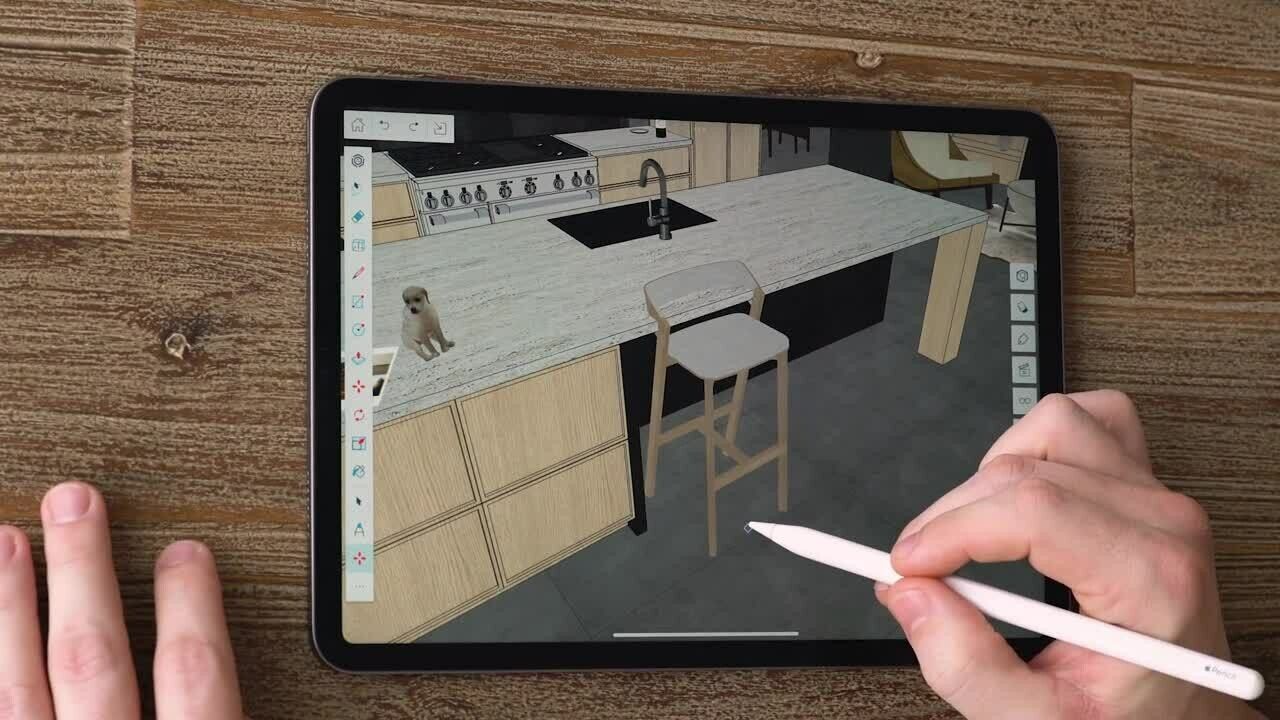
- Windows, Mac, the browser and iPad
- The free web version is non-commercial, with no extensions
- No STEP or 3MF export
- Models need checking for gaps before 3D printing
- Subscription only
Screenshots: Trimble

3Tinkercad
Freeruns in the browser
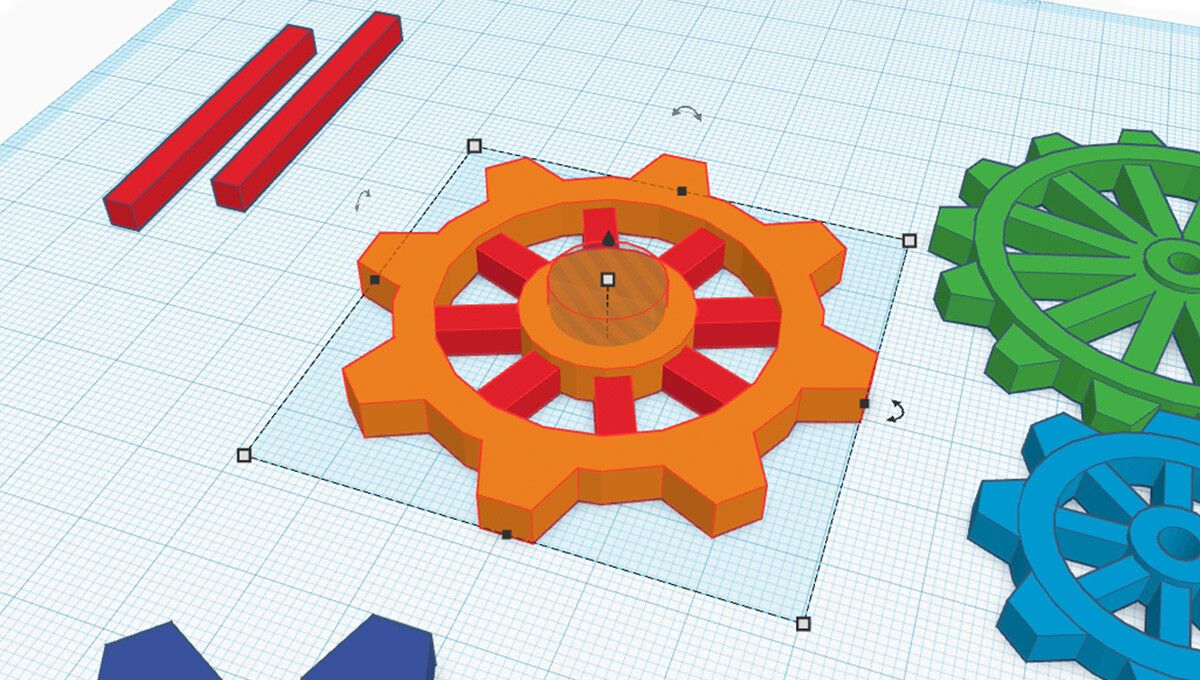
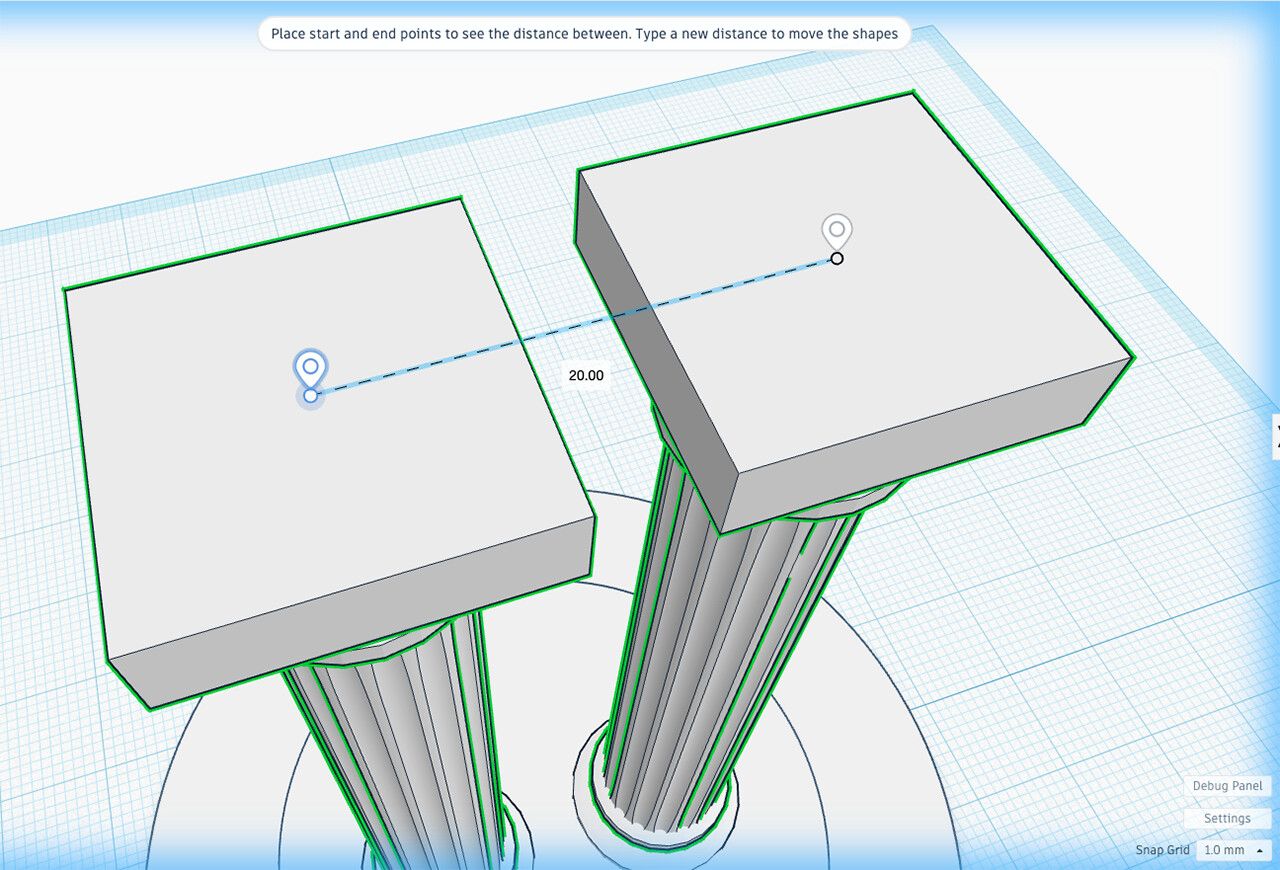
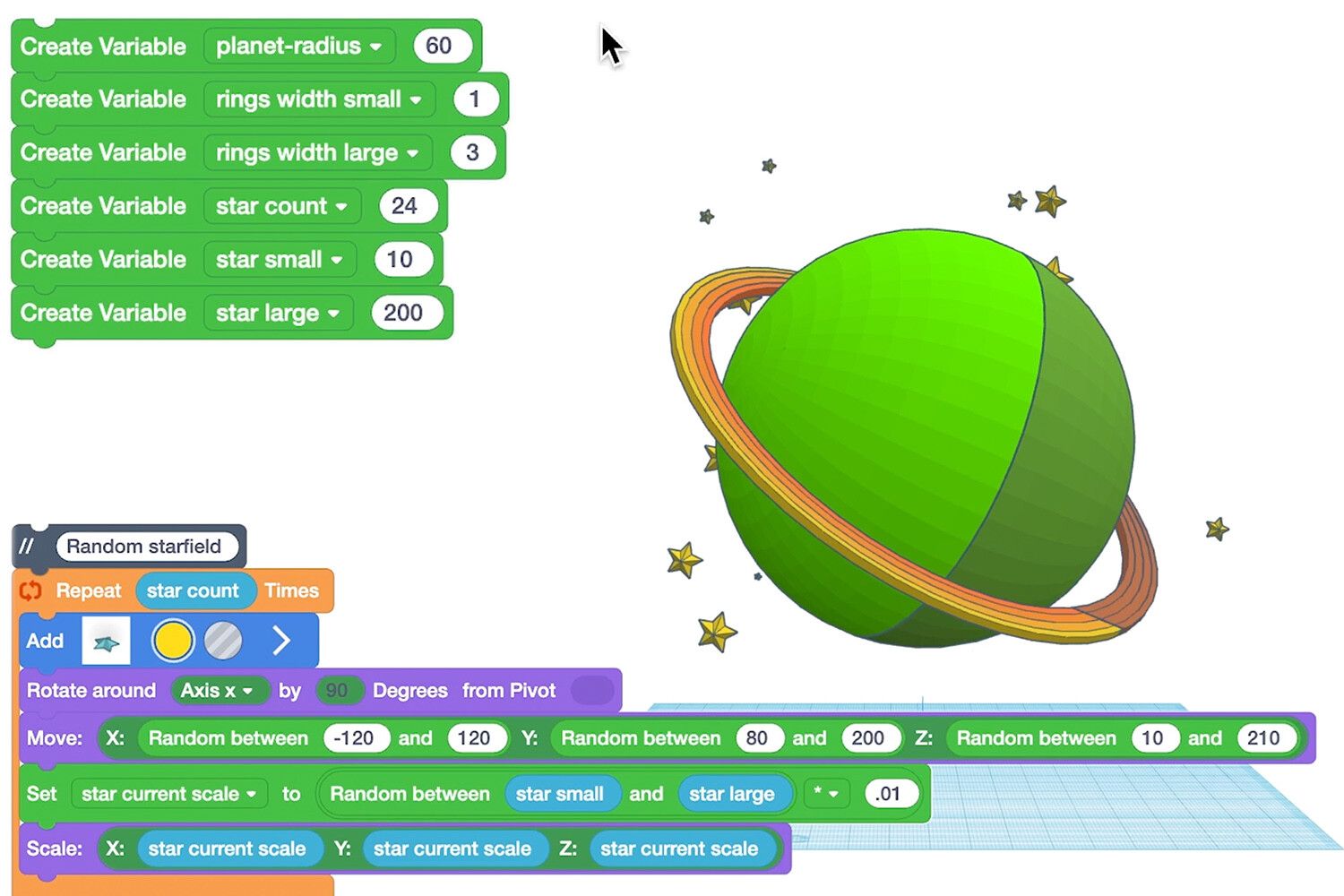
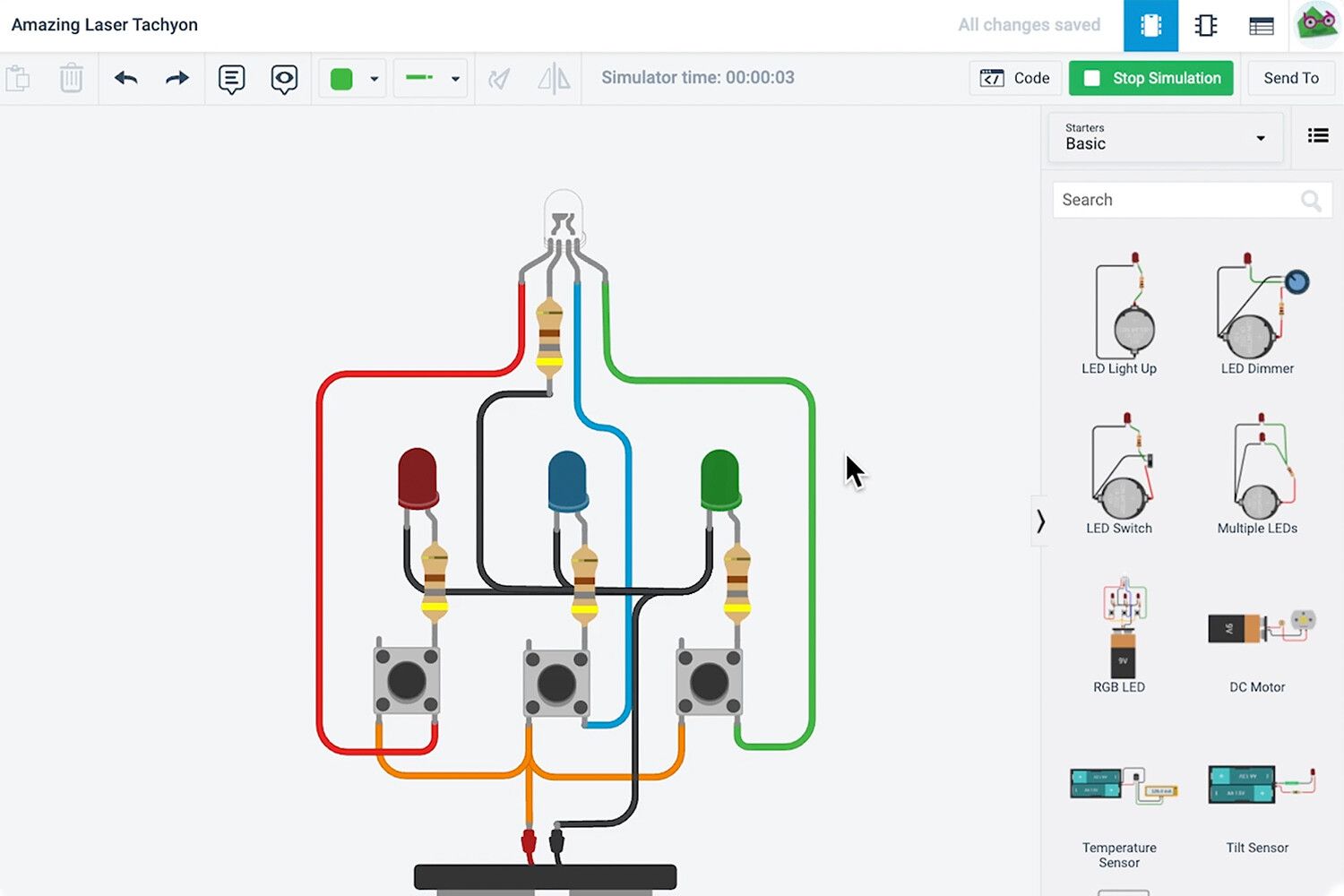
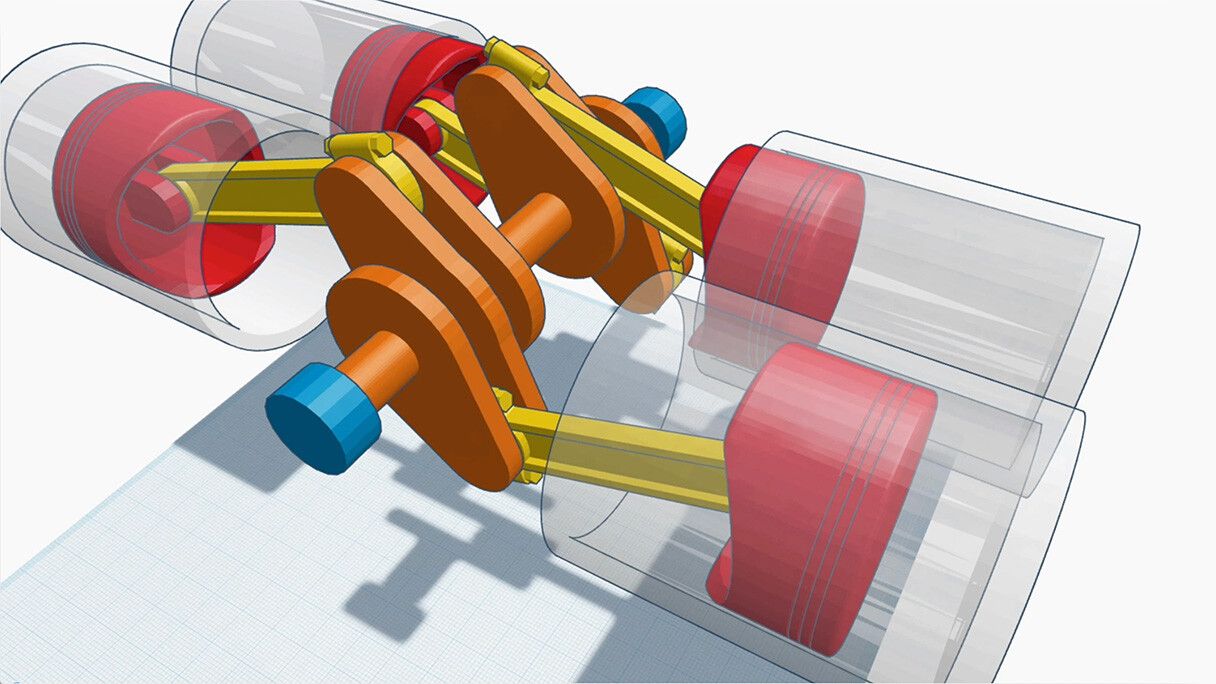
Autodesk's free browser program for first 3D designs: you drop shapes and holes on a grid and group them into a part. Classes join with a code and need no student emails, and it does electronic circuits and block coding too. It exports STL and OBJ for printing and SVG for laser cutting, and you'll outgrow it when a part needs exact constraints.
- Free, with nothing to install
- Runs on Chromebooks and iPads
- STL and OBJ for printing, SVG for laser cutting
- Simulates Arduino circuits without the hardware
- Needs an internet connection
- No STEP or 3MF export
- No constraints or feature history
- Doesn't work on phones
Screenshots: Autodesk

4SolidWorks
$2,820 a yearDesign Standard; $48 a year for makers
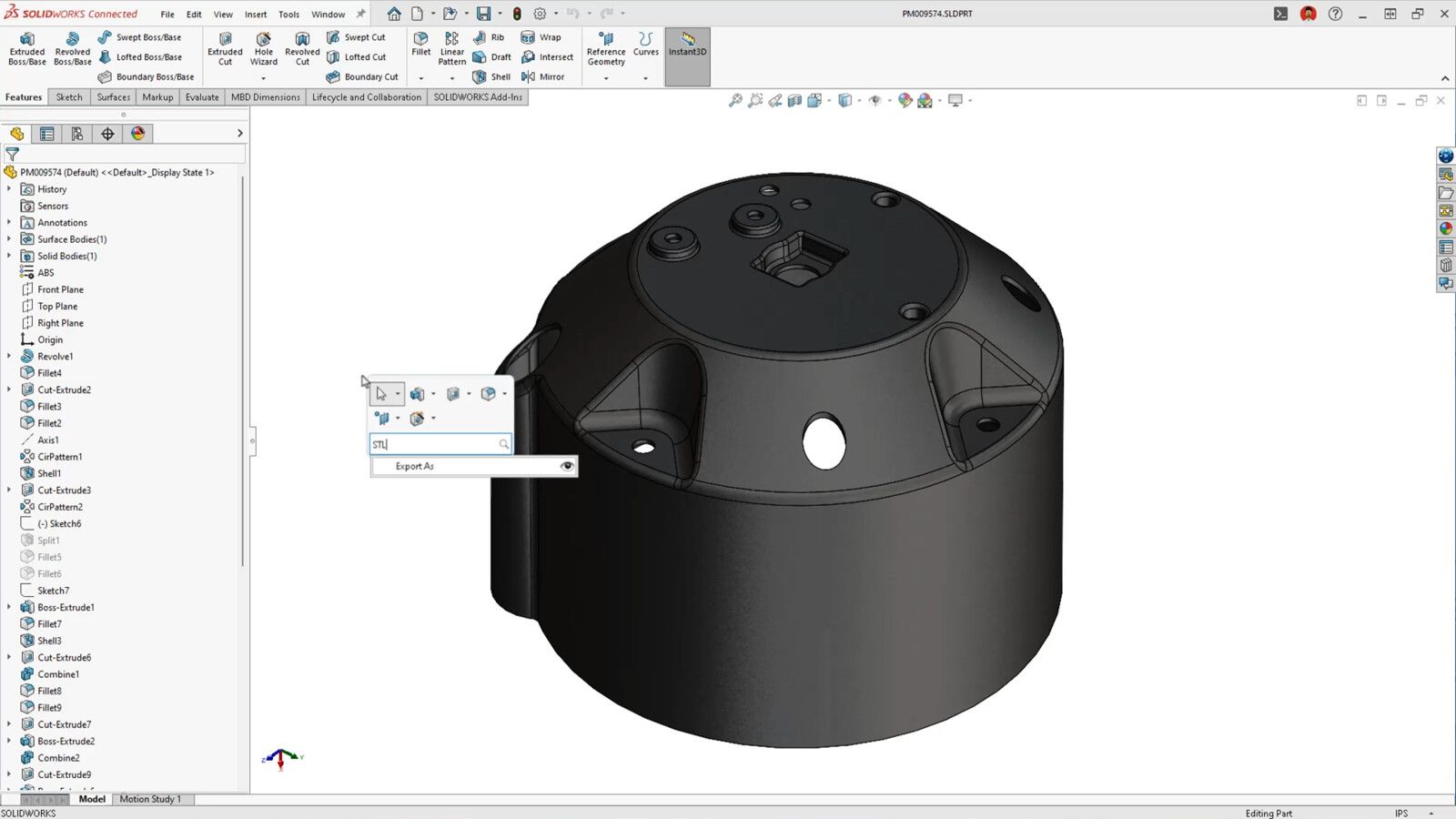
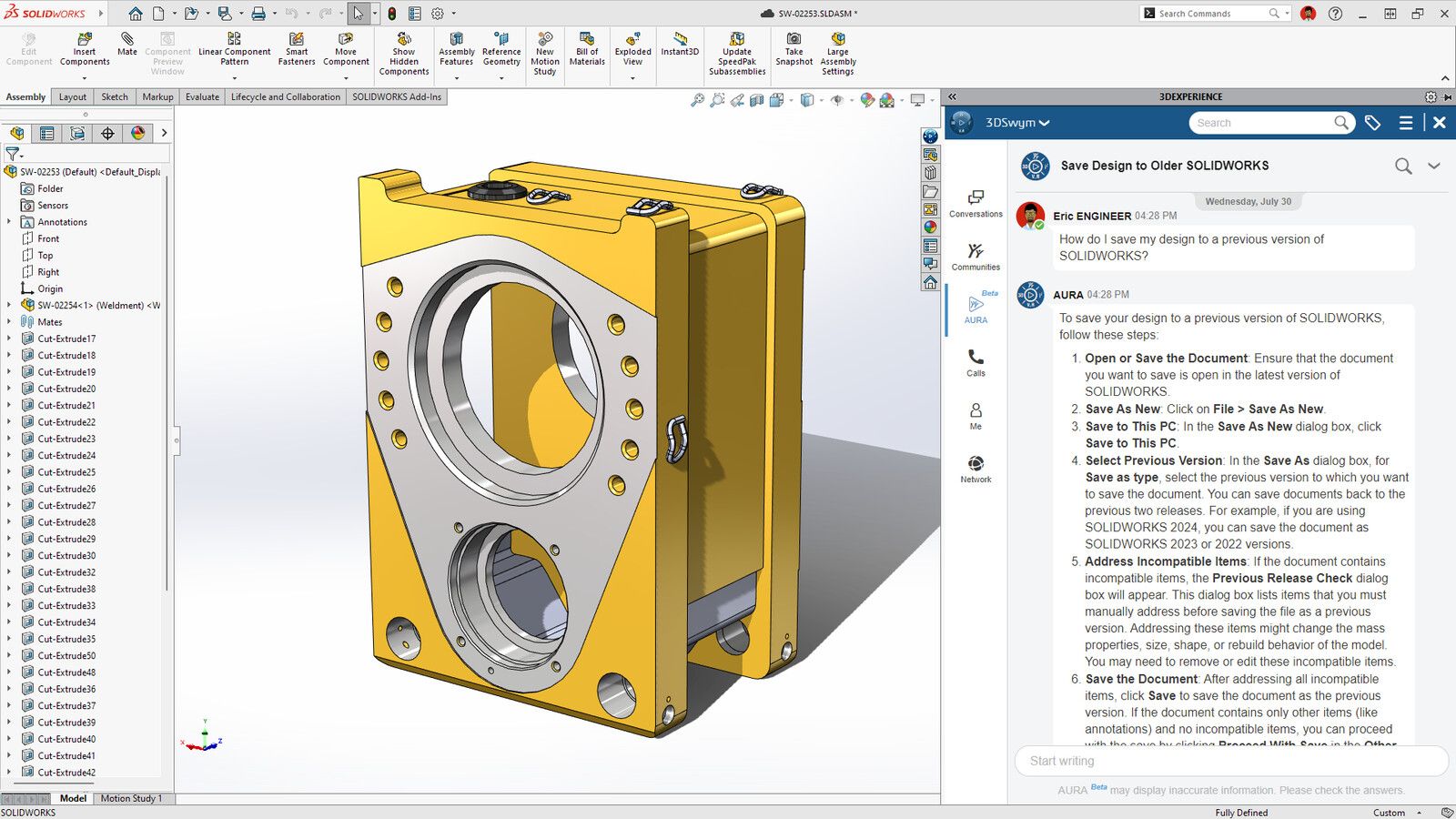
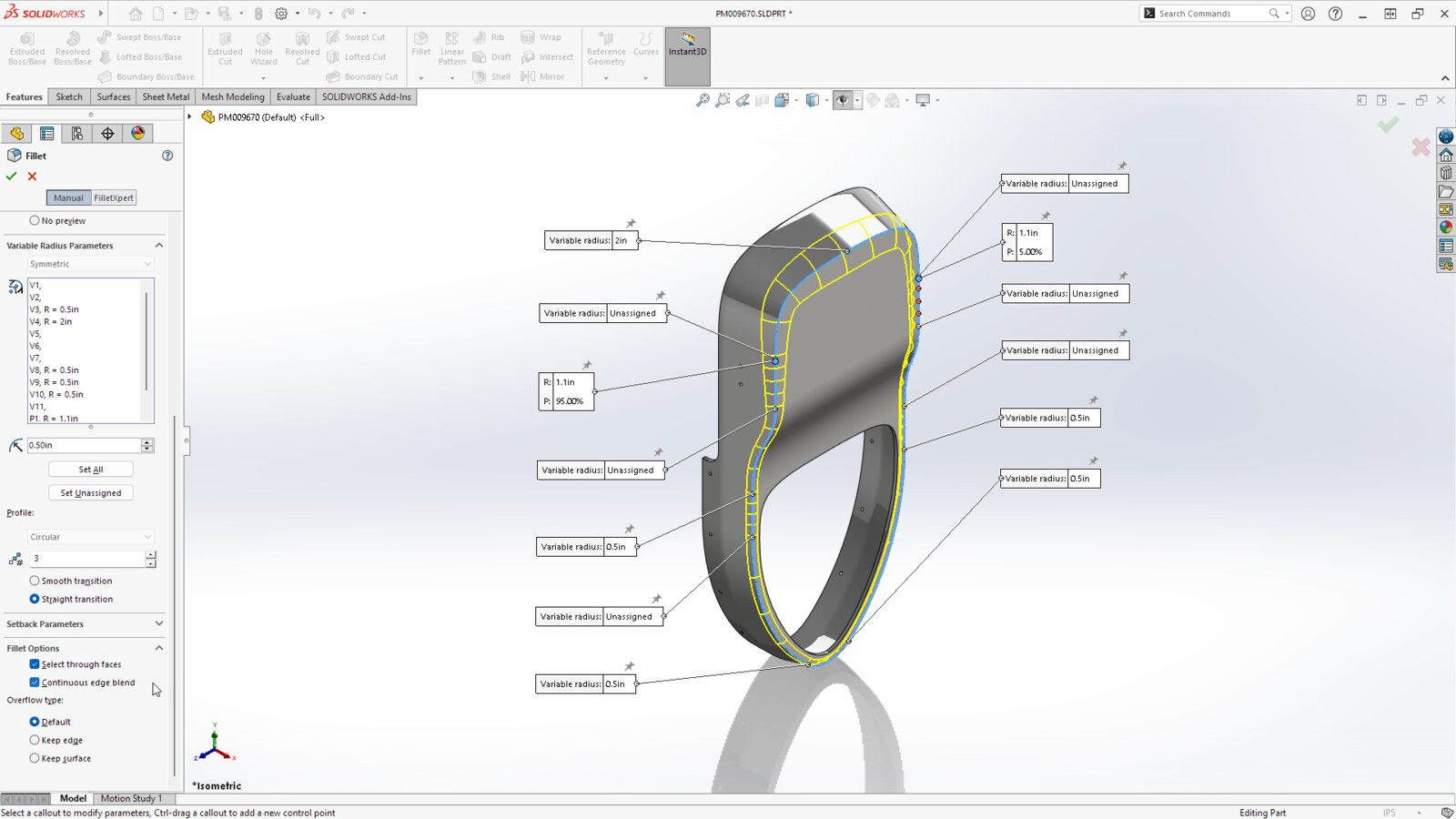
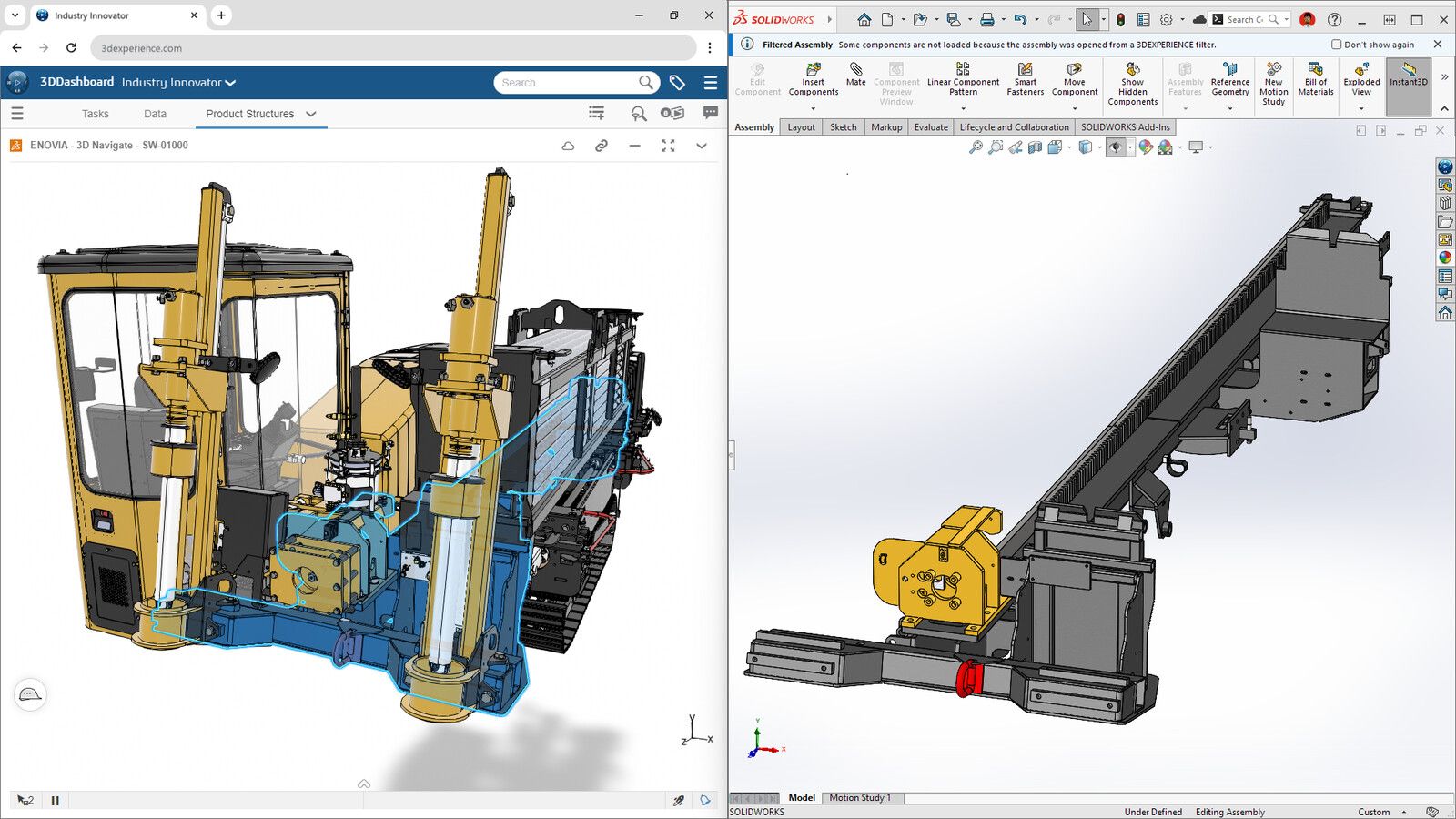
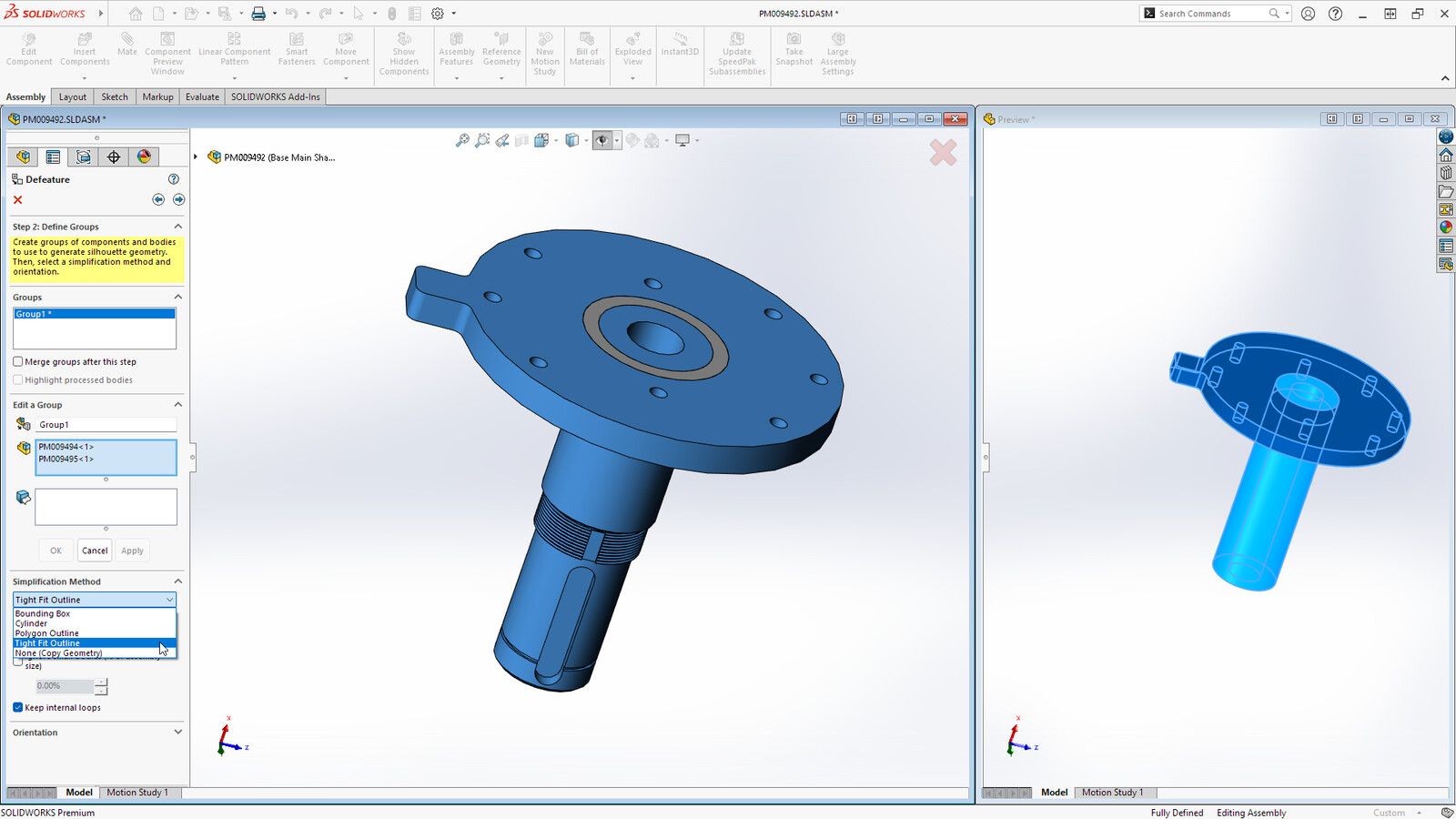
Dassault's desktop program for mechanical parts and assemblies, with sheet metal and weldments already in the standard plan. It only runs on Windows and wants a strong computer. Students get it free, and people who earn under $2,000 a year from their projects can use SOLIDWORKS for Makers for $48 a year, with watermarked files.
- Sheet metal, weldments and mould tools in the standard plan
- Exports STEP, STL, 3MF, DXF and DWG
- Free for students, $48 a year for makers
- Works offline for 30 days at a time
- Windows 11 only, with 16 GB of memory or more
- $2,820 a year for the commercial standard plan
- Makers files are watermarked and open only in Makers
- On a Mac it needs Parallels
Screenshots: Dassault Systèmes


5FreeCAD
Freeopen source
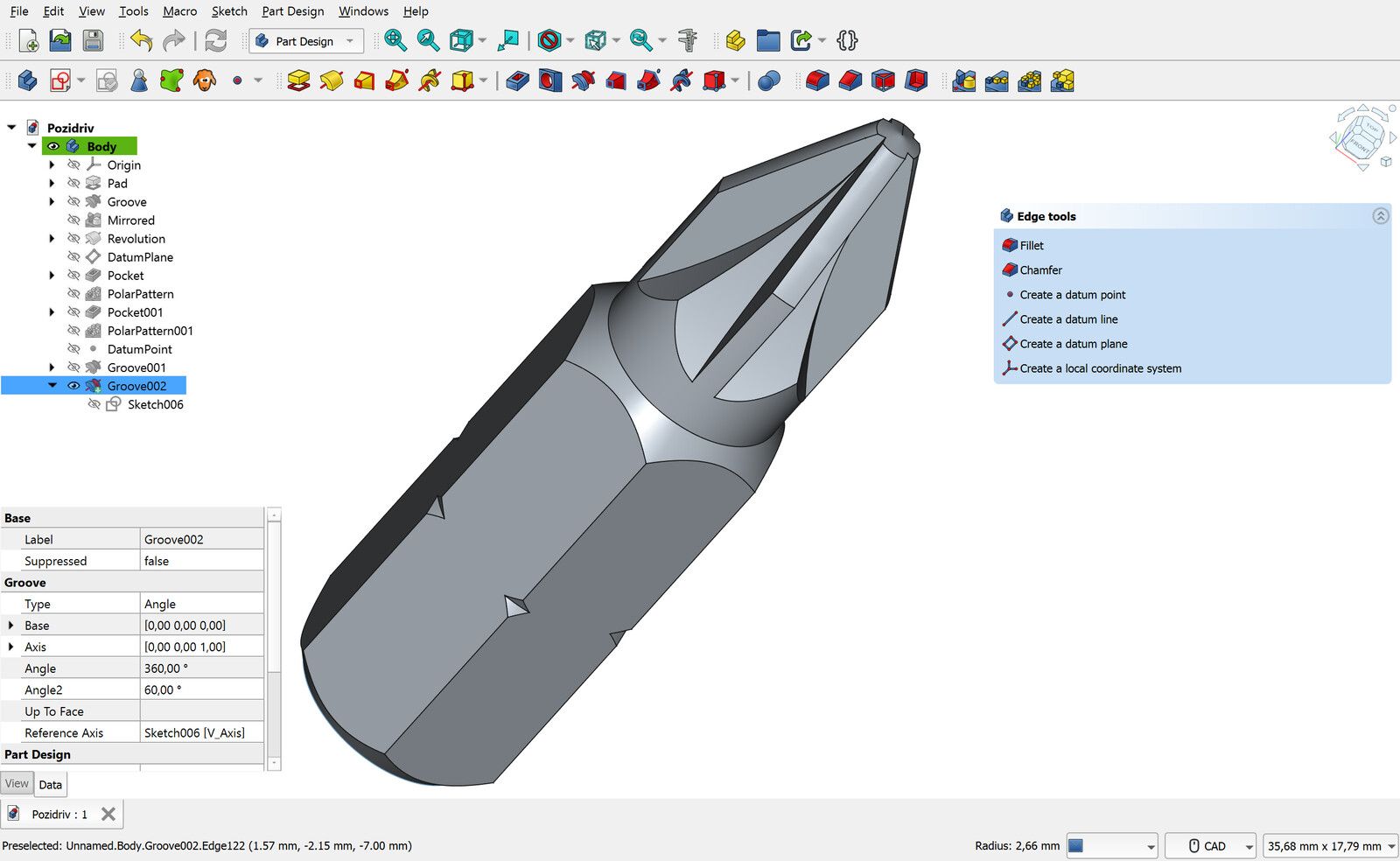
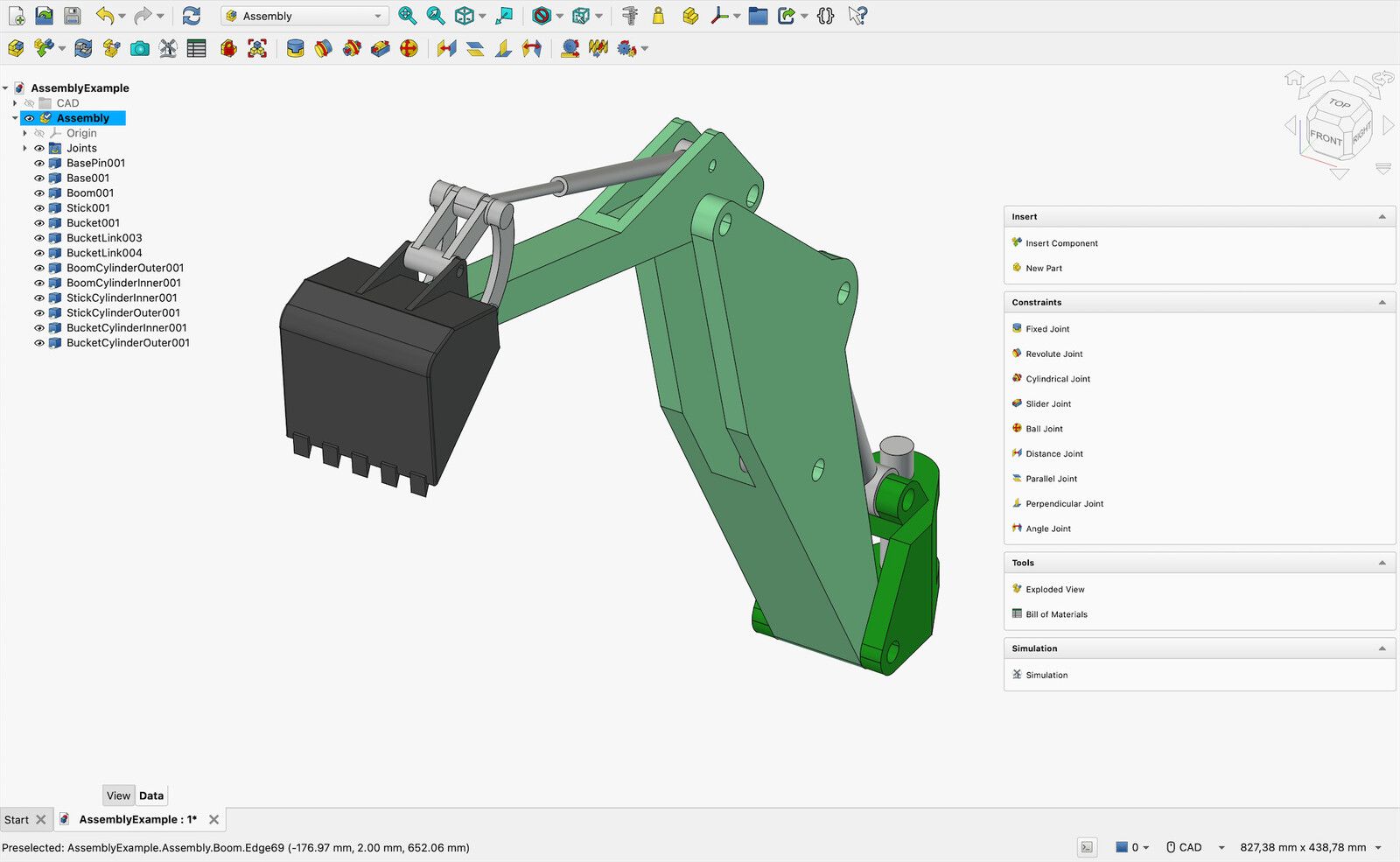
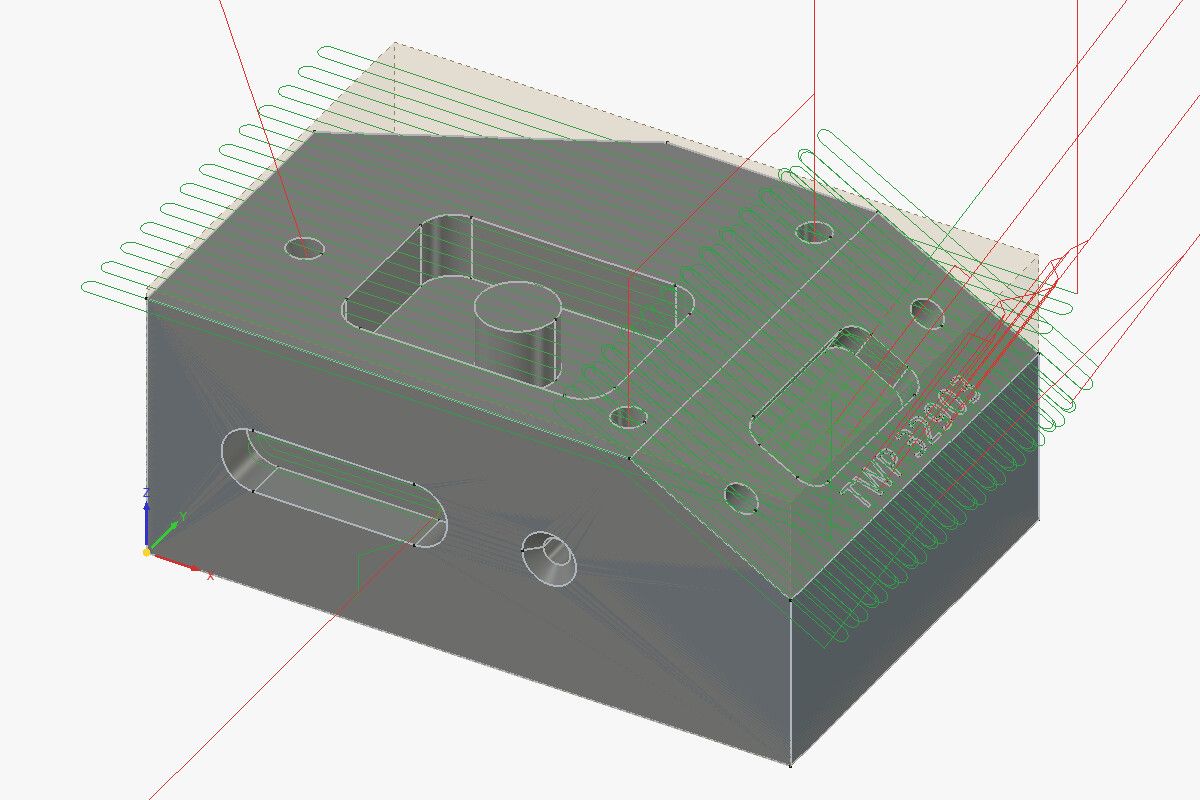
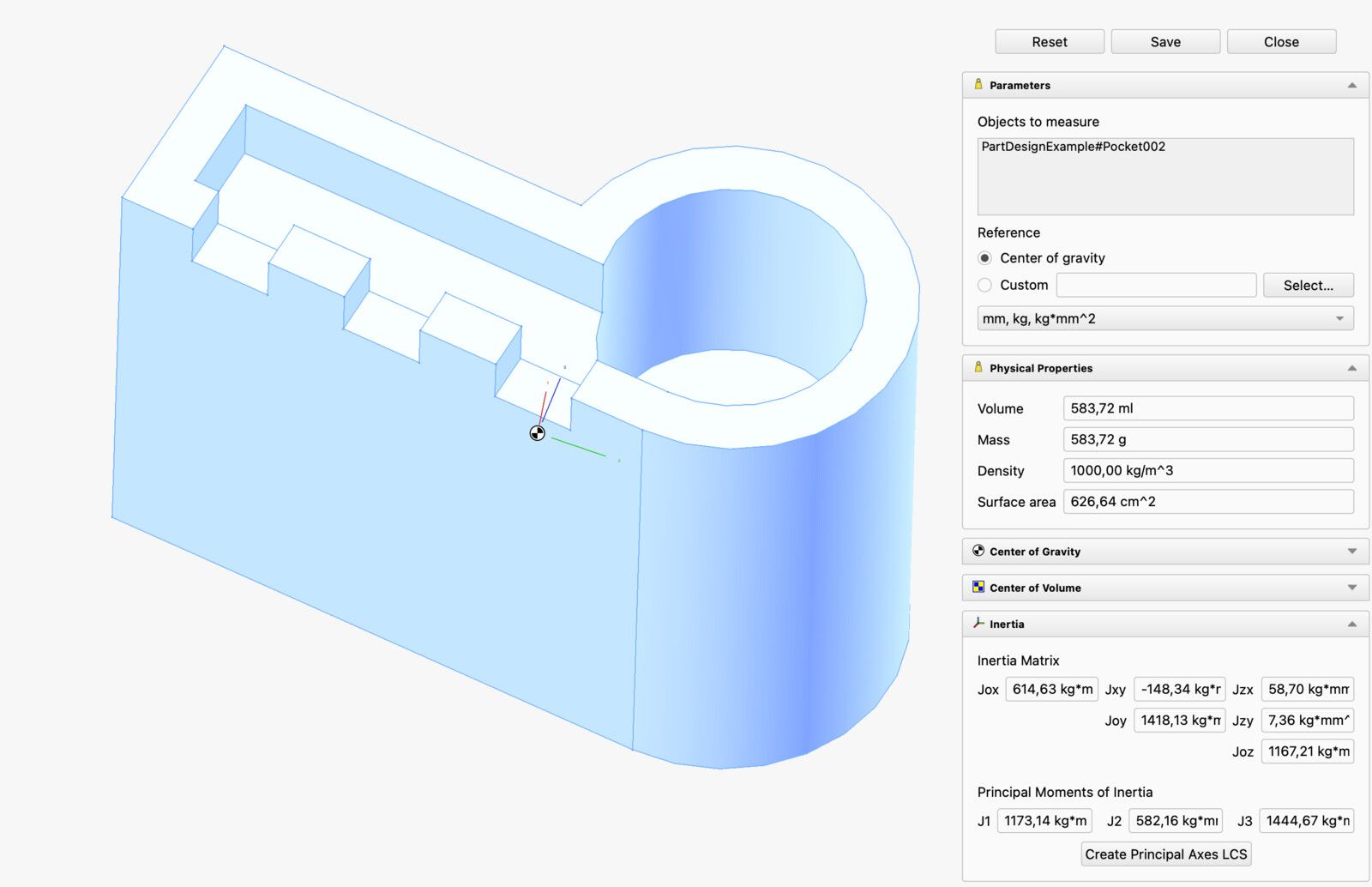
The free, open-source program closest to SolidWorks and Fusion. You draw parts from sketches the same way, and assemblies and CNC toolpaths are built in. Version 1.0 in 2024 fixed most of the old problem where editing an early step broke the ones after it, and 1.1 followed in March 2026. You don't need an account and nothing goes to a cloud, but it takes longer to learn than the others.
- Free for any use, including commercial
- Assemblies, drawings, CAM and stress analysis built in
- Windows, Mac and Linux, fully offline
- Exports STEP, STL, 3MF and DXF
- Slower to learn than Fusion or Onshape
- Editing an early feature can still break later ones
- More crashes and rough edges than the paid programs
- No browser or iPad version
Screenshots: Maxwxyz (CC BY 4.0, Wikimedia Commons) and the FreeCAD wiki (CC BY 3.0)

6Fusion
Freefor personal use; $680 a year for business
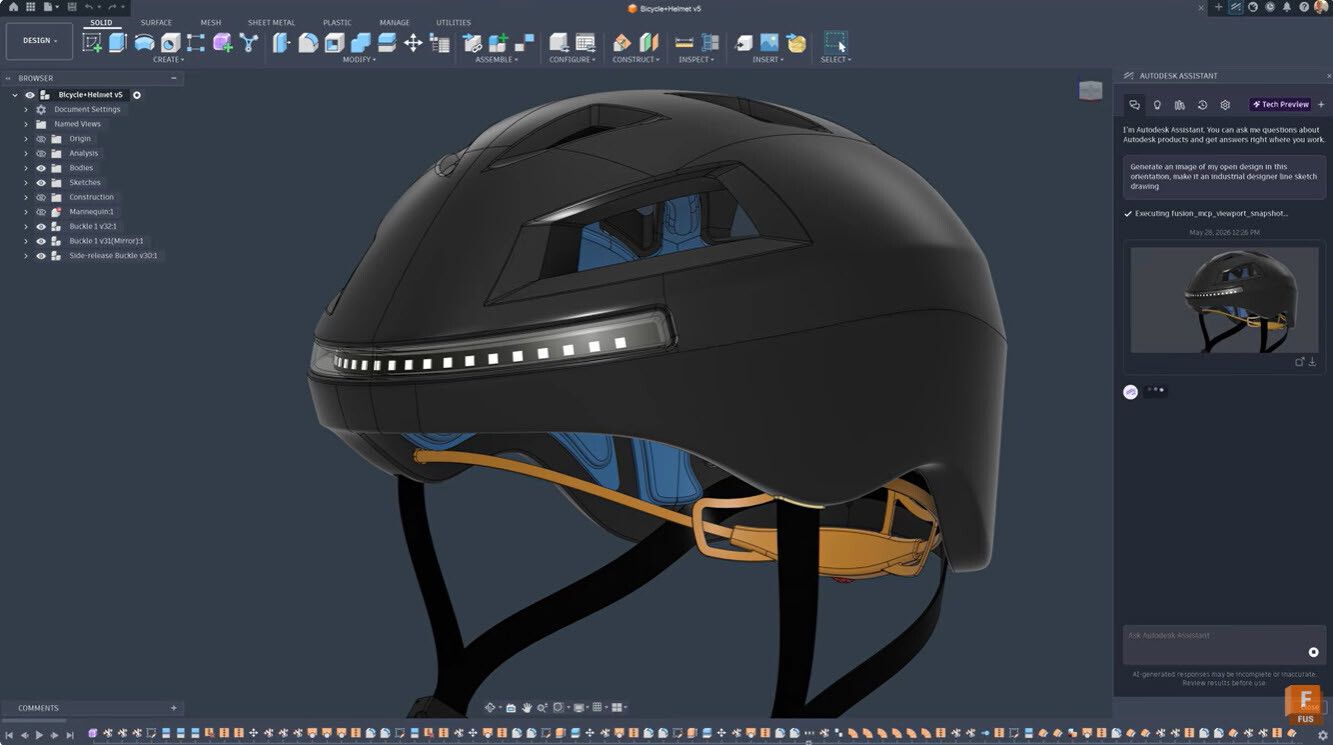
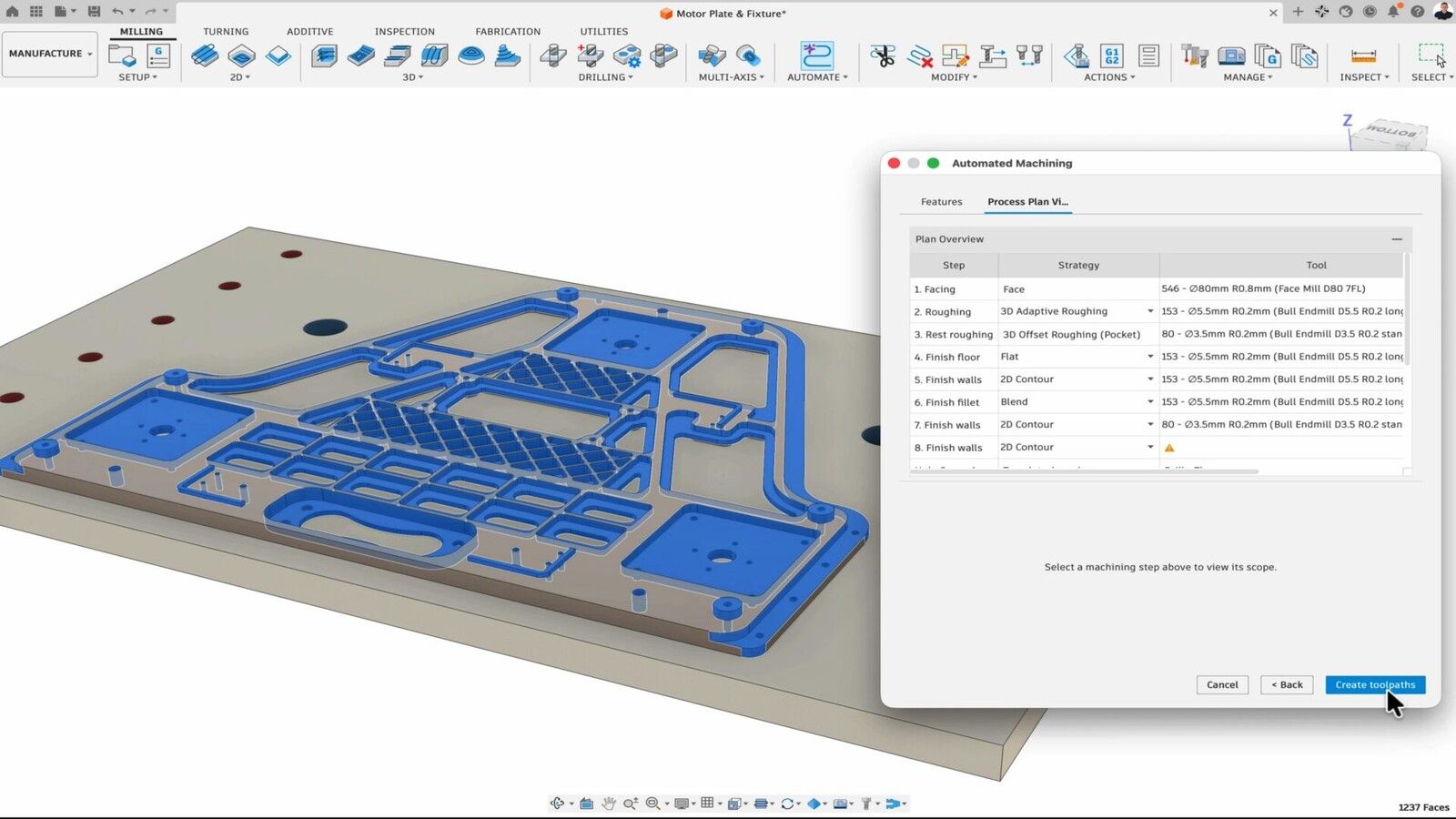
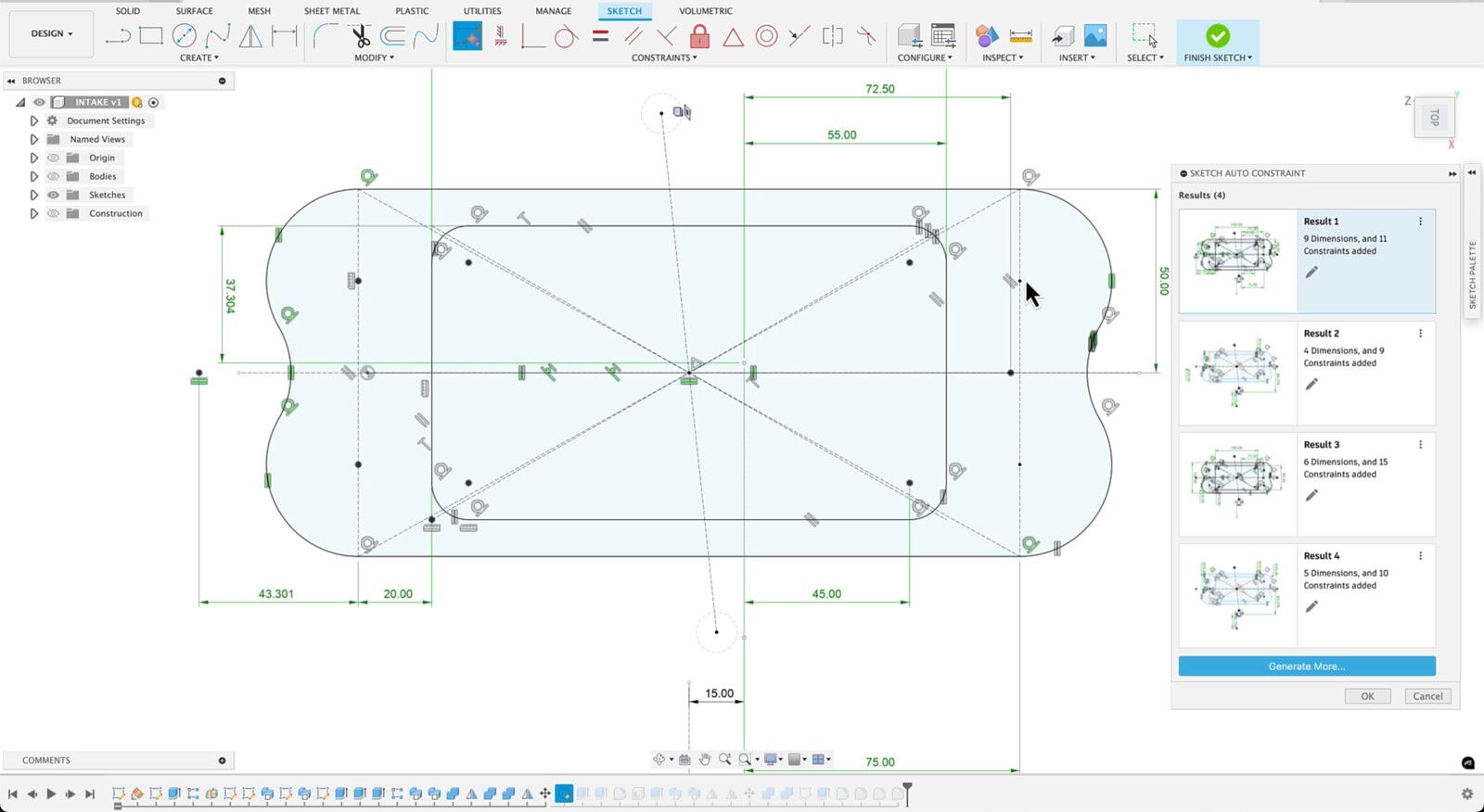
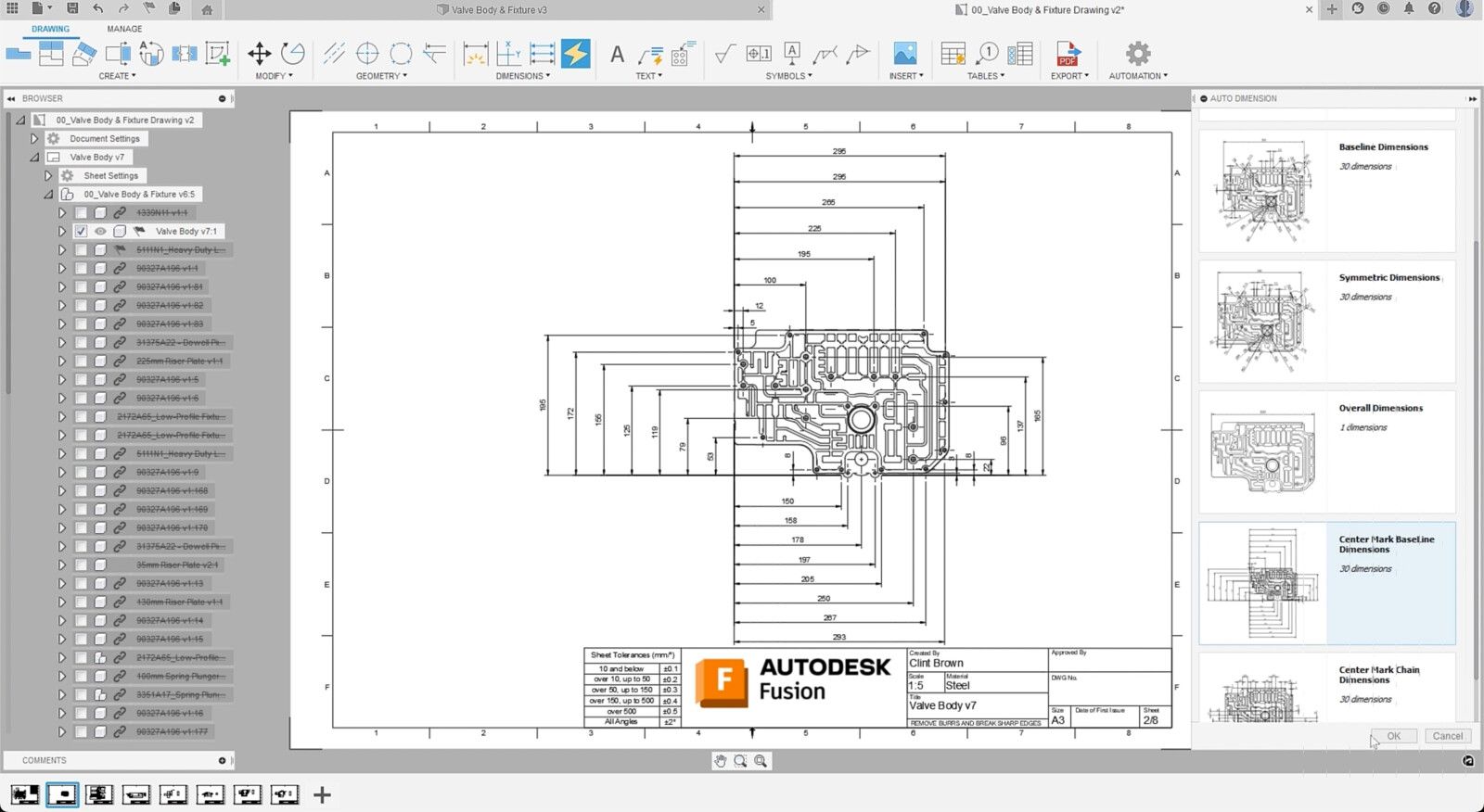
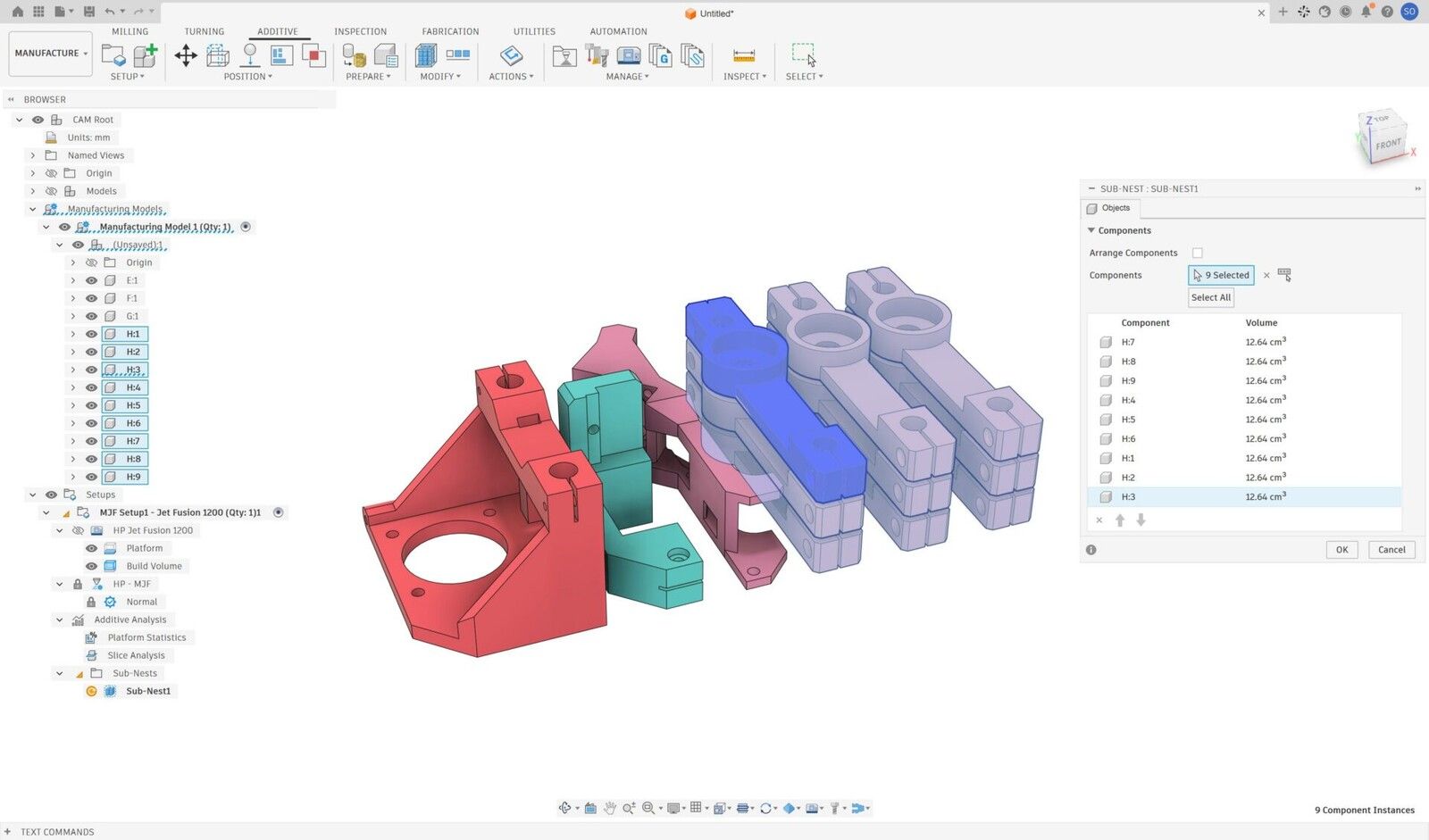
Autodesk's 3D program for parts you make, called Fusion 360 until 2024, with CAM toolpaths and circuit board design built in next to the modelling. The free personal licence still exports STEP, STL and 3MF and makes 3-axis milling toolpaths, but it only lets you edit 10 documents at a time. Your files are kept in Autodesk's cloud, and using it for paid work costs $680 a year, or $85 a month.
- Free for personal use, with STEP, STL and 3MF export
- CAM for milling, turning and laser cutting built in
- Parametric, direct, mesh and freeform modelling in one
- Electronics design built in
- The free licence edits 10 documents at a time
- Files live in the cloud; it must go online every 2 weeks
- No Linux version
- Intel Macs stop getting updates in March 2027
Screenshots: Autodesk

7Onshape
Freefor public, non-commercial work; $1,500 a year for business
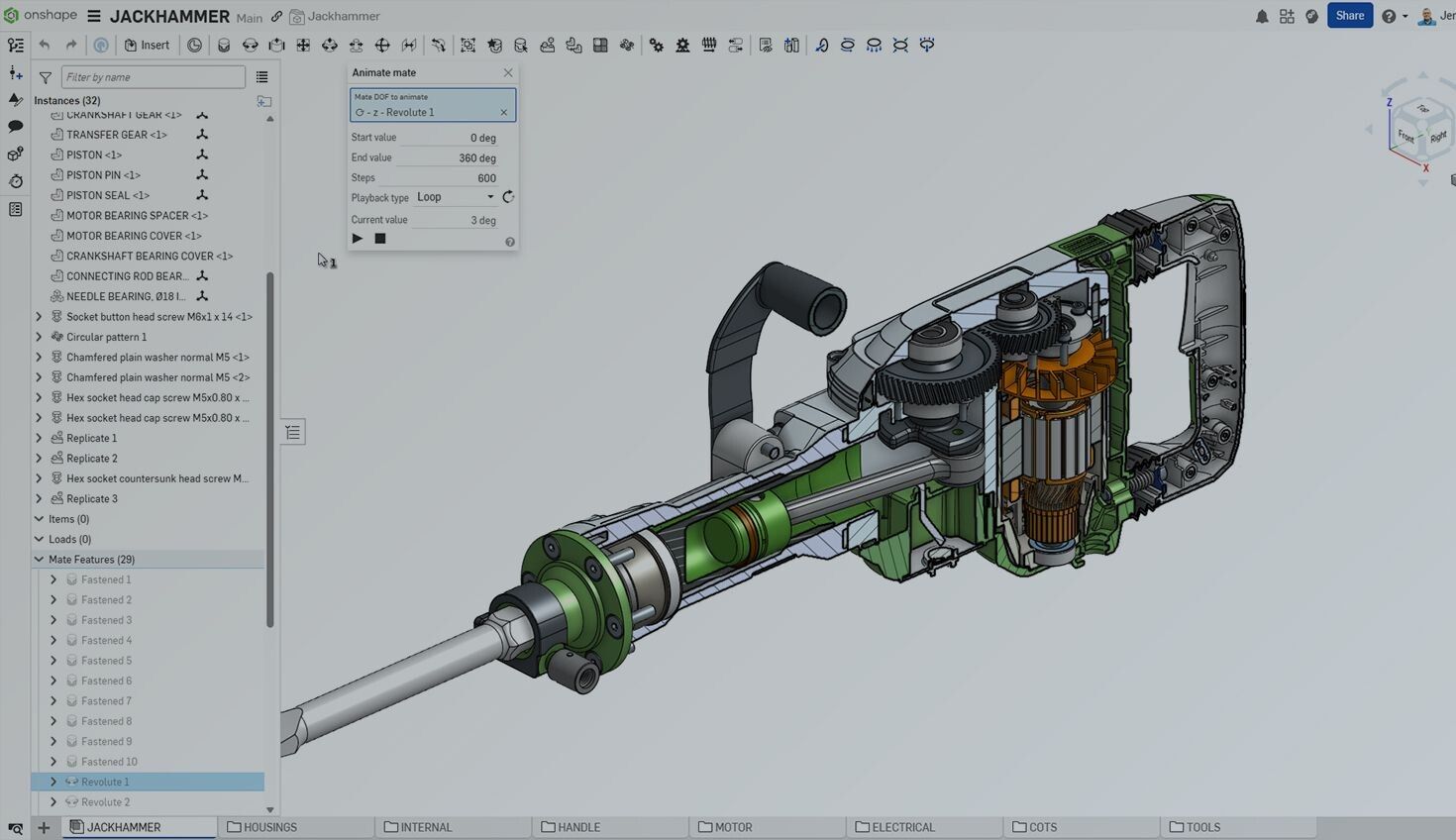
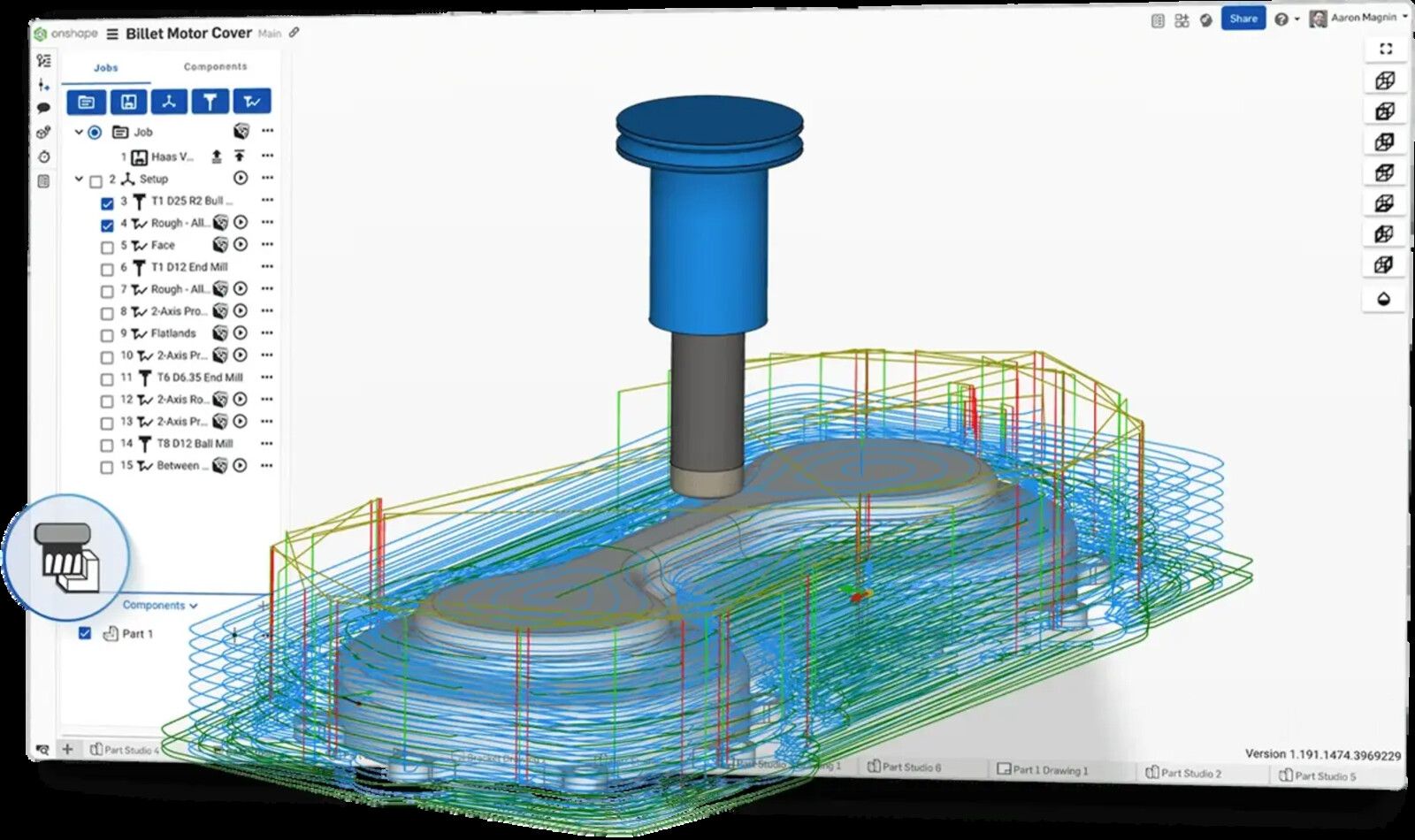
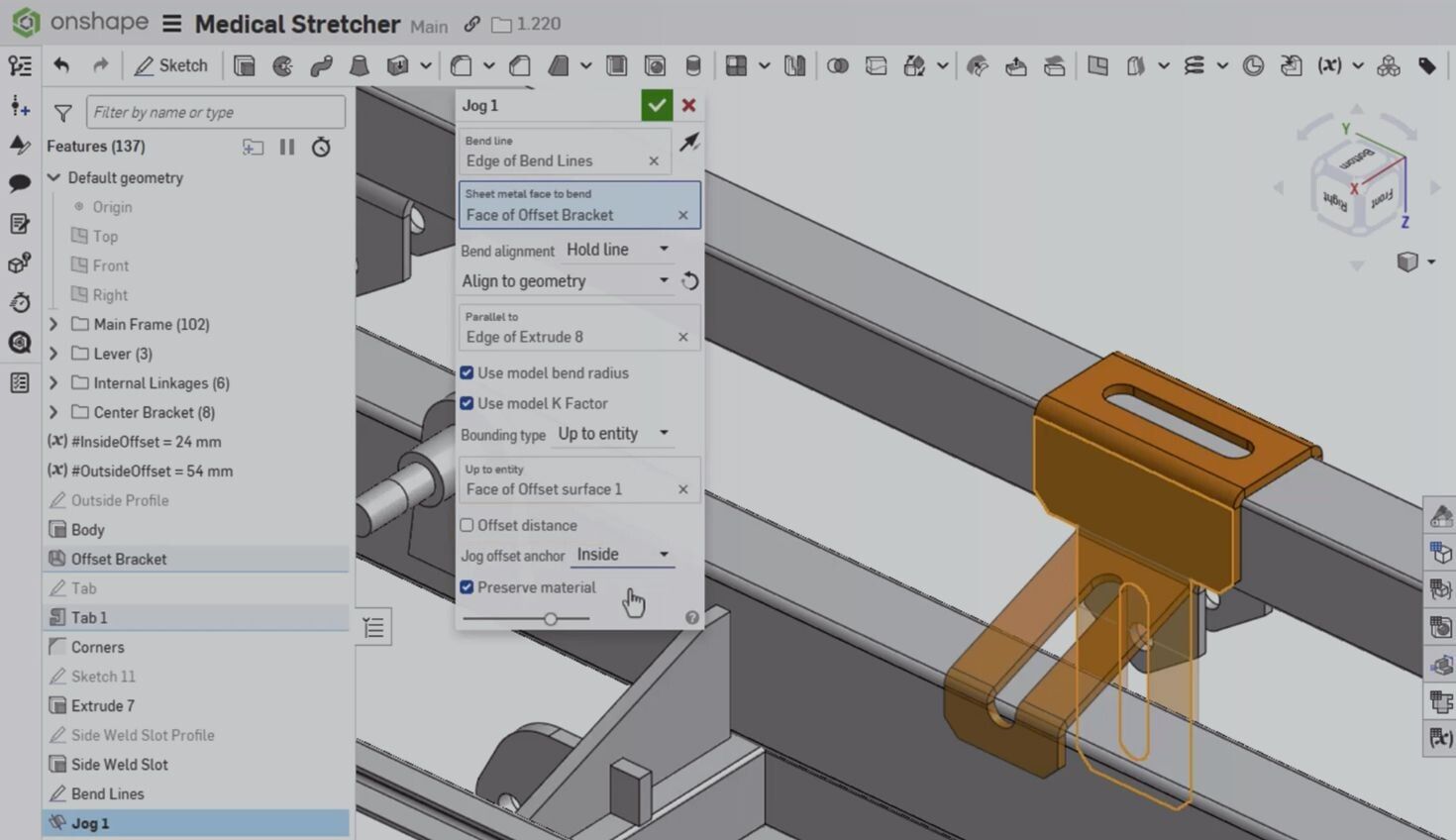
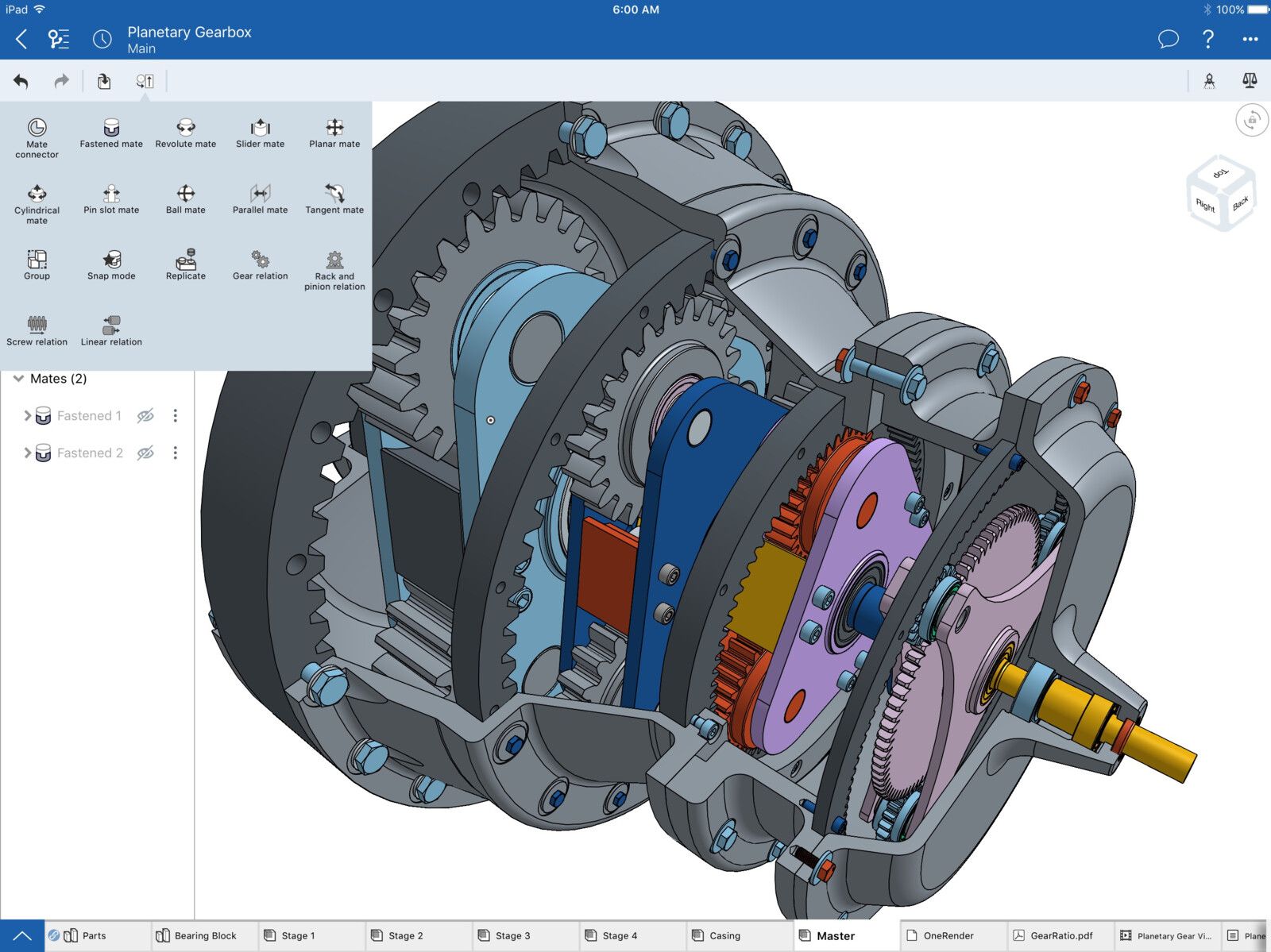
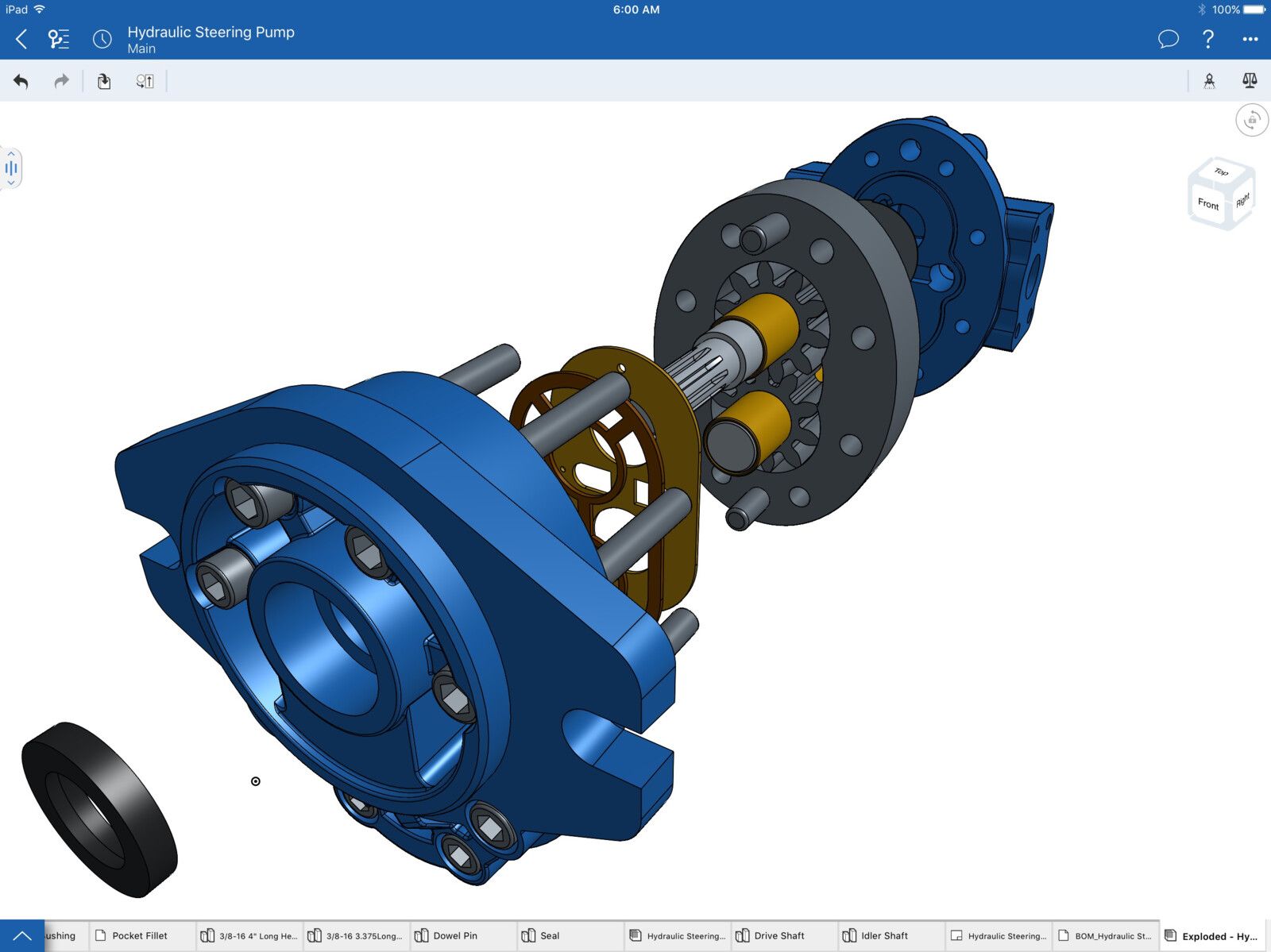
Full parametric CAD that runs in a web browser, so it works the same on Windows, Mac, Linux, a Chromebook or an iPad, with nothing to install. Several people can edit the same model at once, and every change is kept in a history you can branch and merge, the way programmers work with code. The free plan has the same modelling tools, but everything you make on it is public. Private documents and paid work start at $1,500 a year, and simulation, rendering and CAM come with the $2,500 Professional plan.
- Runs in any browser, with iPad and Android apps
- Several people can edit one model at the same time
- Versions, branches and merges built in
- A basic laptop is enough
- No offline mode at all
- Free documents are public and non-commercial
- Simulation, rendering and CAM need the $2,500 plan
- Billed by the year only
Screenshots: PTC


8Rhino
$995 onceWindows and Mac; upgrades $595
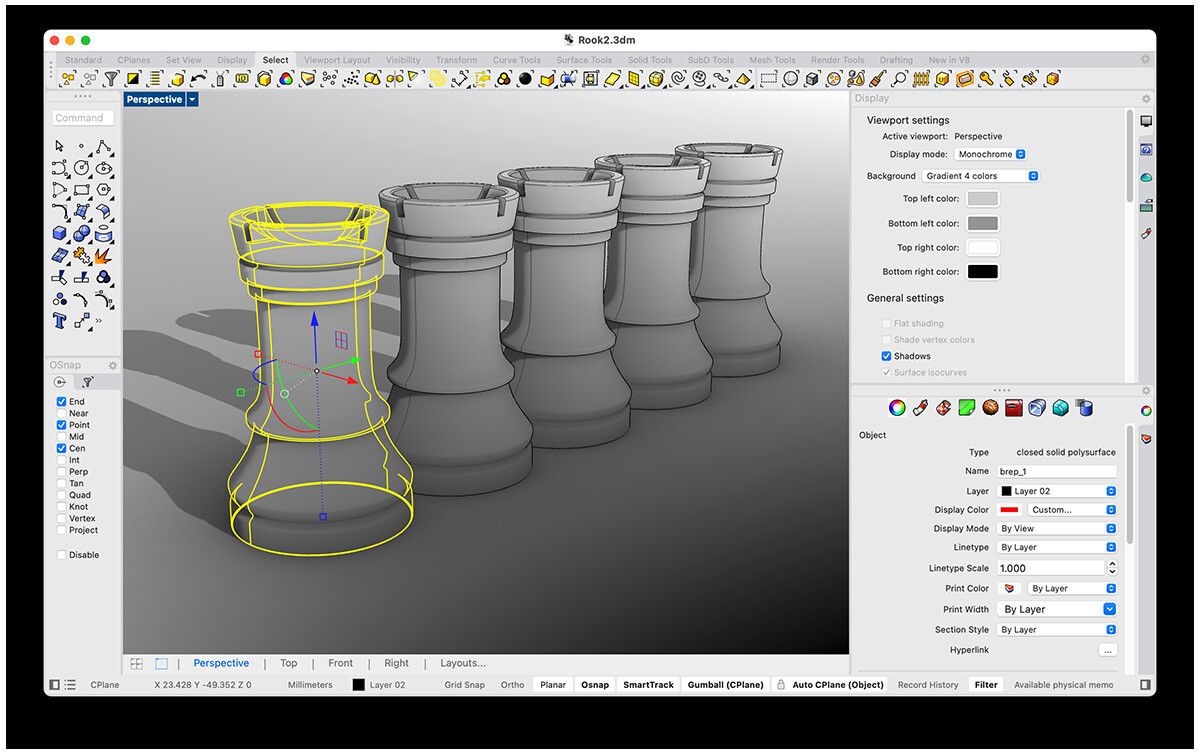
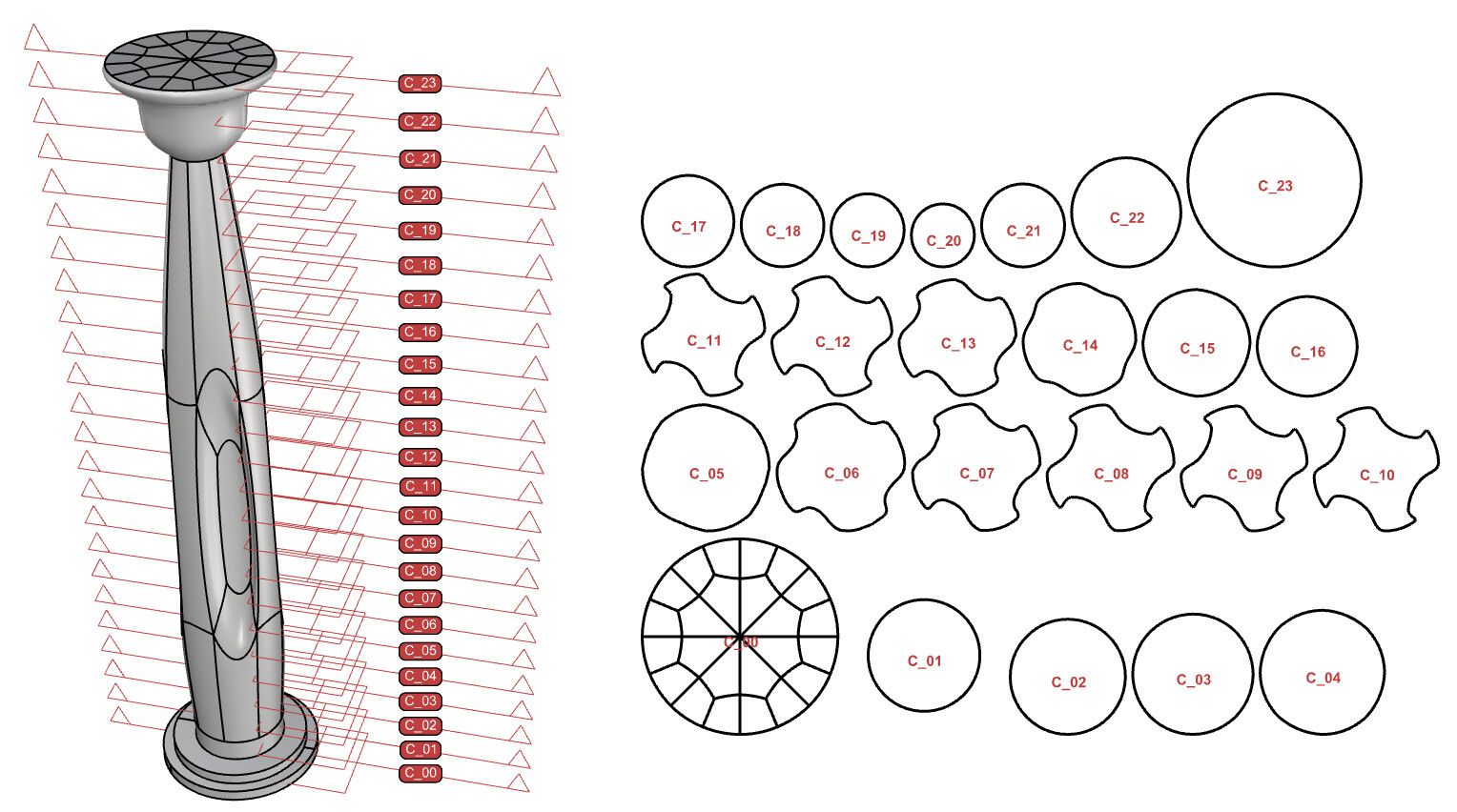
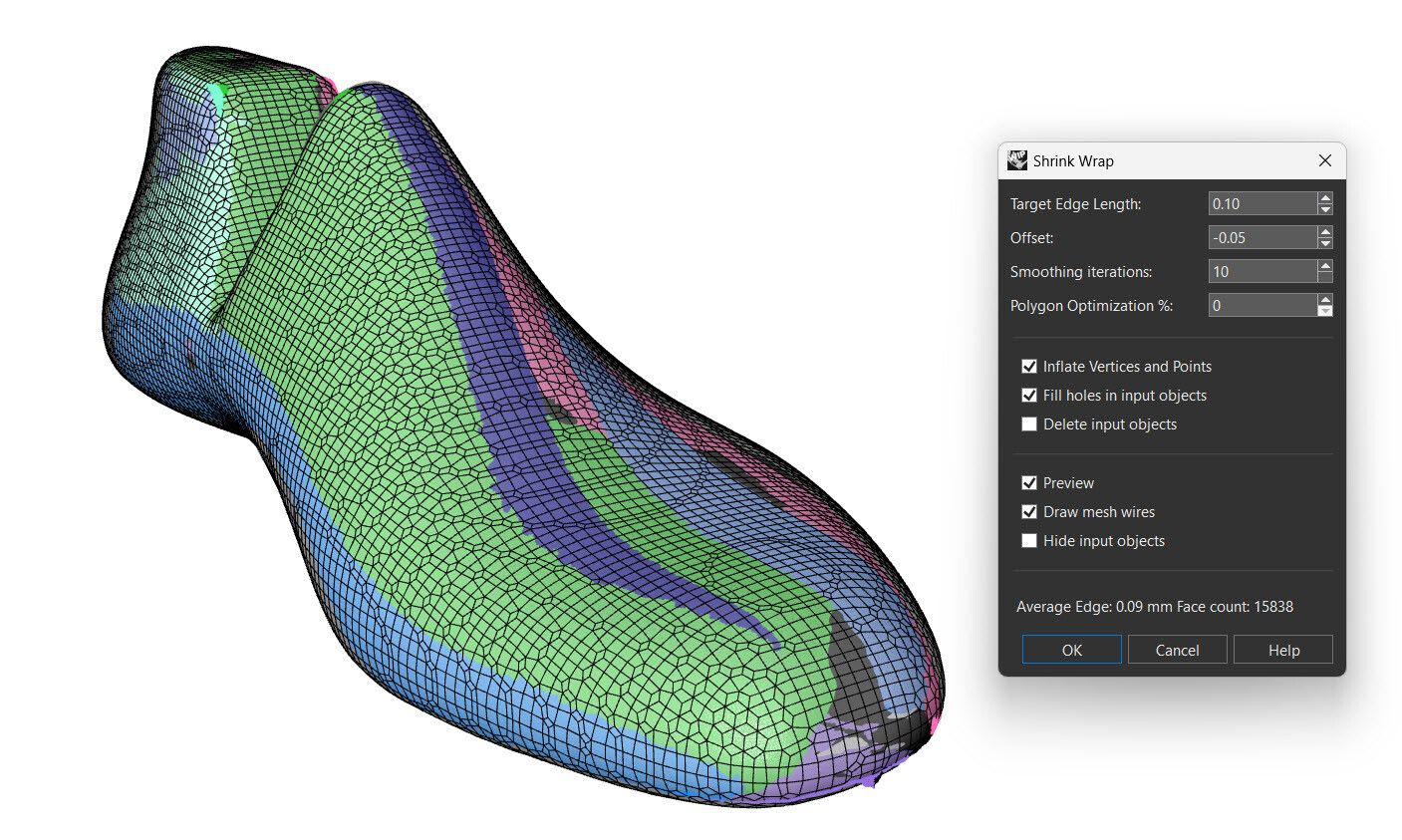
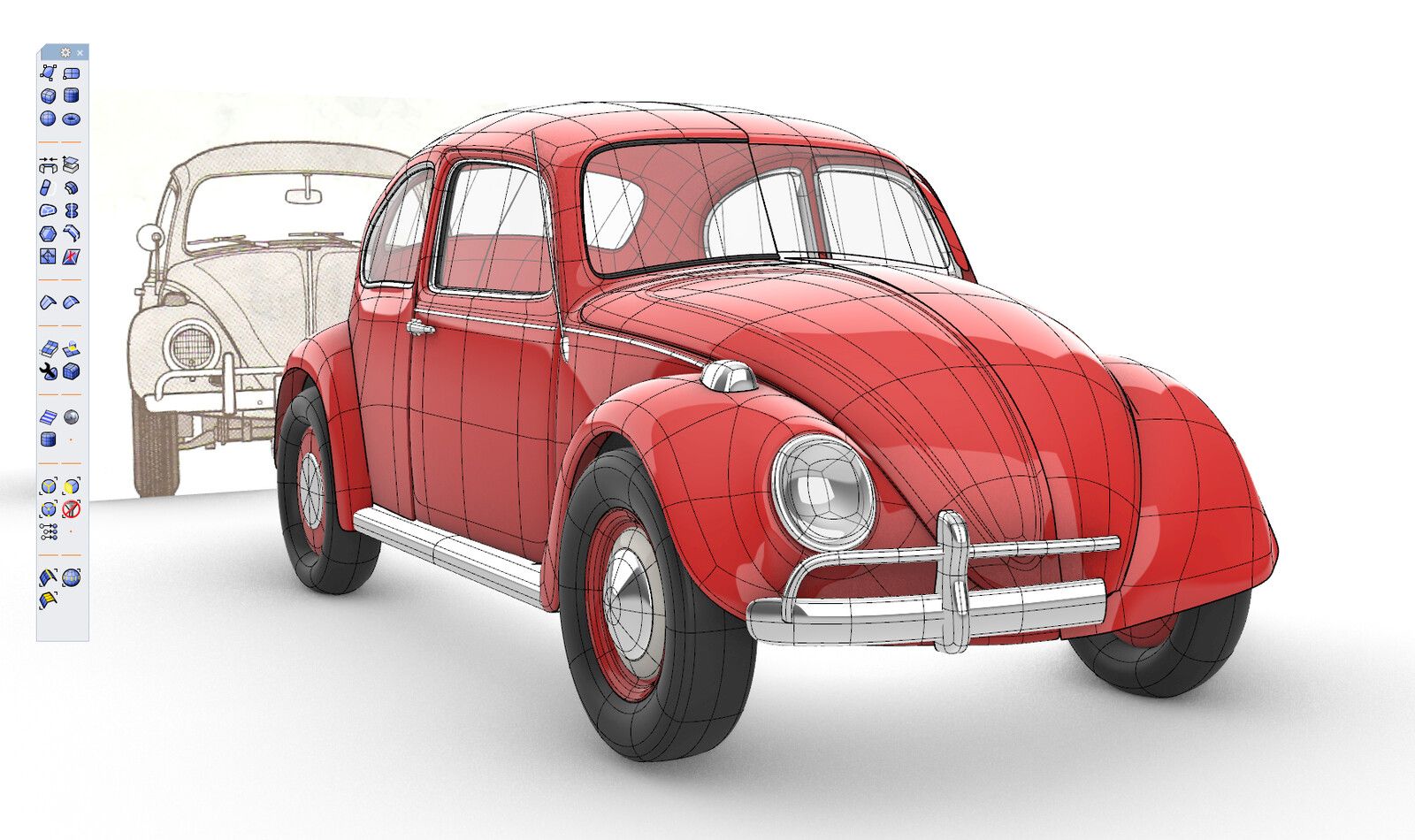
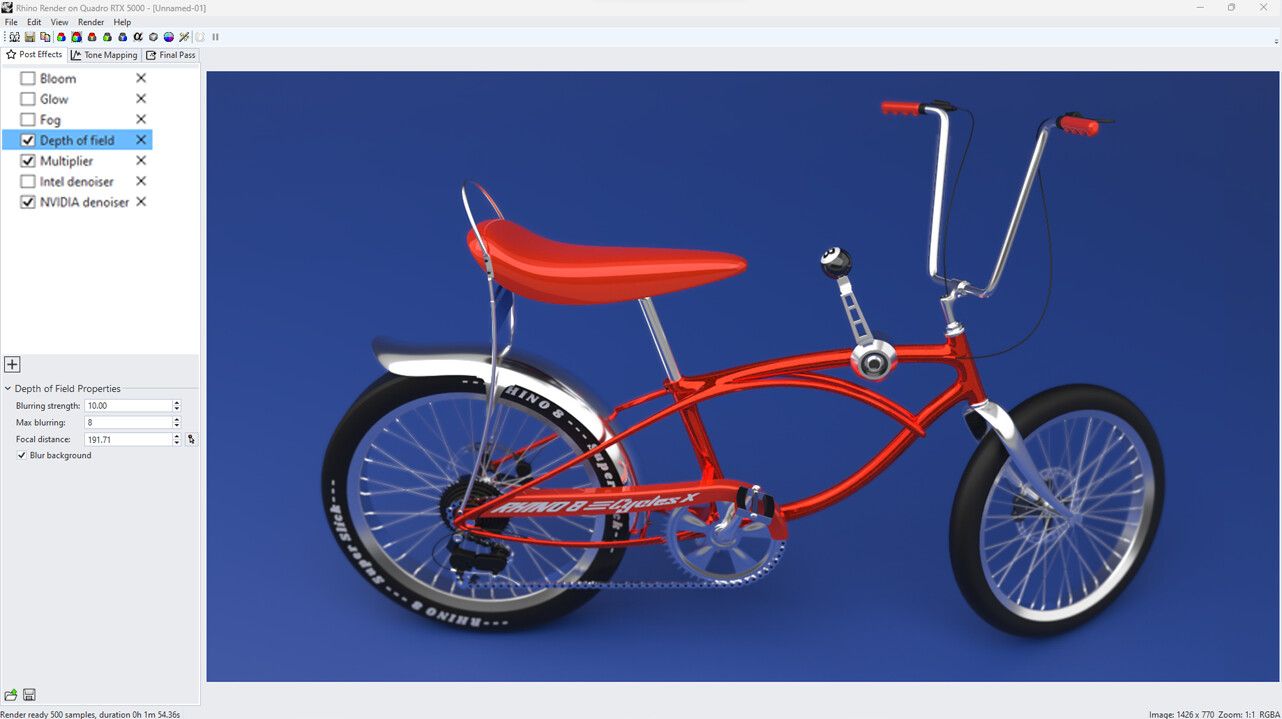
Rhino draws free-form curves and surfaces precisely, which is why jewellers and boat builders use it. You pay once for a licence that covers Windows and Mac, and it reads and writes almost every format, STEP and 3MF included. There's no feature tree and no assemblies, so it suits shapes more than machines with many moving parts.
- Pay once, for Windows and Mac
- Exports STEP, 3MF, STL, DWG and more
- Grasshopper, for visual programming, included
- A single-computer licence works fully offline
- $995 up front, after a 90-day trial
- No feature tree or assemblies
- No Linux, iPad or Windows on ARM
Screenshots: Robert McNeel & Associates; the Beetle by Holo, from Rhino's SubD gallery
What a year costs
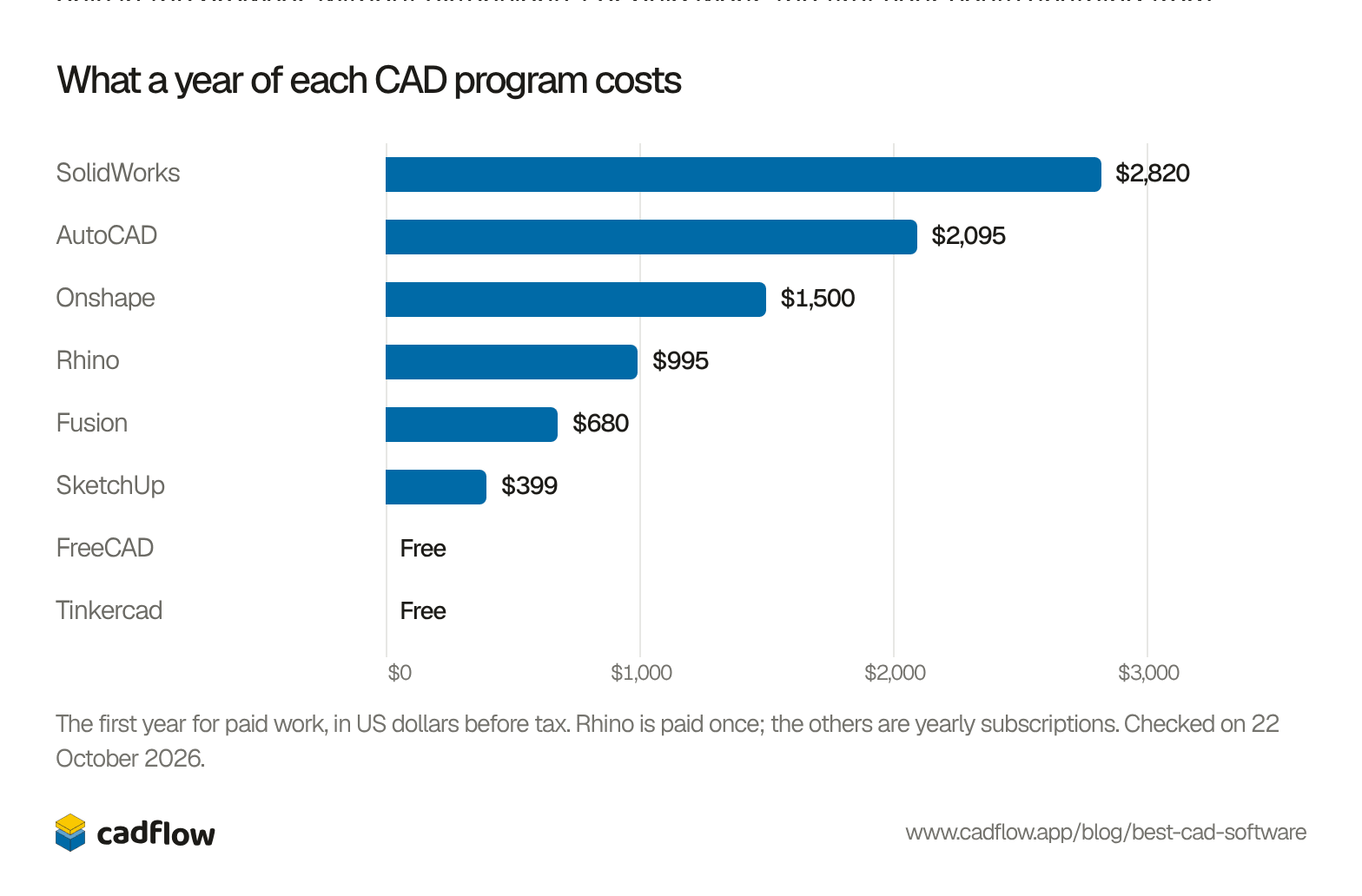
Five of the eight have a free way in for hobby use, though FreeCAD is the only one that’s free for any use and works offline. Fusion’s free licence lets you edit 10 documents at a time. Onshape’s free plan makes everything you design public, and SketchUp’s free version runs only in the browser, without extensions. For paid work, the first year costs anything from nothing to $2,820.
Show as a table
| Program | First year |
|---|---|
| SolidWorks | $2,820 |
| AutoCAD | $2,095 |
| Onshape | $1,500 |
| Rhino | $995 |
| Fusion | $680 |
| SketchUp | $399 |
| FreeCAD | Free |
| Tinkercad | Free |
How often each one is looked up
Show as a table
| Program | Score |
|---|---|
| AutoCAD | 100 |
| SketchUp | 66 |
| Tinkercad | 57 |
| SolidWorks | 46 |
| FreeCAD | 34 |
| Fusion | 30 |
| Onshape | 18 |
| Rhino | 15 |
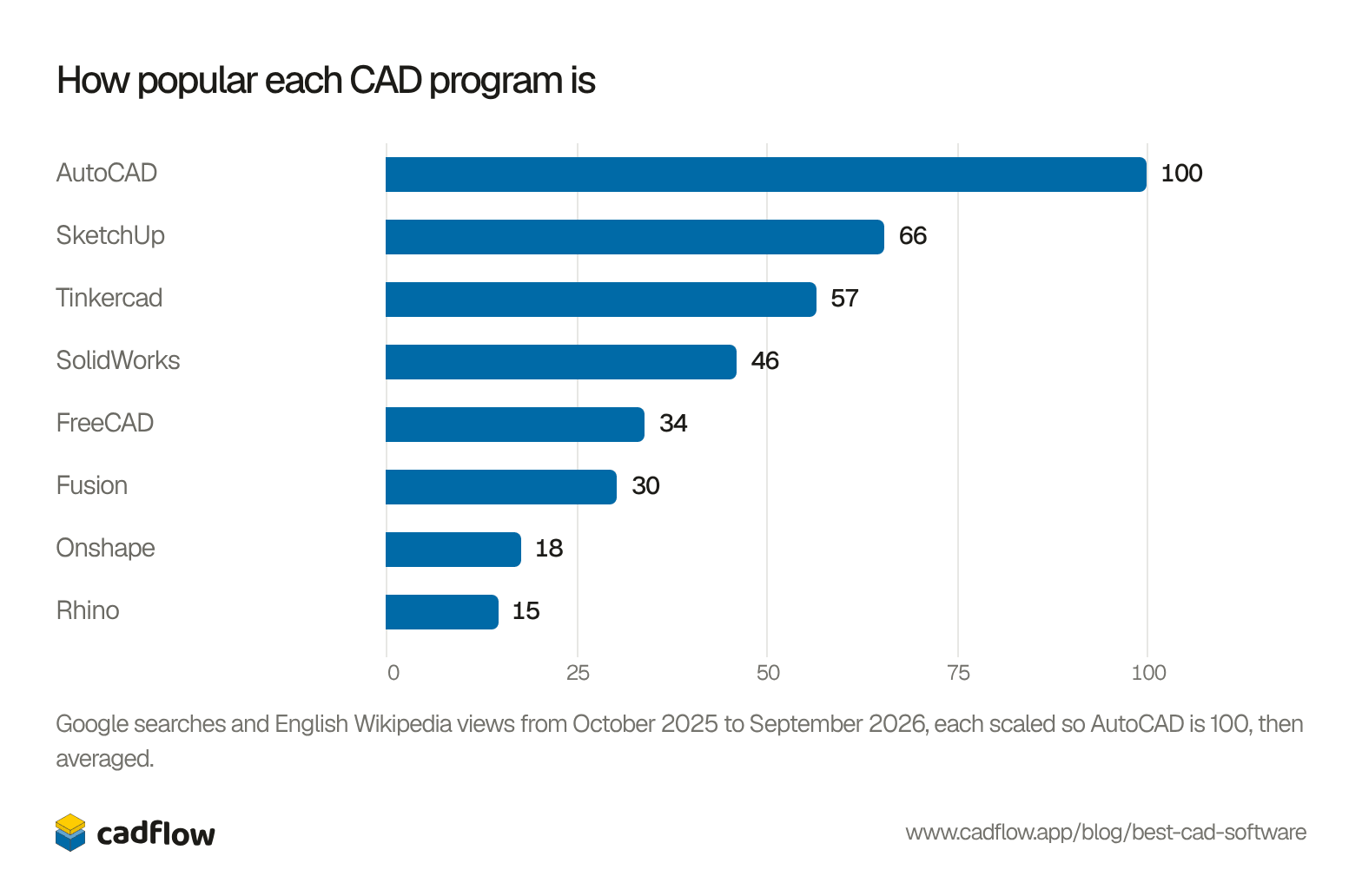
AutoCAD comes first on both counts, and on Google it’s searched almost twice as often as SketchUp. FreeCAD does much better on Wikipedia, where it’s fourth, than on Google, where it’s sixth.
Show the numbers
| Program | Google searches | Wikipedia views | Score | |
|---|---|---|---|---|
| 1 | AutoCAD | 82.0 | 180,432 | 100 |
| 2 | SketchUp | 43.0 | 142,163 | 66 |
| 3 | Tinkercad | 34.0 | 129,638 | 57 |
| 4 | SolidWorks | 30.0 | 100,623 | 46 |
| 5 | FreeCAD | 8.5 | 104,458 | 34 |
| 6 | Fusion | 19.0 | 68,140 | 30 |
| CATIAFor large companies | 4.2 | 65,189 | 21 | |
| Siemens NXFor large companies | 3.2 | 57,775 | 18 | |
| 7 | Onshape | 7.8 | 46,923 | 18 |
| 8 | Rhino | 6.4 | 39,191 | 15 |
| OpenSCAD | 1.4 | 47,377 | 14 | |
| Autodesk Inventor | 6.0 | 26,778 | 11 | |
| PTC CreoFor large companies | 3.2 | 30,316 | 10 |
Not on the list
CATIA and Siemens NX were looked up enough to come seventh and eighth, and PTC Creo came 13th. We left all three out because they’re made for car, aircraft and machinery companies, where whole teams design in one system. The cheapest CATIA package on Dassault’s own store is $7,560 a year.
OpenSCAD came ninth, just behind Rhino. It’s free, and you write a model as code instead of drawing it, which is why the customizable models on Thingiverse and MakerWorld, two of the most visited sites for free STL files, are written in it. Autodesk Inventor, the older desktop sibling of Fusion, came tenth.
Which one would we pick?
In our opinion, for parts you’ll print, cut or mill at home, start with Fusion’s free personal licence. It’s the easiest of the full parametric programs to get going in, and it exports what printers and CNC routers need. If the 10-document limit or the cloud starts to bother you, FreeCAD does the same job with no strings, though it takes longer untill it feels natural. For furniture and anything built from boards, SketchUp is quicker to sketch in than any of them.
We make CadFlow, a 3D program for things you build, which plays the build back as a step-by-step video that anyone can follow. It isn’t public yet. If you'd like to try it, join the waitlist.
Questions people ask
What is the best free CAD software?
For 3D parts, FreeCAD if you want no account and no limits, and Fusion's personal licence if you'd rather have an easier program and can live with 10 editable documents and files in the cloud. Onshape's free plan has the same tools as its paid ones, but everything you make on it is public.
Is AutoCAD good for 3D printing?
It can export STL from 3D solids, but it's made for 2D drawings and its parametric constraints only work in 2D, so changing a printed part later is slow. For parts you print, Fusion, FreeCAD or Onshape are easier.
Does SolidWorks run on a Mac?
Not natively. Dassault supports Windows 11 only, so on a Mac it needs Parallels, and Boot Camp isn't supported. Onshape runs in a Mac's browser, and Fusion and Rhino have Mac versions.
Is Blender CAD software?
Not really. Blender is a free 3D program for animation, games and effects, and it models with meshes rather than exact dimensions and features. It's looked up more than any program on this list, 331,047 Wikipedia views in our year, and it's fine for figurines and art, but parts that have to fit something are easier in CAD.
Where do the pros and cons come from?
From each maker's own pages and documentation, and from these reviews: TechRadar on AutoCAD and SketchUp, MacHow2 on Fusion, Hackaday on FreeCAD 1.0 and Fusion on Linux, LWN's survey of free CAD, DEVELOP3D on Onshape's CAM, AEC Magazine on Rhino 8 and Fine Woodworking on cut lists from SketchUp.
What does parametric mean?
In a parametric program each feature is a step with numbers you can change: change a hole from 6 to 8 mm and everything built after it updates. Fusion, SolidWorks, Onshape and FreeCAD work this way. Tinkercad and SketchUp don't keep that history, so a change later means editing the shape by hand.
History of this post
- Published
Read next
Top 6 CAD MCP servers for Claude and ChatGPT, and how to install them
Top 4 3D printer software for 2027 (three of them share one ancestor)
3D printer filament types compared: PLA, PETG, ABS, ASA, TPU and nylon


This blog is by the team making CadFlow, where you build your project in 3D and show how it goes together.
See how CadFlow works