CAM software explained, and the 13 CAM programs to know
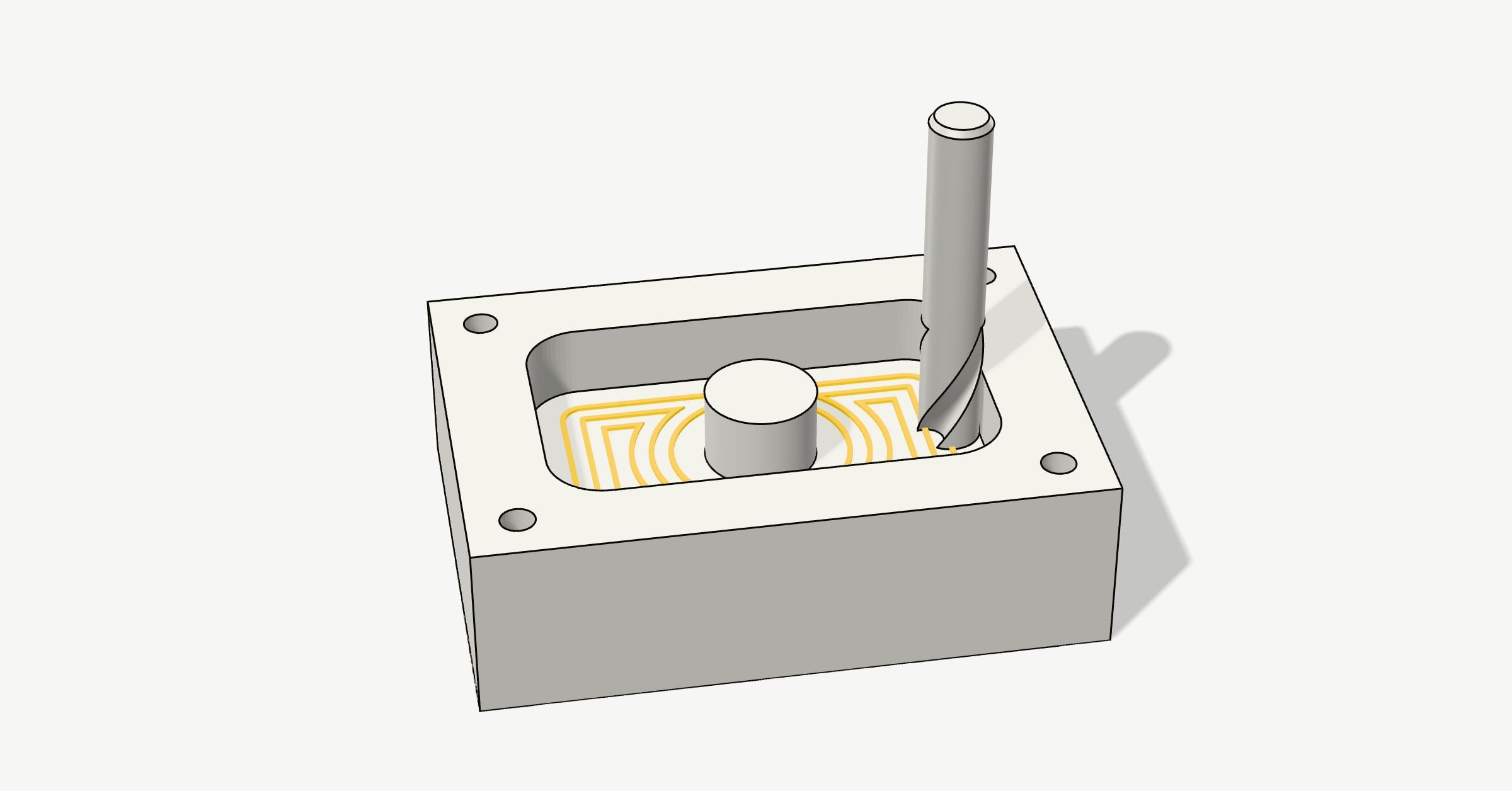
CAM software turns a 3D model into the moves a CNC machine makes: which tool, where it goes and how fast. Here’s how it works, in pictures, and the 13 CAM programs worth knowing, from free ones for a router in the garage to the ones machine shops run on.
What CAM is
CAD is where you draw a part; CAM (computer-aided manufacturing) is where you decide how a machine makes it. You tell it the stock and the tools, pick operations, and it works out the toolpaths: the lines the tip of each tool follows. Out of that comes G-code, the text a CNC machine runs.
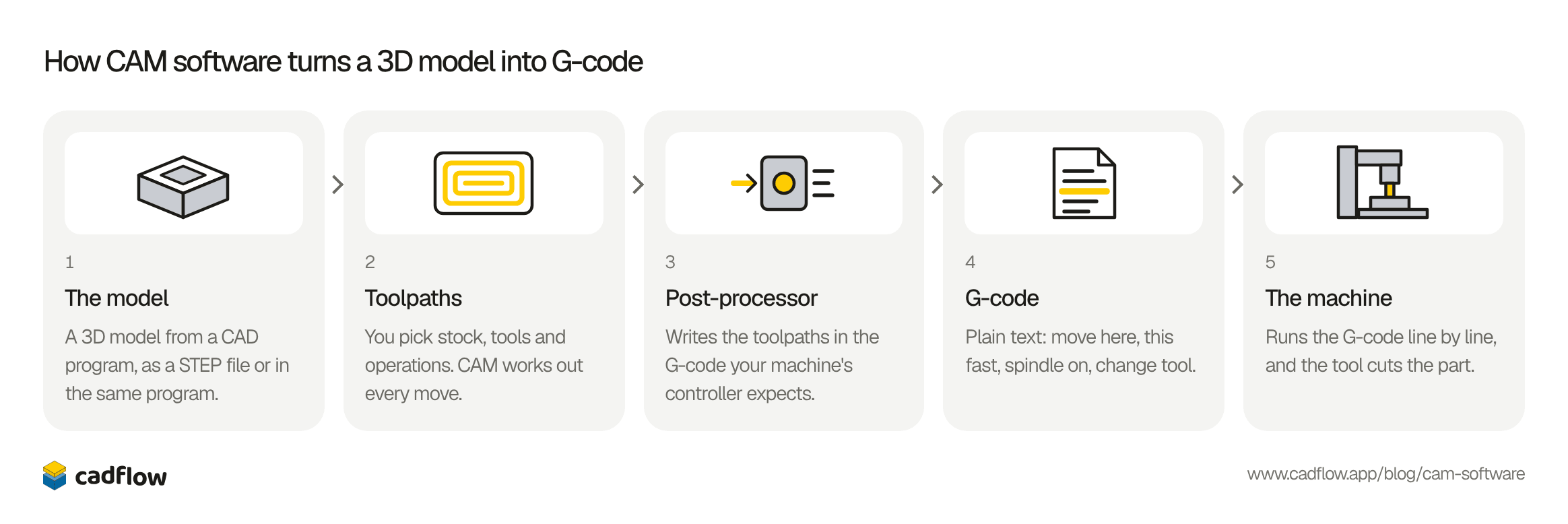
- 1The modelA 3D model from a CAD program, as a STEP file or in the same program.
- 2ToolpathsYou pick stock, tools and operations. CAM works out every move.
- 3Post-processorWrites the toolpaths in the G-code your machine's controller expects.
- 4G-codePlain text: move here, this fast, spindle on, change tool.
- 5The machineRuns the G-code line by line, and the tool cuts the part.
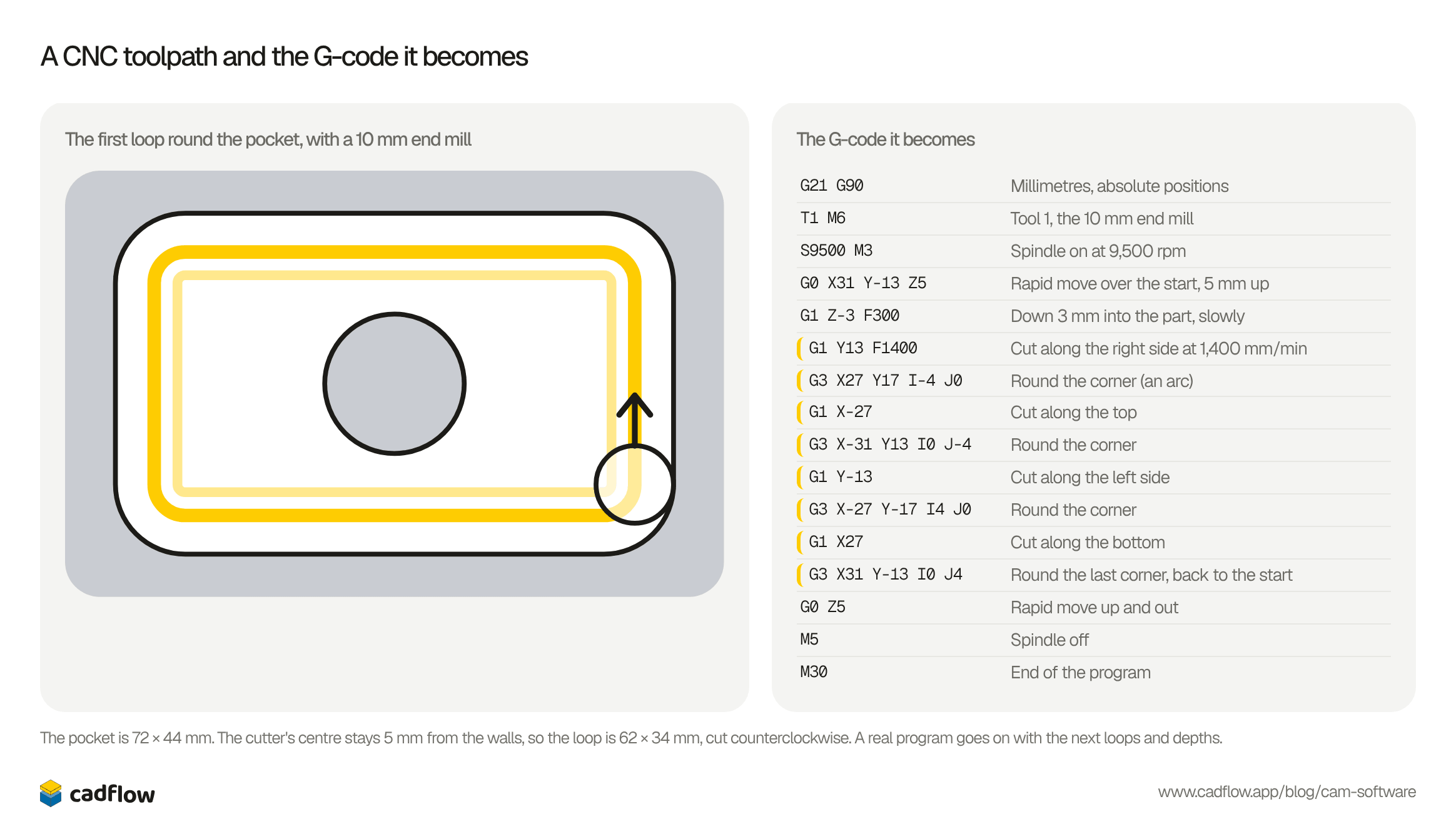
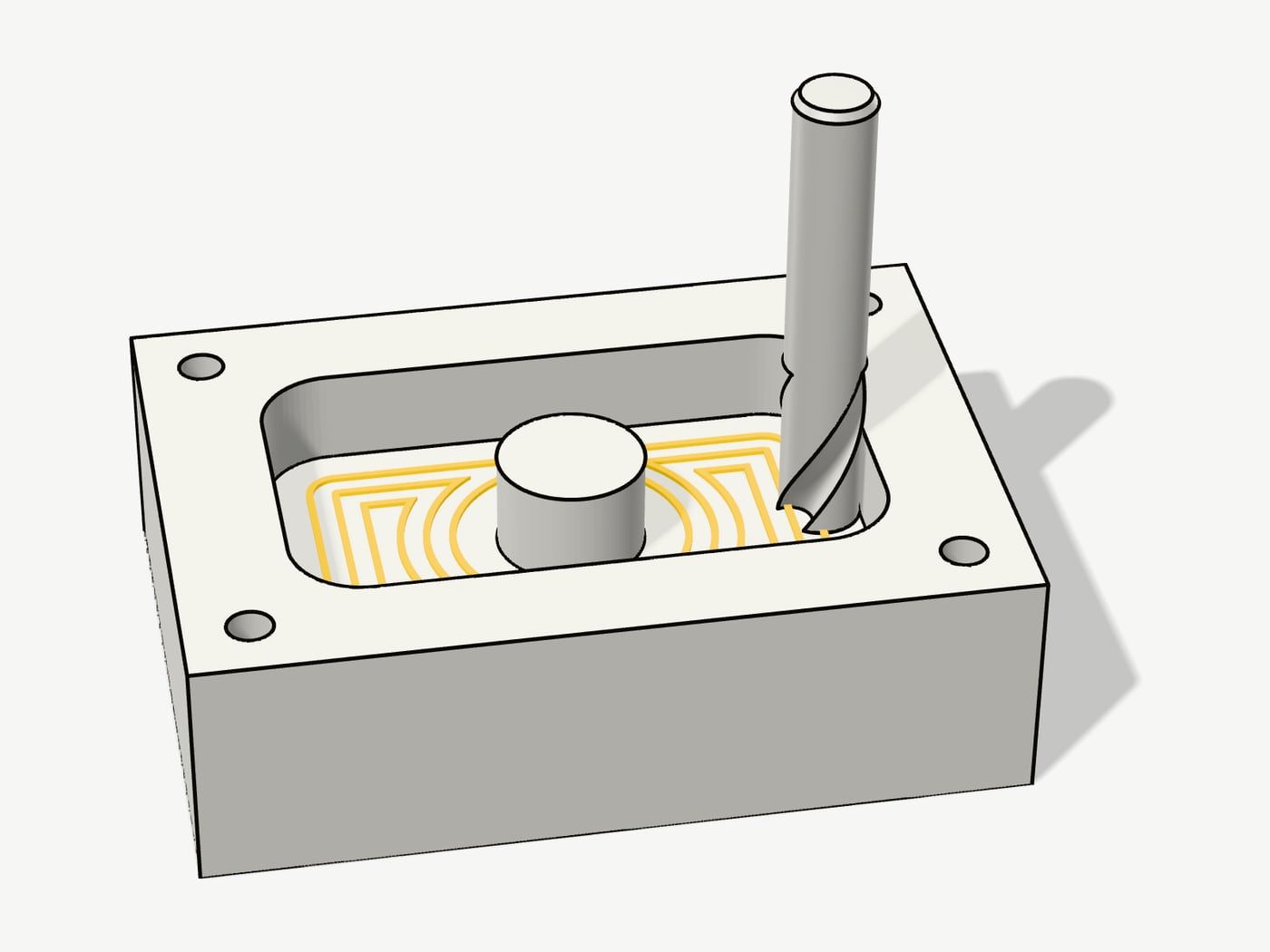
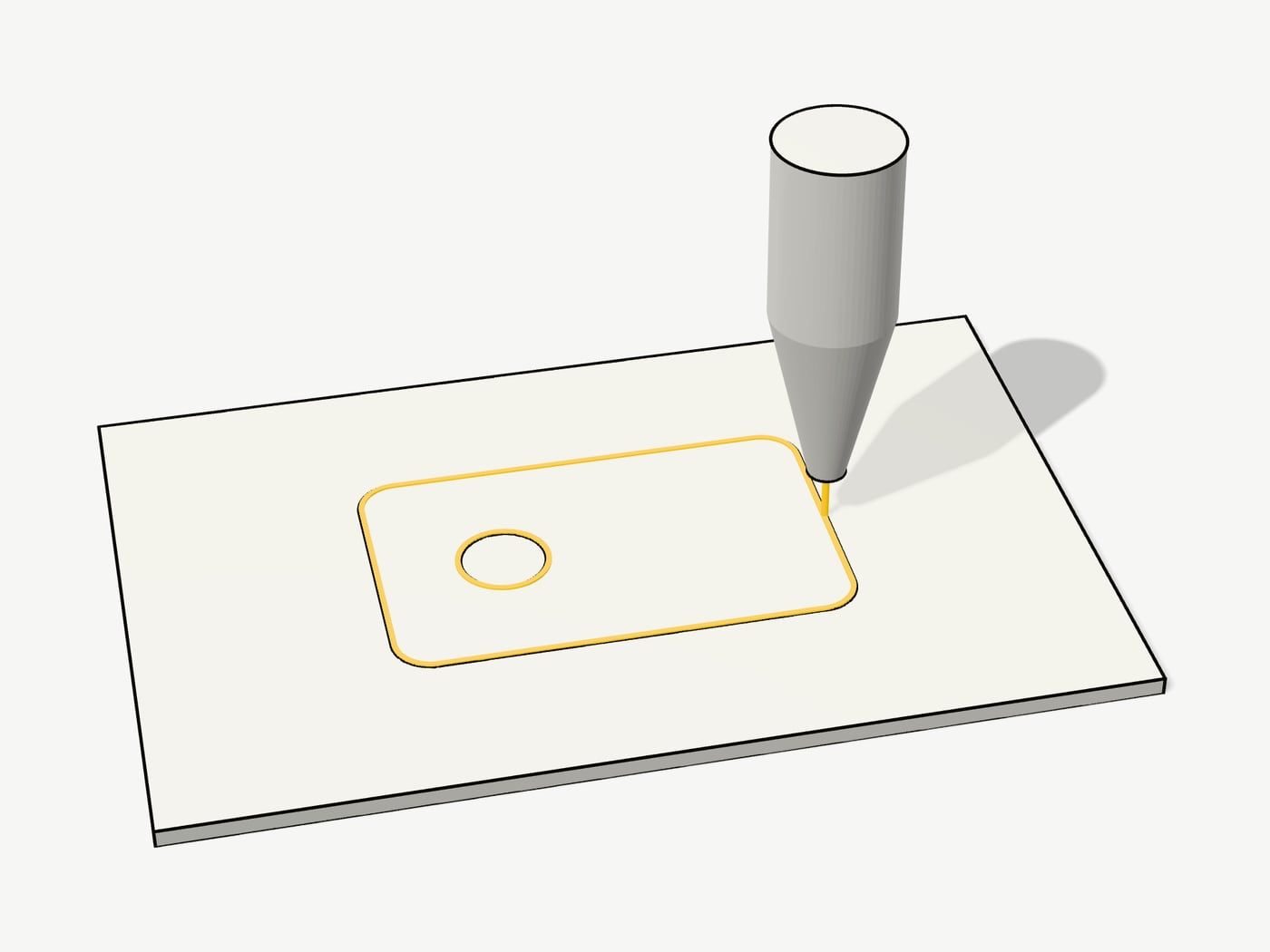
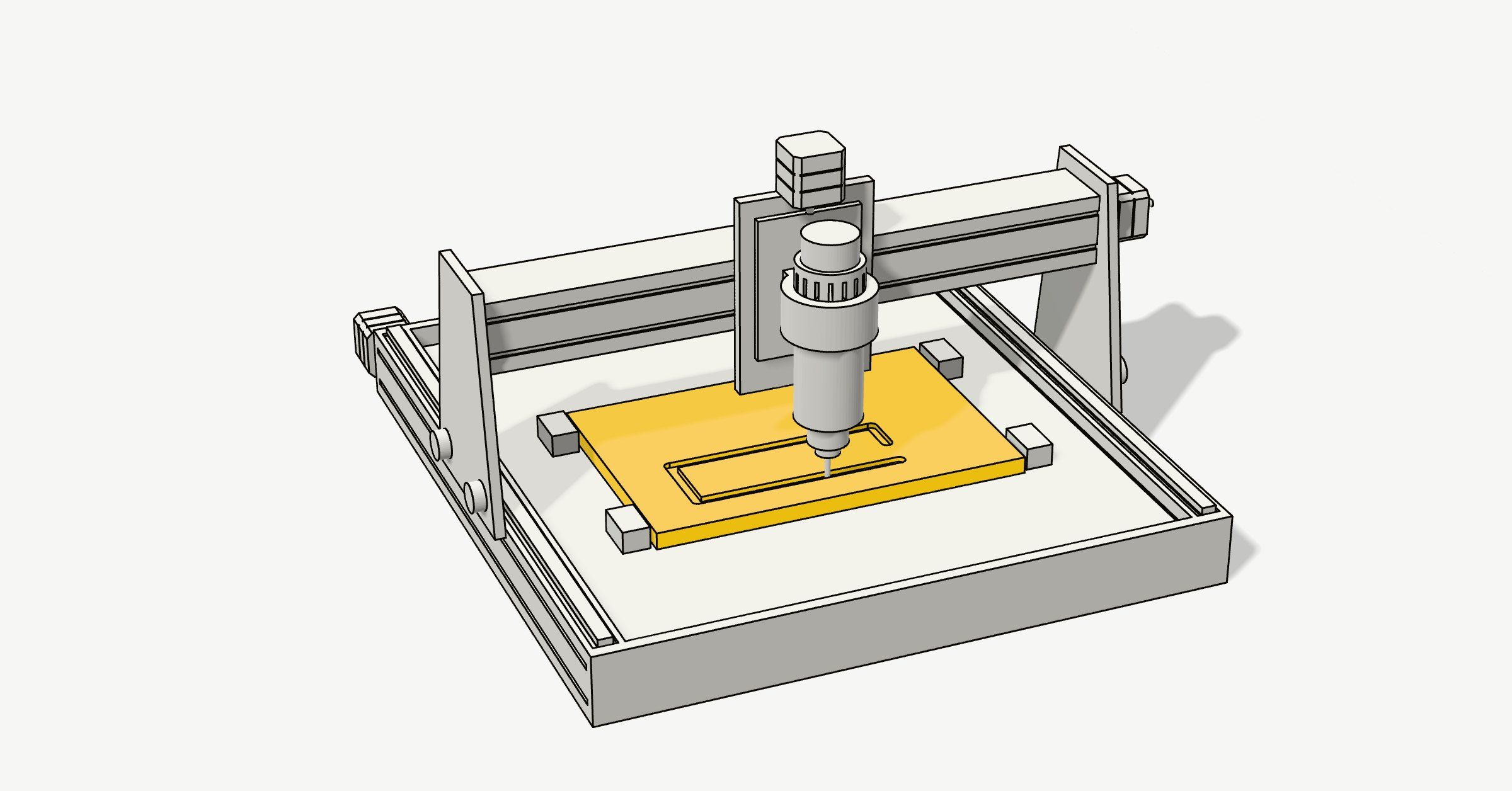
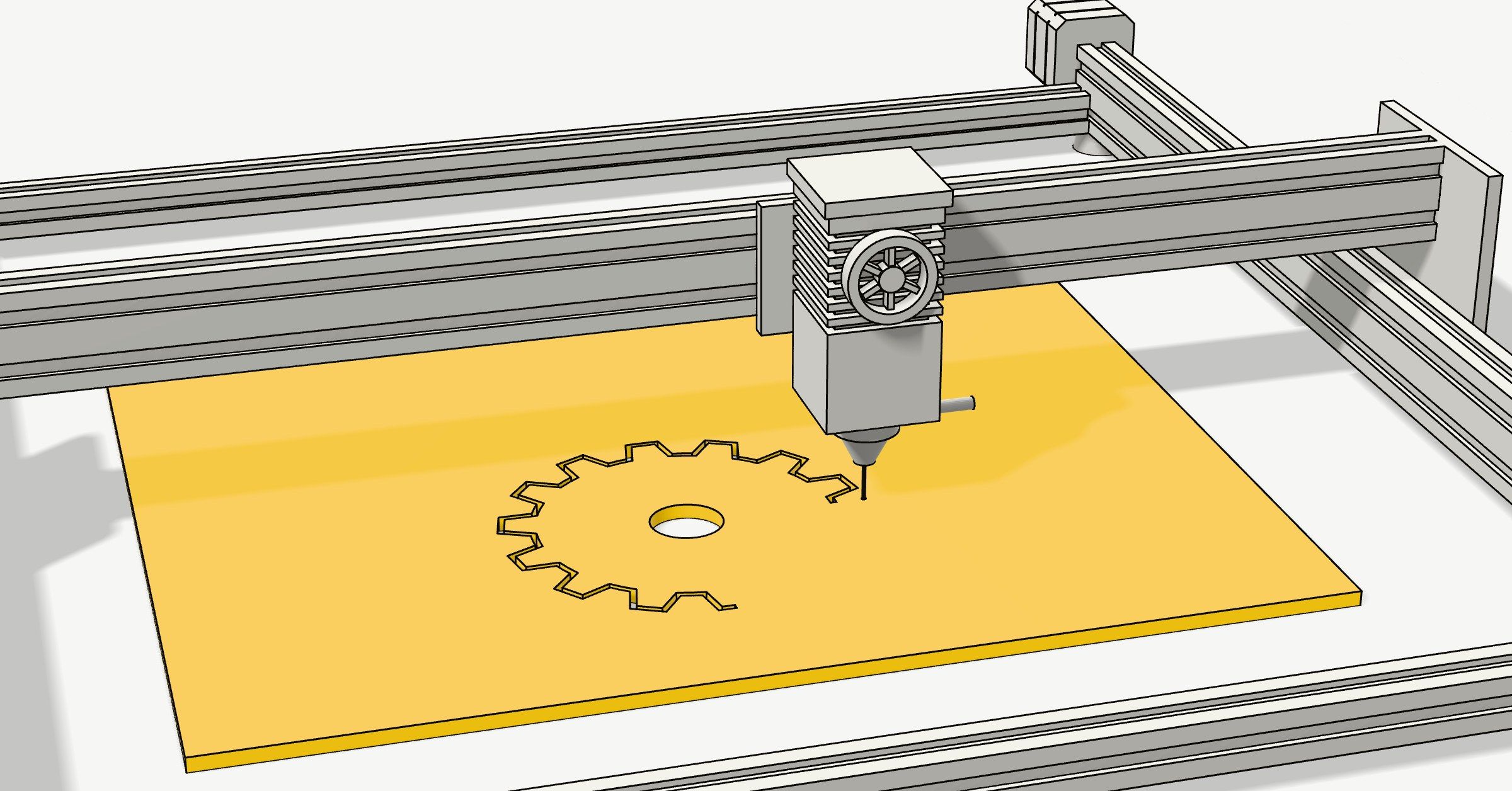
Here’s one toolpath from the picture at the top, and the G-code it becomes:
The first loop round the pocket, with a 10 mm end mill
The G-code it becomes
G21 G90Millimetres, absolute positionsT1 M6Tool 1, the 10 mm end millS9500 M3Spindle on at 9,500 rpmG0 X31 Y-13 Z5Rapid move over the start, 5 mm upG1 Z-3 F300Down 3 mm into the part, slowlyG1 Y13 F1400Cut along the right side at 1,400 mm/minG3 X27 Y17 I-4 J0Round the corner (an arc)G1 X-27Cut along the topG3 X-31 Y13 I0 J-4Round the cornerG1 Y-13Cut along the left sideG3 X-27 Y-17 I4 J0Round the cornerG1 X27Cut along the bottomG3 X31 Y-13 I0 J4Round the last corner, back to the startG0 Z5Rapid move up and outM5Spindle offM30End of the program
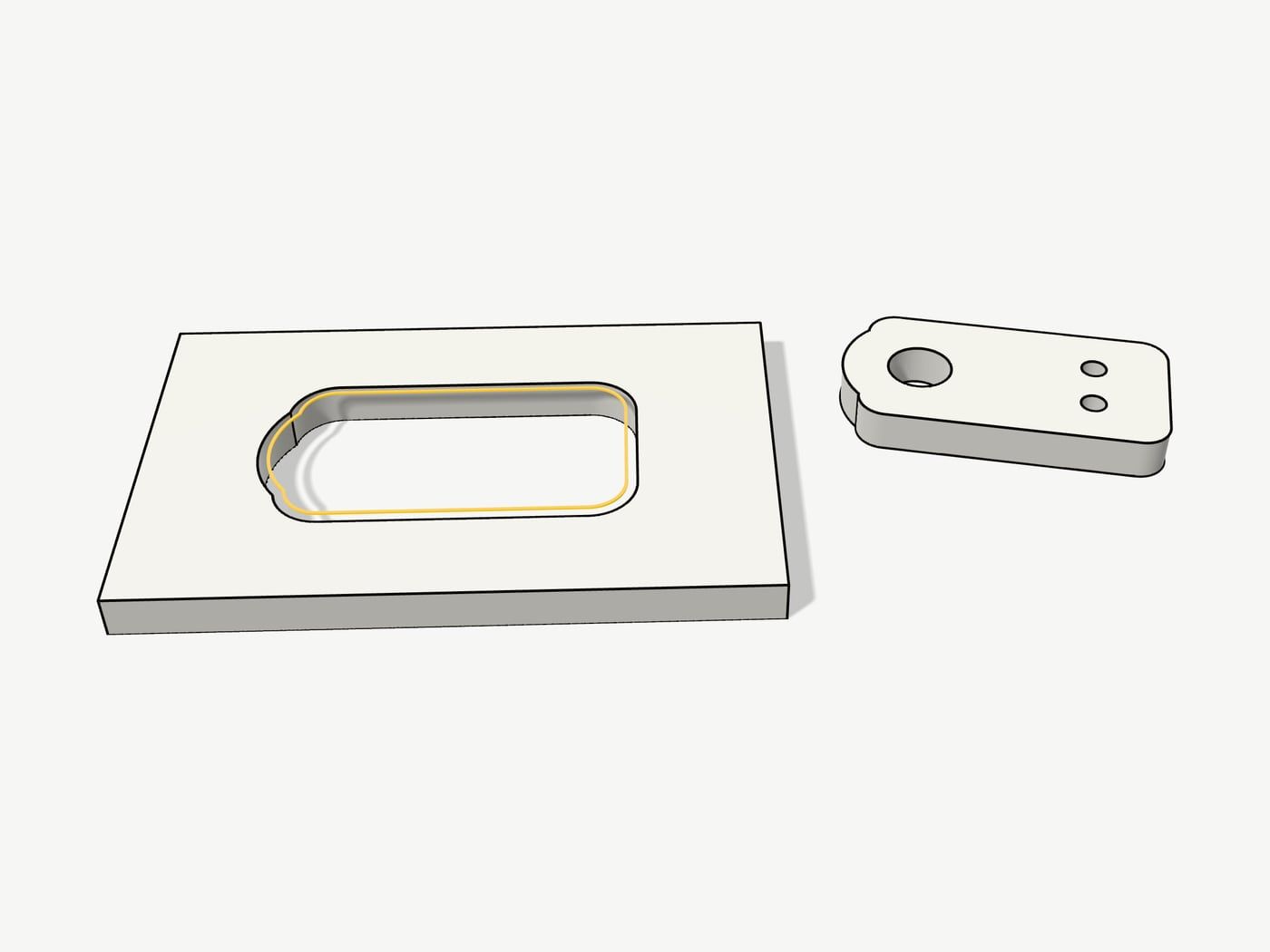
2D, 2.5D, 3-axis and 5-axis
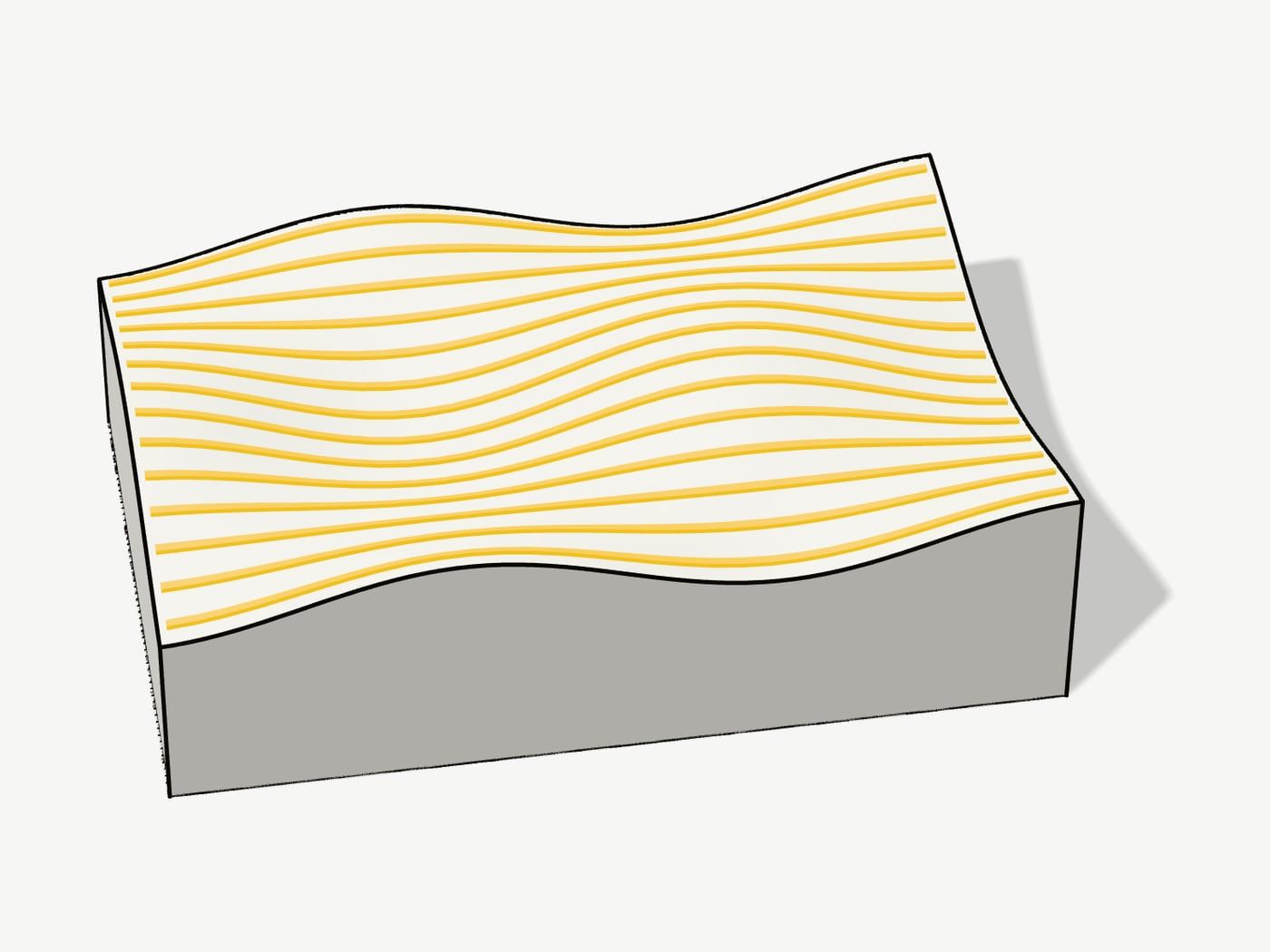
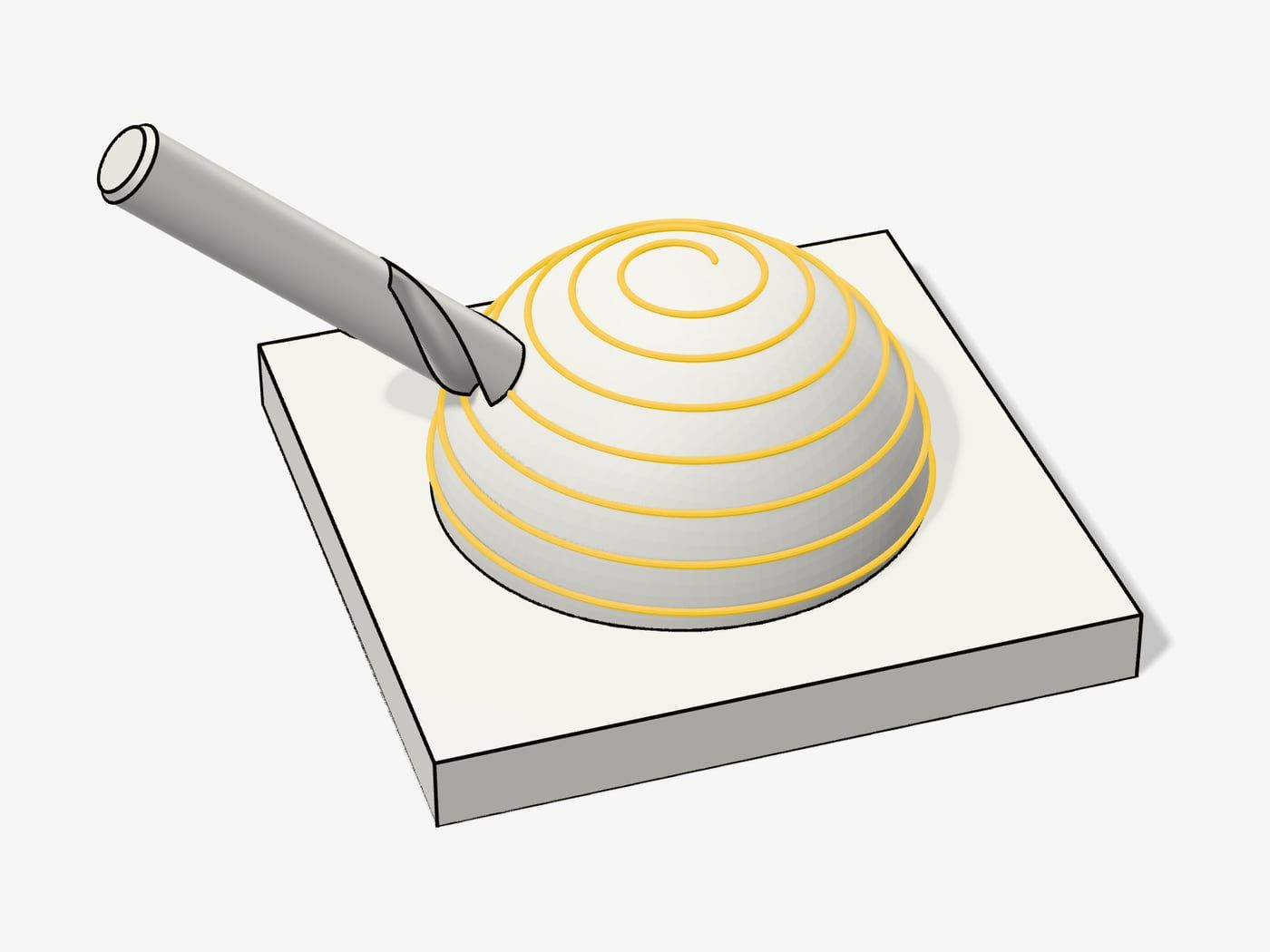
These words say how the tool moves, and they decide which programs can make your part.
Mills, routers, lathes and cutters
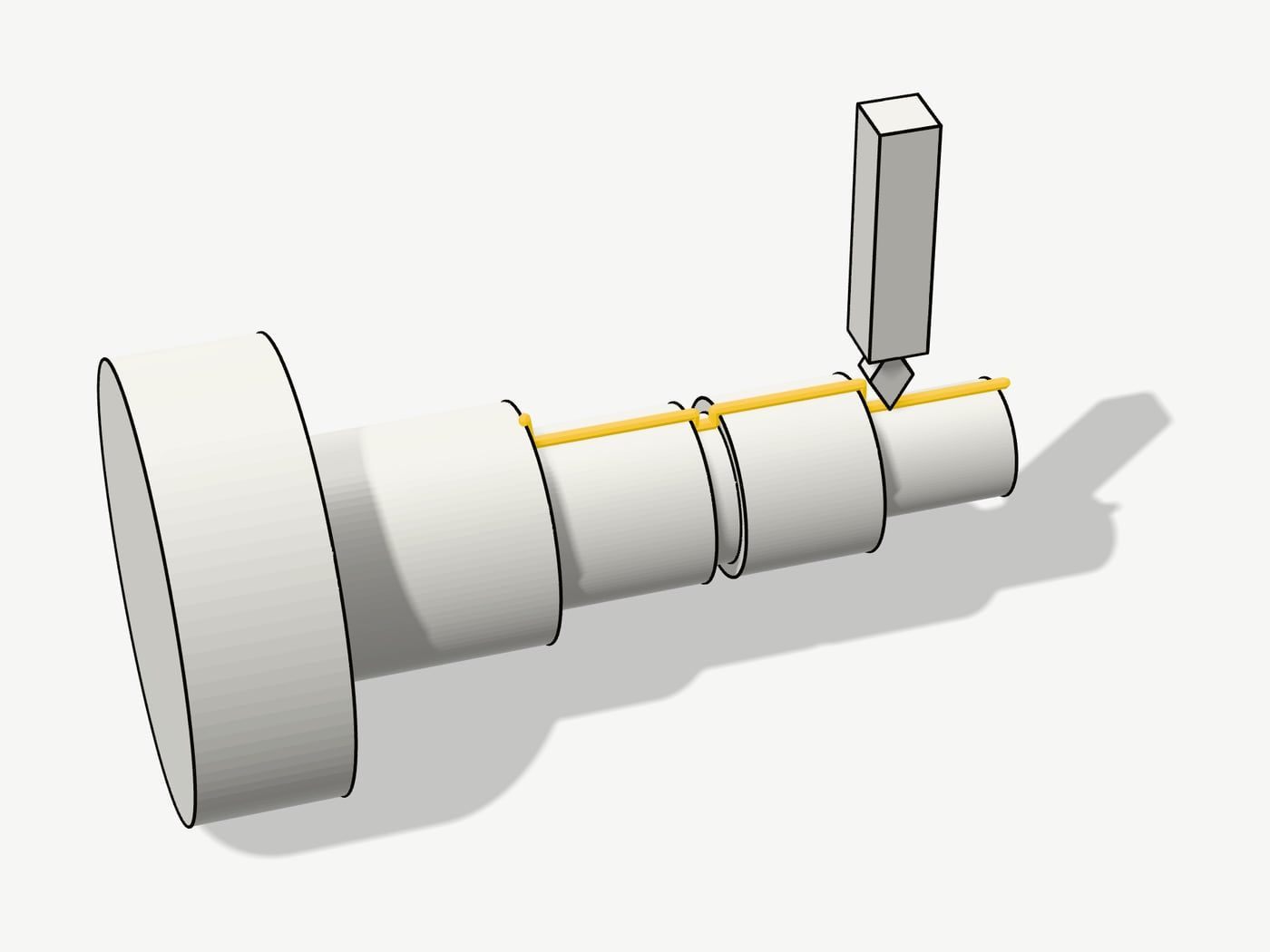
A mill moves a spinning cutter through metal; a router is the same on a lighter, bigger frame, for sheet. A lathe and a laser or plasma cutter need CAM of their own:
Post-processors
Fanuc, Haas, Heidenhain, LinuxCNC, Mach3 and the GRBL boards in hobby routers each speak their own dialect of G-code. A post-processor is the small script that writes the toolpaths in yours; FreeCAD, for one, ships posts for GRBL, LinuxCNC, Mach3 and Mach4, Fanuc, Heidenhain, Centroid and Masso. Pick the right one before anything else.
Simulation
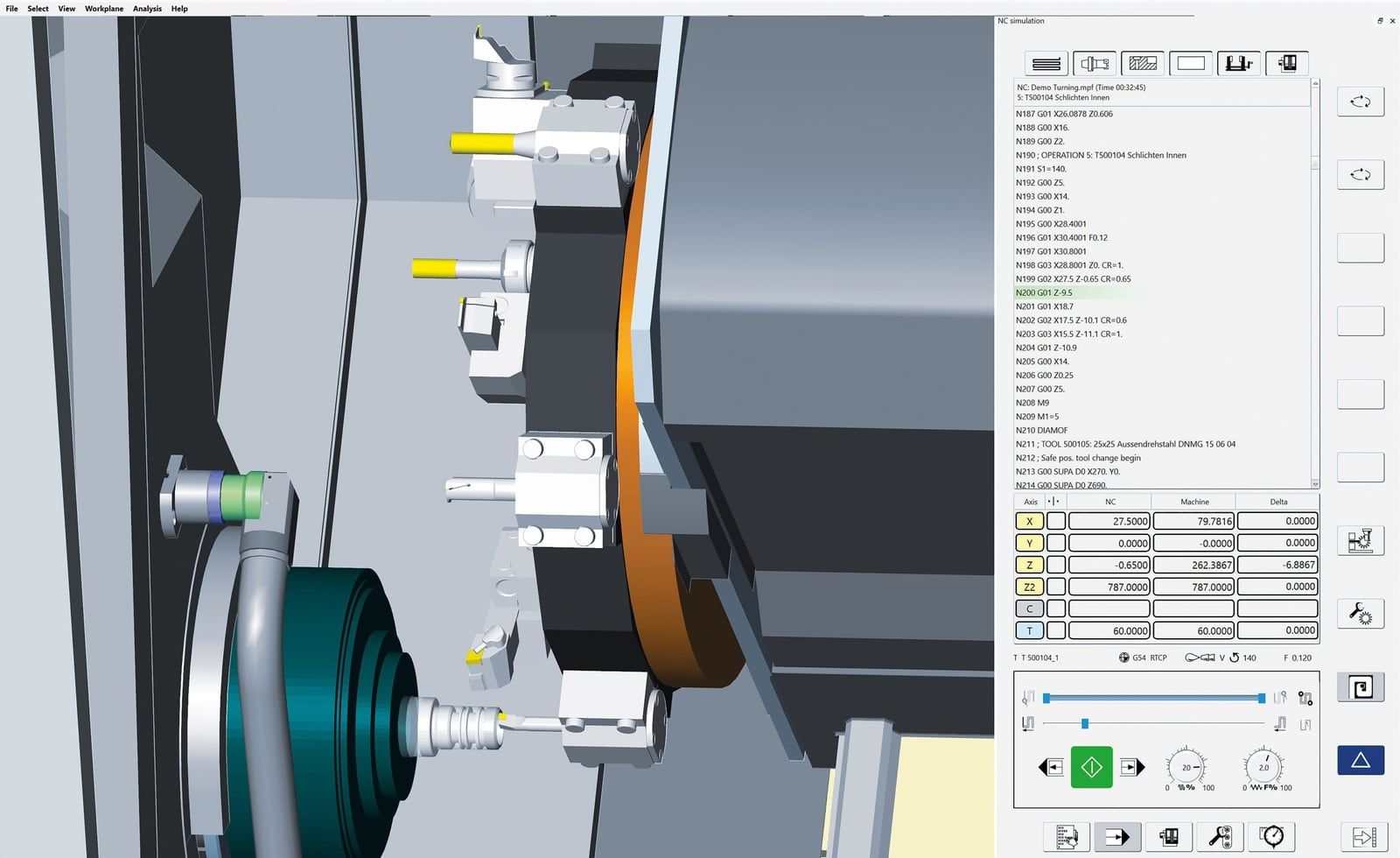
Before anything cuts, CAM plays the toolpaths back on the stock, so you see the material come off and catch a tool going too deep. The professional programs simulate the whole machine, holders and clamps included.
Feeds and speeds
CAM also sets how fast the spindle turns and the tool moves, from the tool maker’s cutting speed and chip load. Sandvik Coromant’s formulas:
- Spindle speed (rpm) = cutting speed (m/min) × 1,000 ÷ (π × tool diameter in mm)
- Feed (mm/min) = spindle speed × number of teeth × chip load (mm per tooth)
The G-code above: 300 m/min with a 10 mm three-flute cutter is 9,549 rpm (9,500), and 0.05 mm a tooth is 1,425 mm/min (1,400). Most programs fill these in from their tool libraries.
CAM, slicers and senders
A slicer is CAM for 3D printers, and decides almost everything itself (see our 3D printer software guide). A G-code sender such as gSender or UGS only sends finished G-code to the machine. Easel and Estlcam do design, CAM and sending in one.
The CAM programs to know
For CNC routers at home

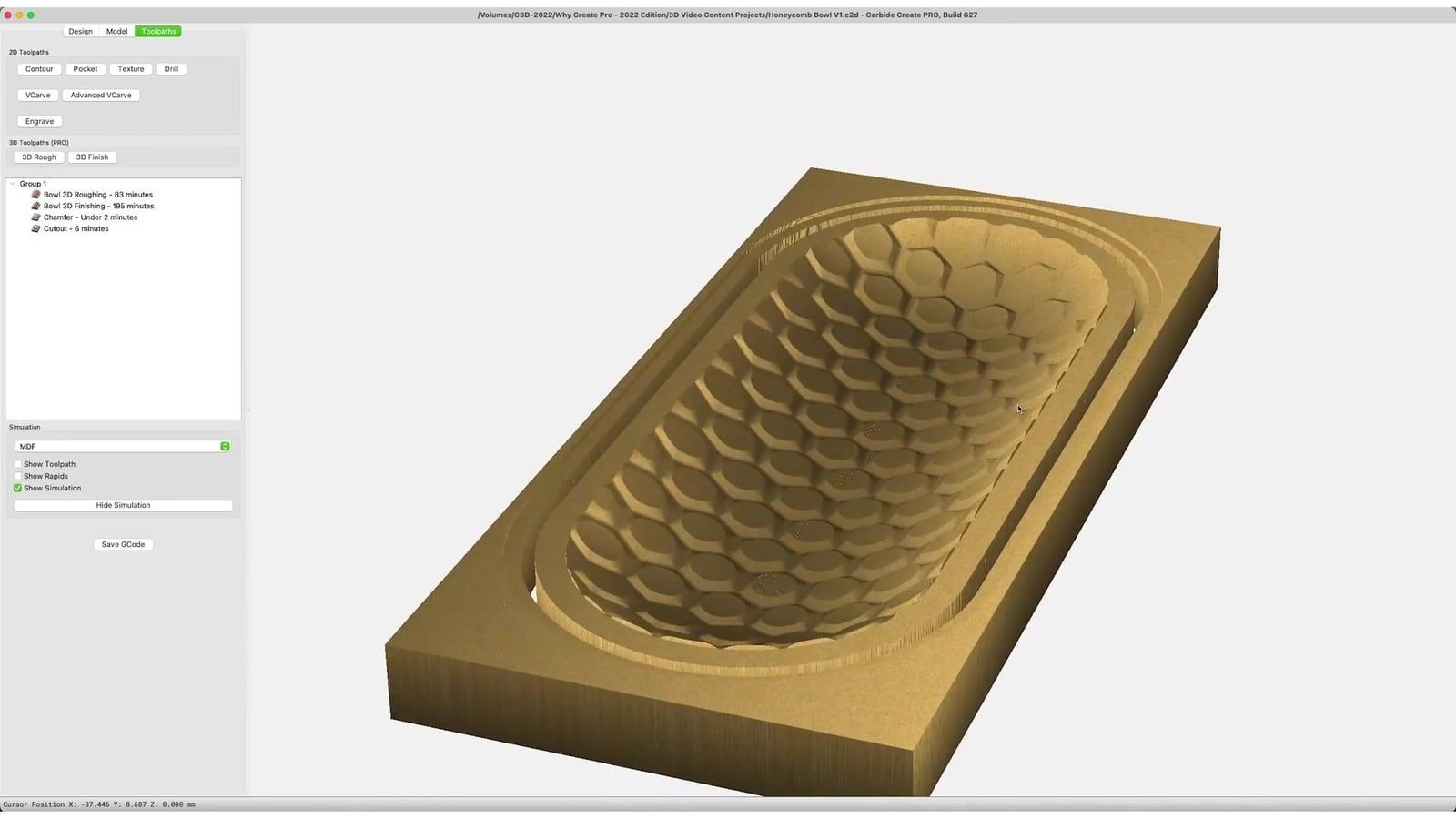
Carbide Create
FreePro: $120 a year, or $360 to keep
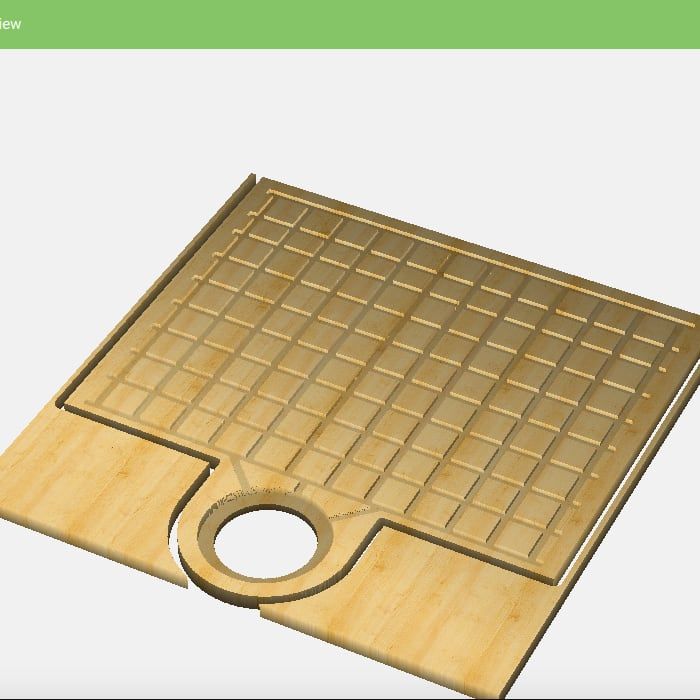
Carbide 3D's own program for its Shapeoko routers: draw in 2D, give each shape a depth, send it. Pro adds 3D.
- Version 8
- Windows, Mac
- Free and simple for a first project
- Pro adds 3D, rest machining and tiling
- Standard G-code for other machines needs Pro
- 2.5D only without Pro
Screenshots: Carbide 3D
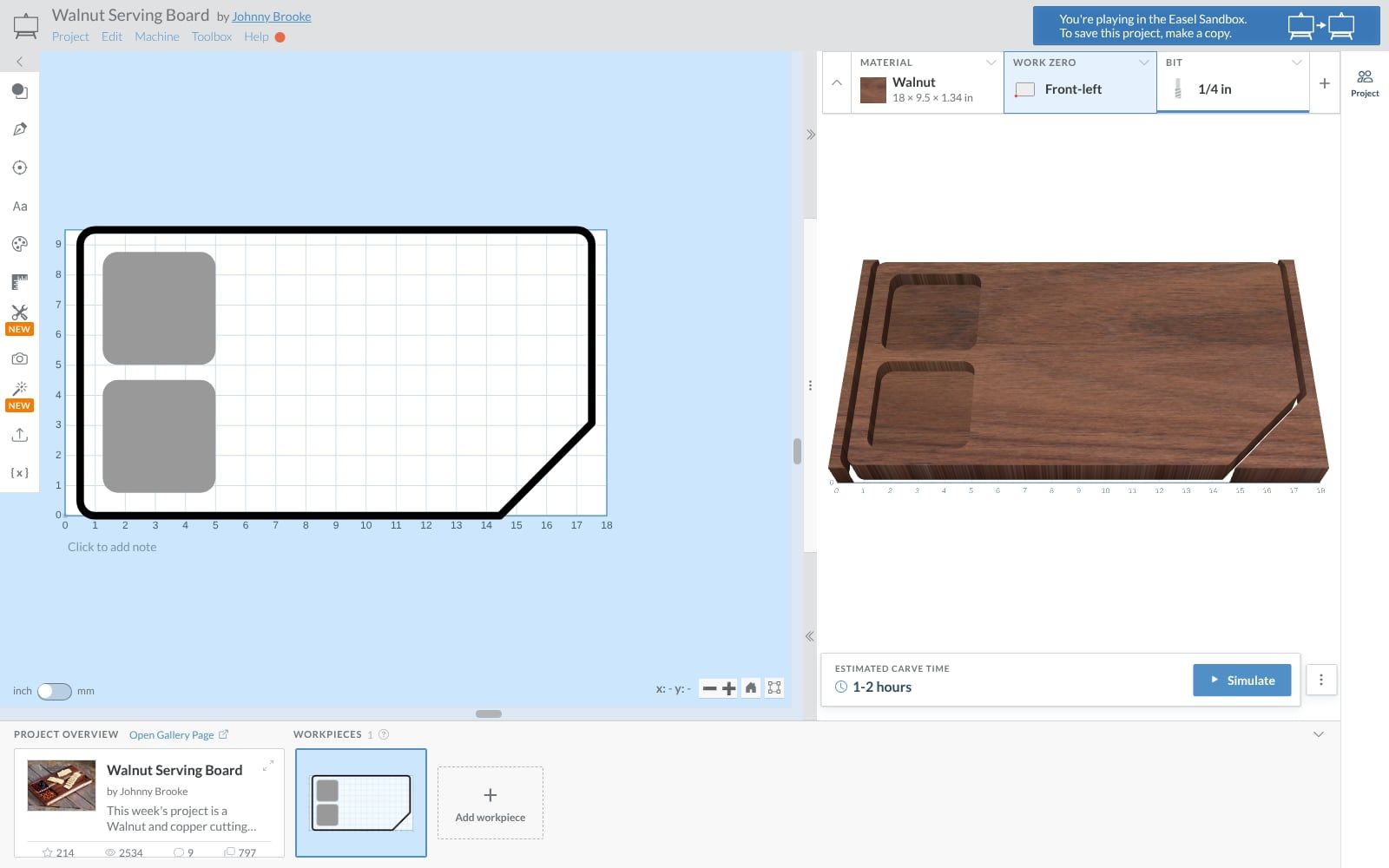

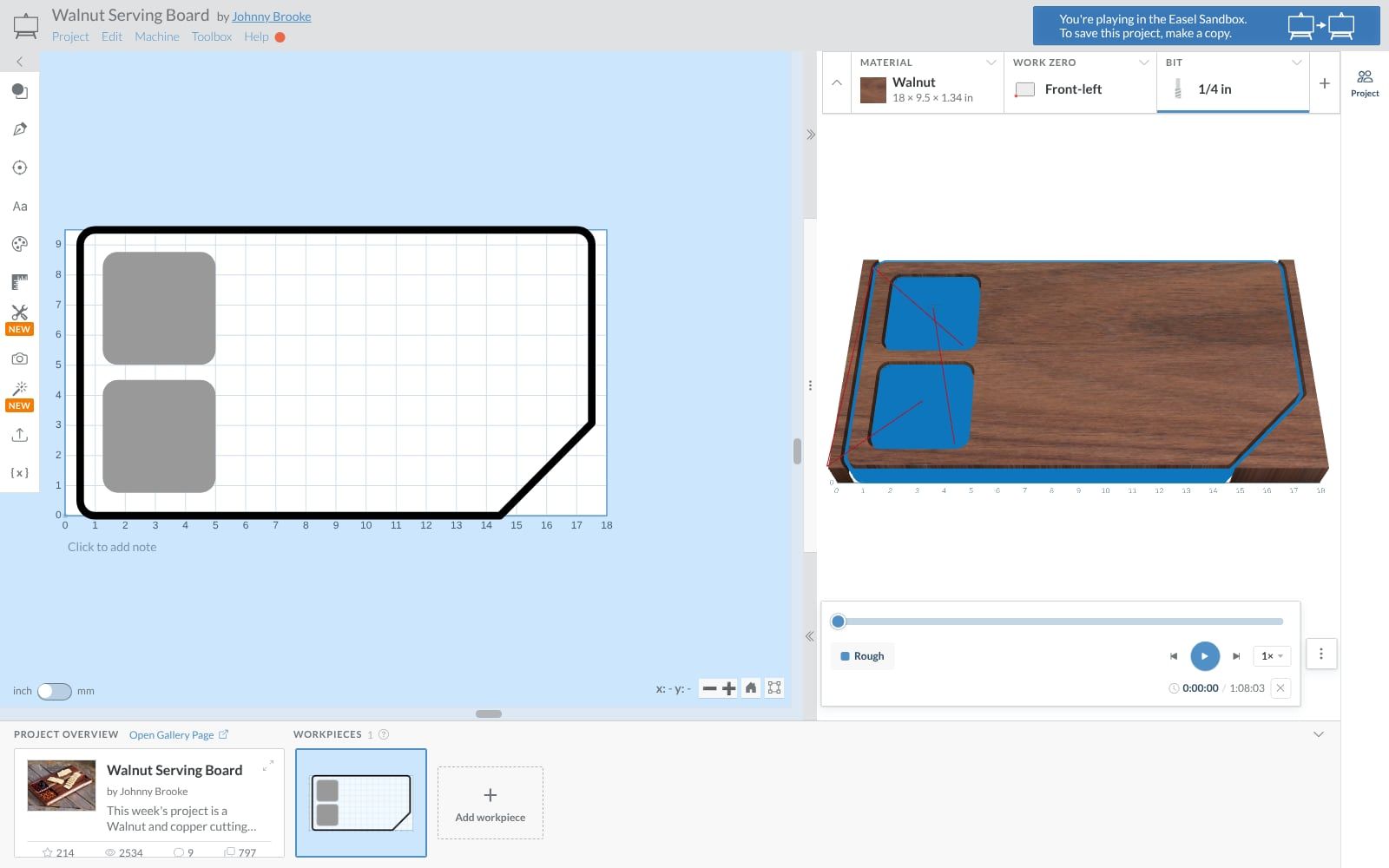
Easel
FreeEasel Pro costs extra
Design, CAM and machine control in one web page, from Inventables, the makers of the X-Carve.
- In the browser
- GRBL machines
- Nothing to install
- Copy and change other people's projects
- Some features need the paid Easel Pro
- Projects are saved online
Screenshots: ours, of easel.com
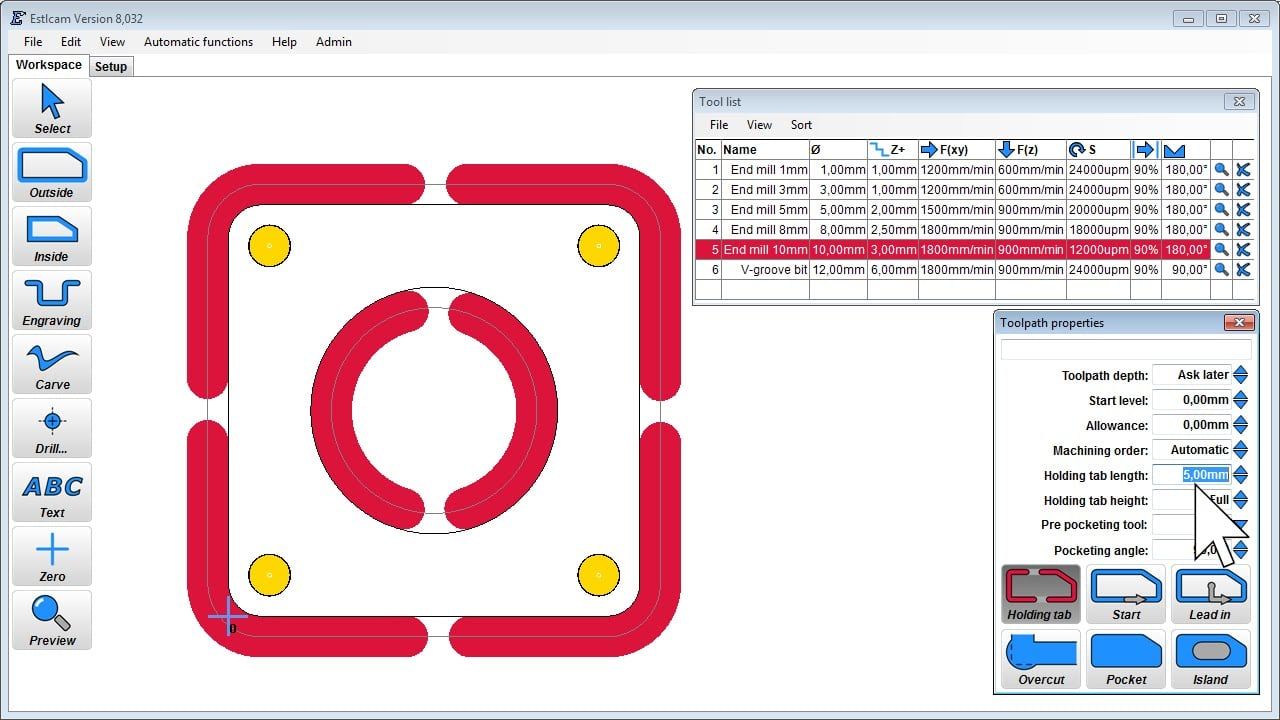

Estlcam
€49 or $59once, with a year of updates
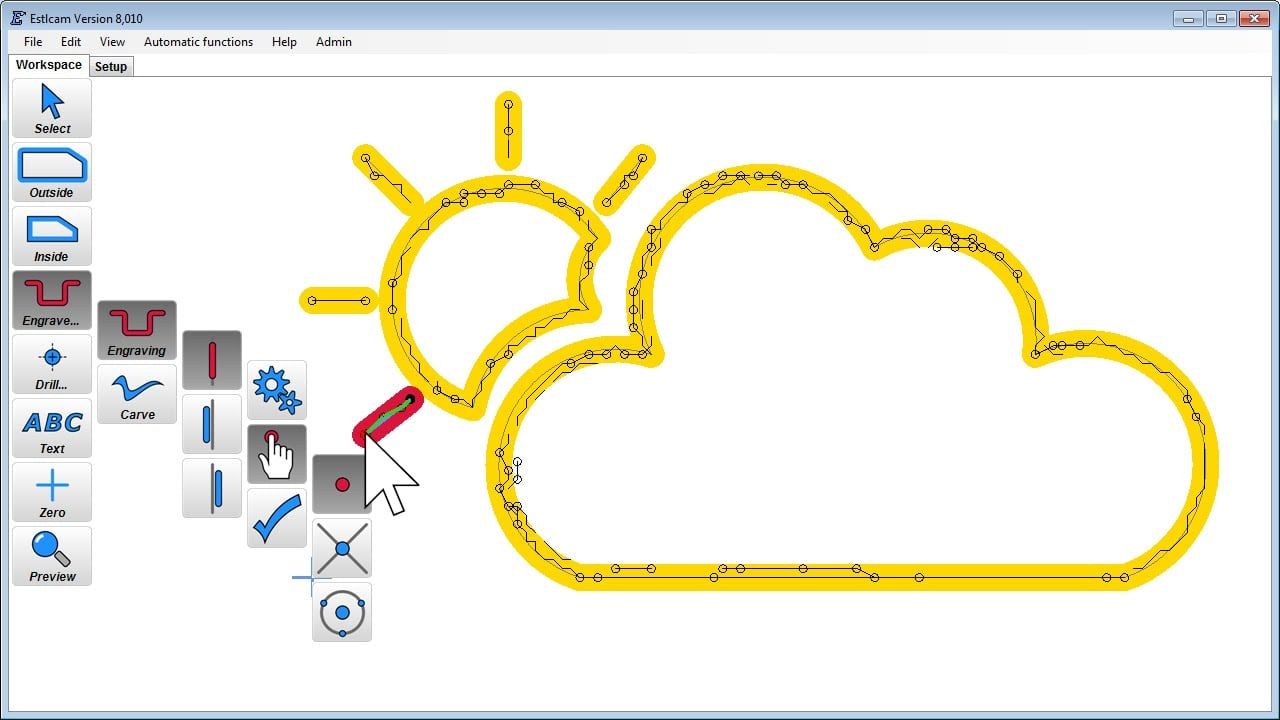
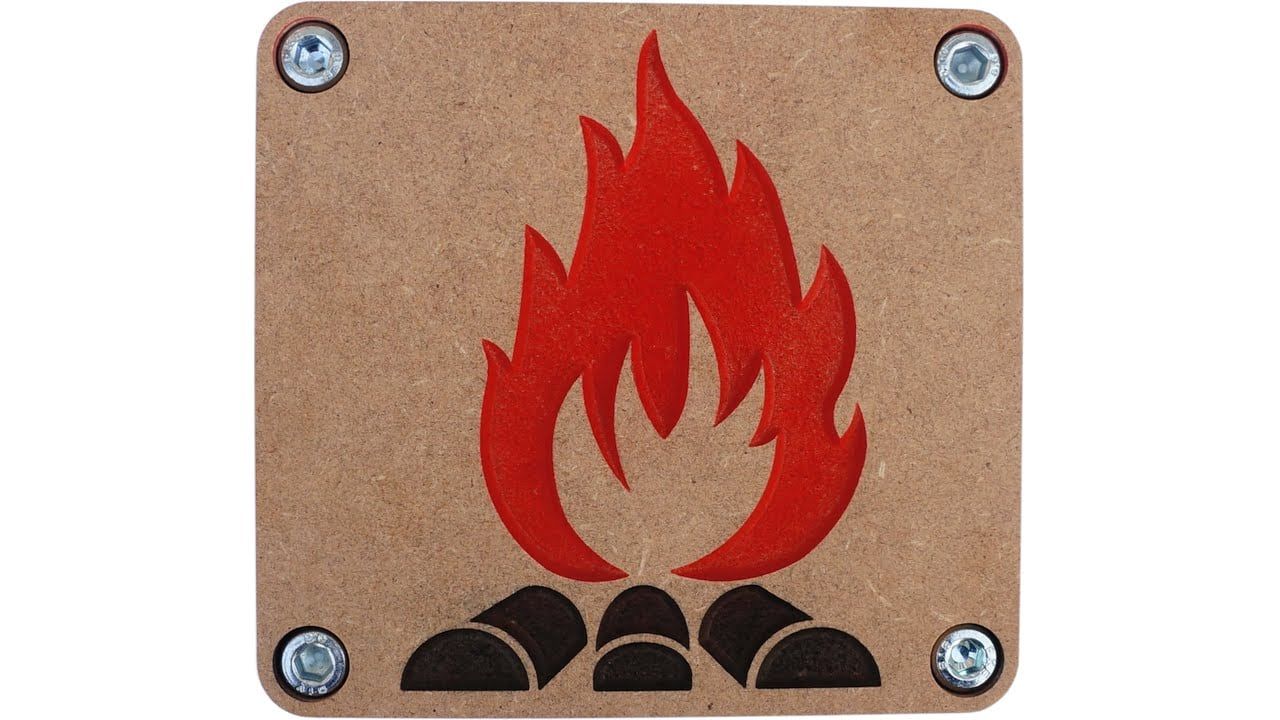
A one-person program from Germany: toolpaths from DXF, SVG and STL files, and it can run the machine too.
- Version 13.020
- Windows
- The free version does everything, just slower to open and save
- V-carving and trochoidal milling
- Windows only
- You draw in another program first
Screenshots: Christian Knüll, from an earlier version, Estlcam 8

Vectric VCarve and Aspire
From $149paid once: VCarve $349 to $699, Aspire $1,995
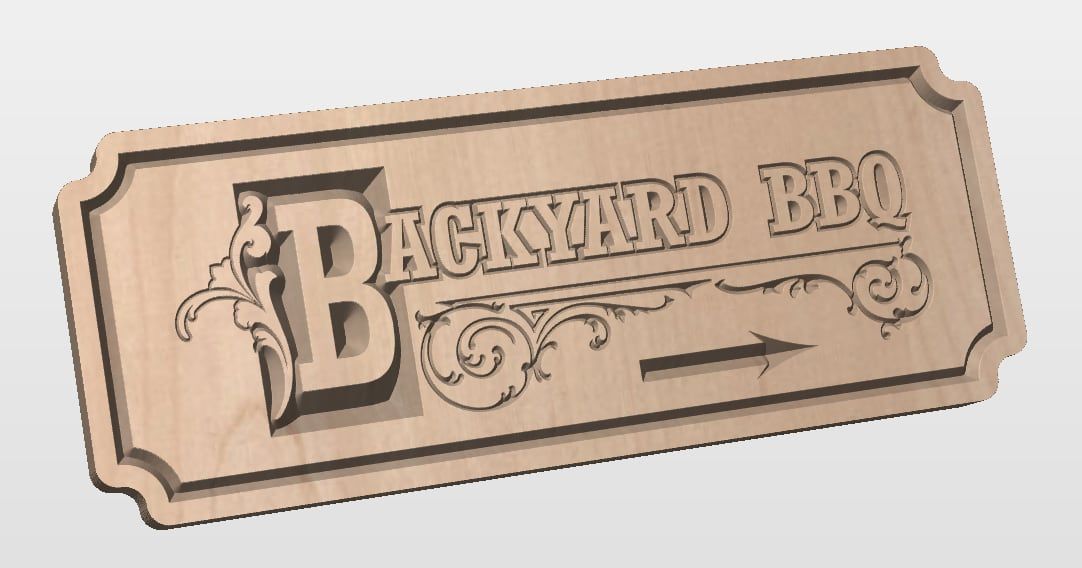
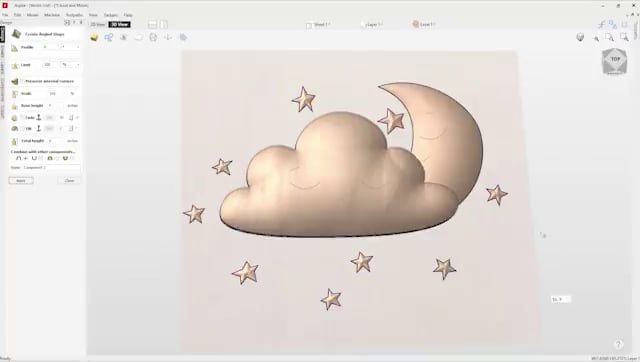
Router CAM from England, at its best on signs and lettering. Cut2D cuts, VCarve adds V-carving, Aspire adds 3D.
- Version 12.5
- Windows; Spark for Mac
- V-carved lettering and inlays in a few clicks
- Paid once; upgrade by paying the difference
- Desktop editions: 24 × 24 inches without tiling
- The trial can't save toolpaths for your own designs
Screenshots: Vectric
Free and open source

Kiri:Moto
Freeopen source, MIT licence
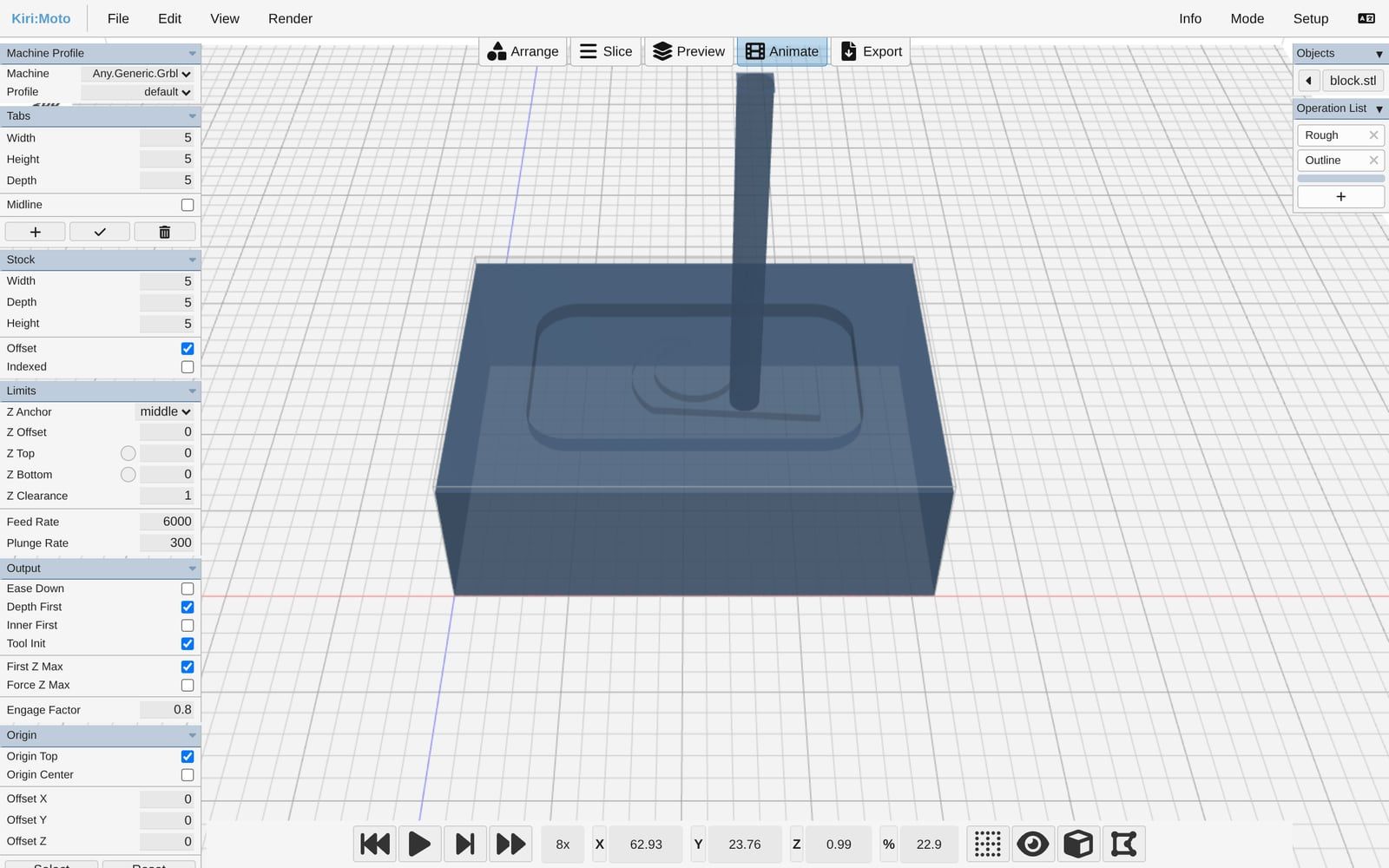
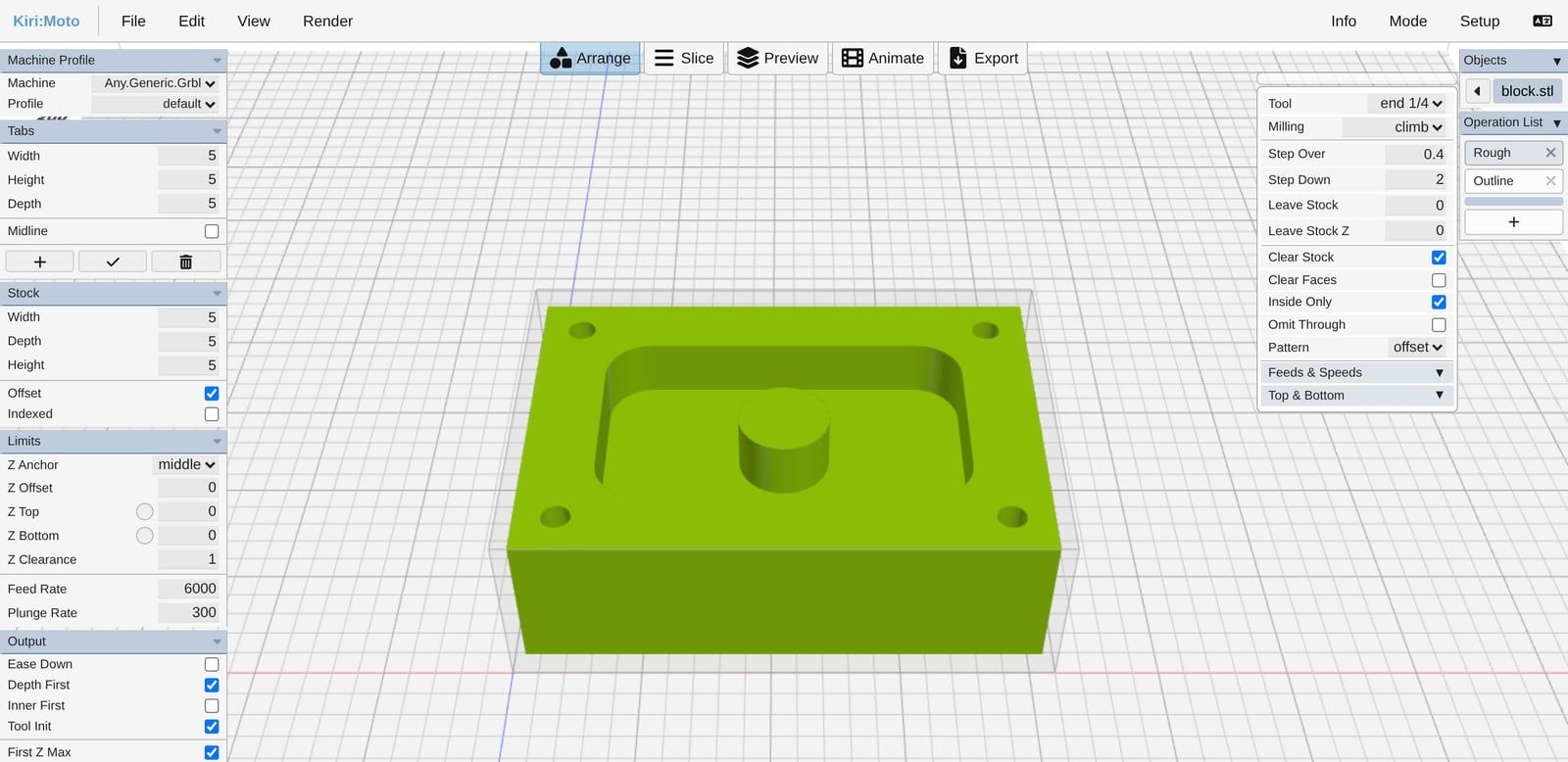
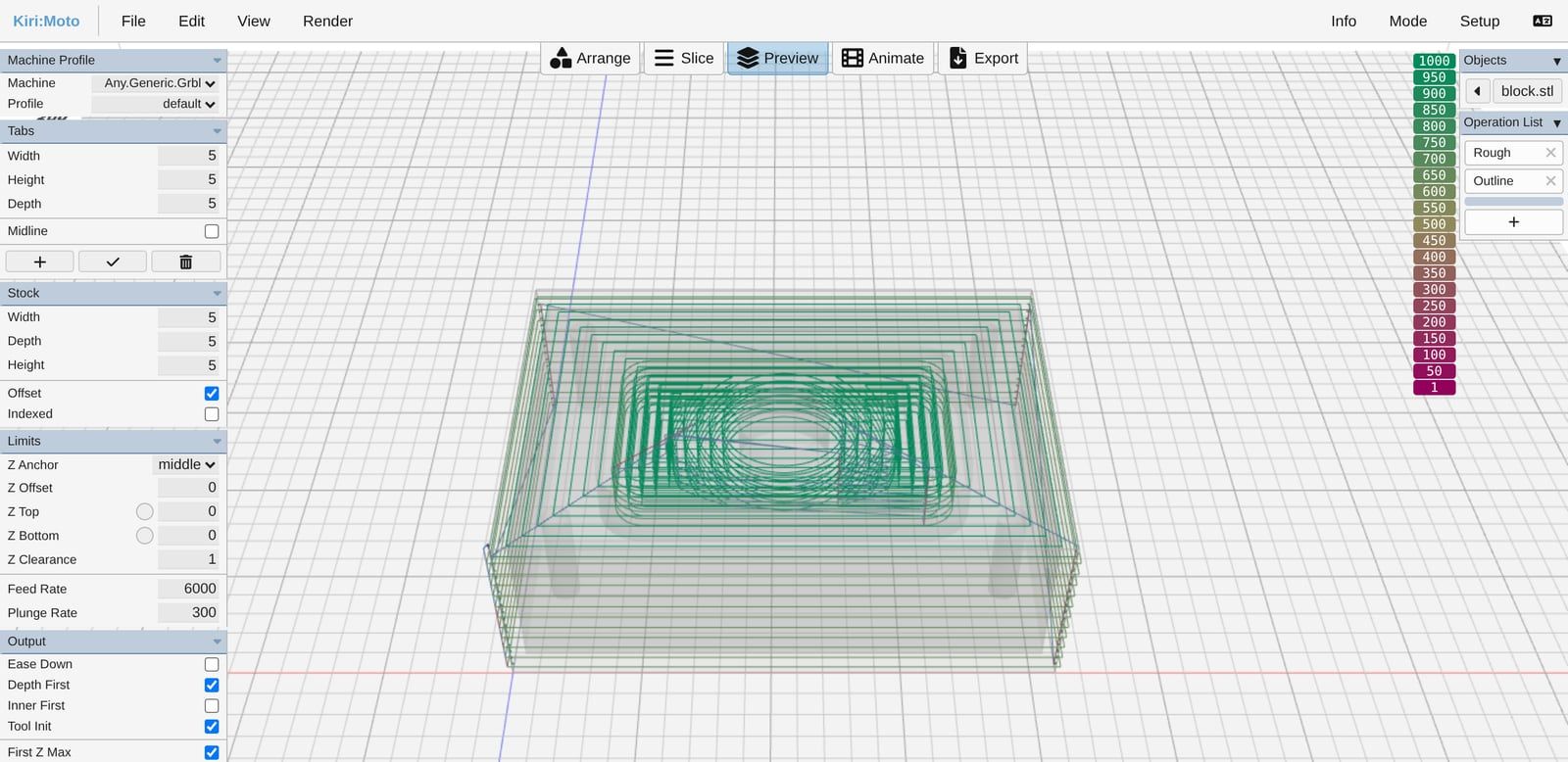
A free slicer and CAM program in one web page: load an STL, set the stock and tools, download the G-code.
- Version 4.7.3
- Browser, or inside Onshape
- No account, ads or tracking
- Roughing, contours, pockets and drilling
- Its docs call rotary work supported only "barely"
- Works from meshes, not exact CAD faces
Screenshots: ours, of Kiri:Moto (version 4.7.3)

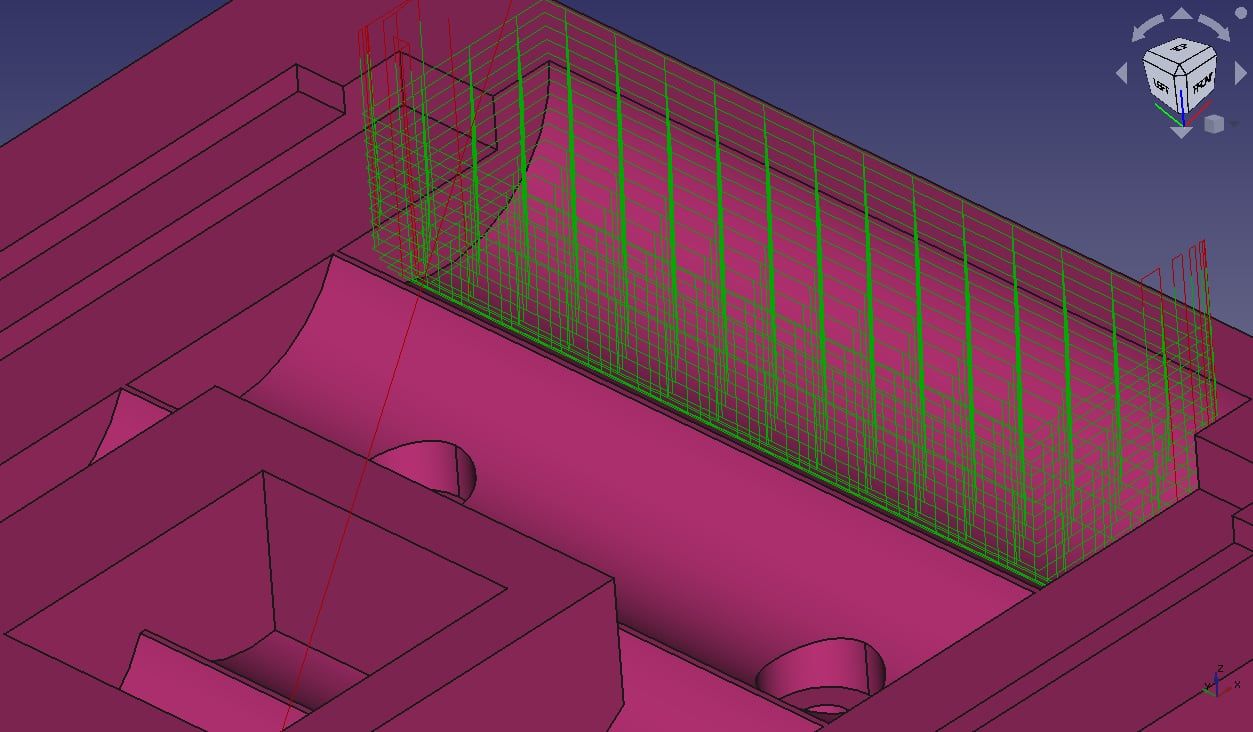
FreeCAD CAM workbench
Freeopen source, LGPL
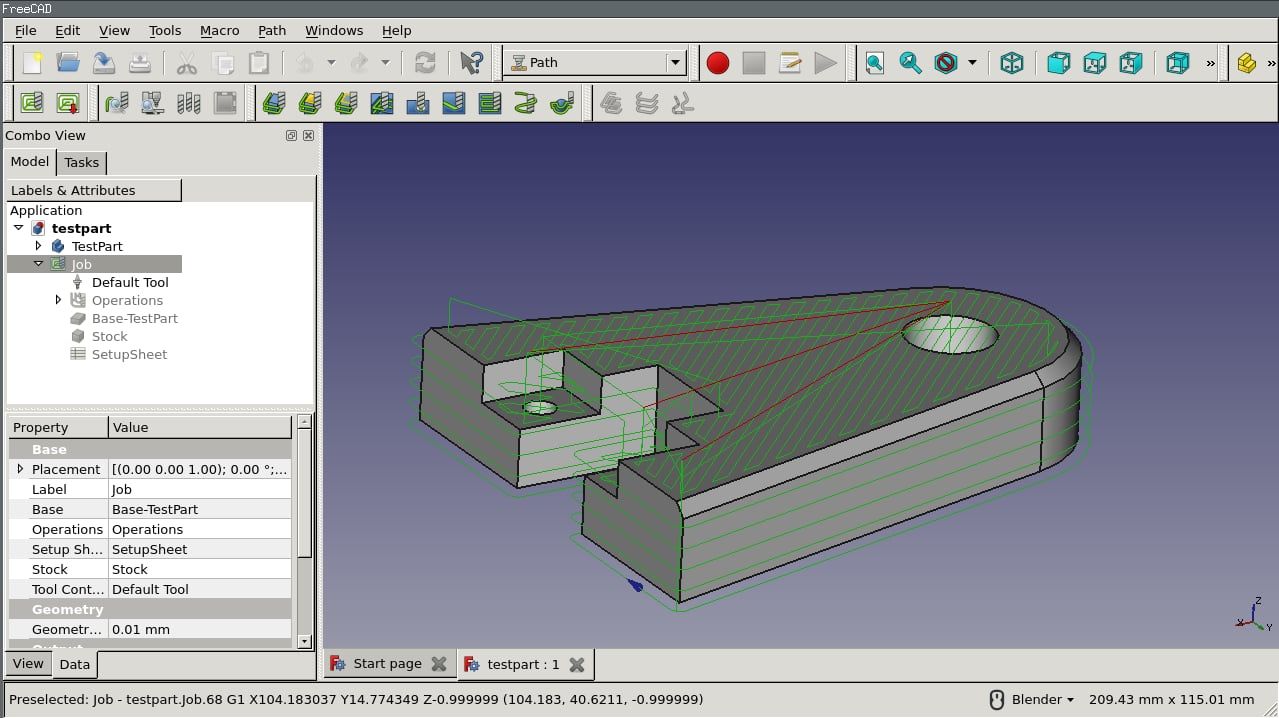
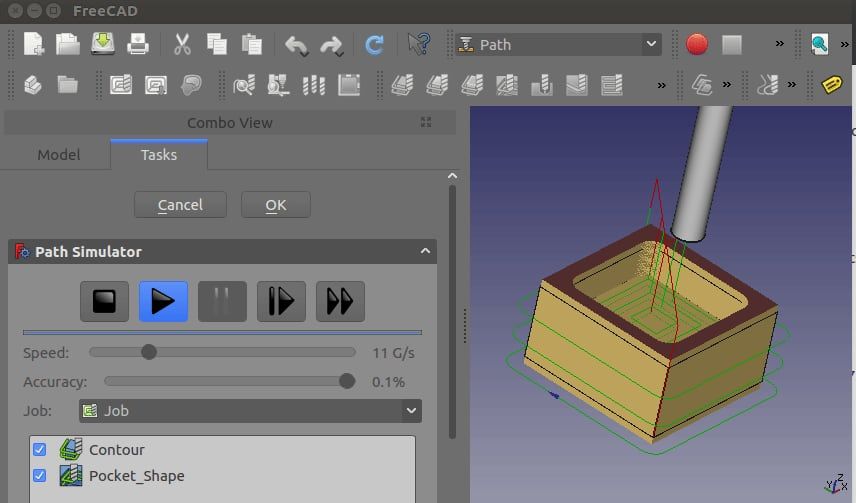
FreeCAD's CAM, called Path until 1.0: toolpaths straight from your parametric model, so changes carry through.
- FreeCAD 1.1.4
- Windows, Mac, Linux
- Free for any use, offline
- Posts for GRBL, LinuxCNC, Mach3/4, Fanuc and more
- Takes longer to learn than Fusion
- Older tutorials show the old Path workbench
Screenshots: FreeCAD wiki (CC BY 3.0)
CAD with CAM built in
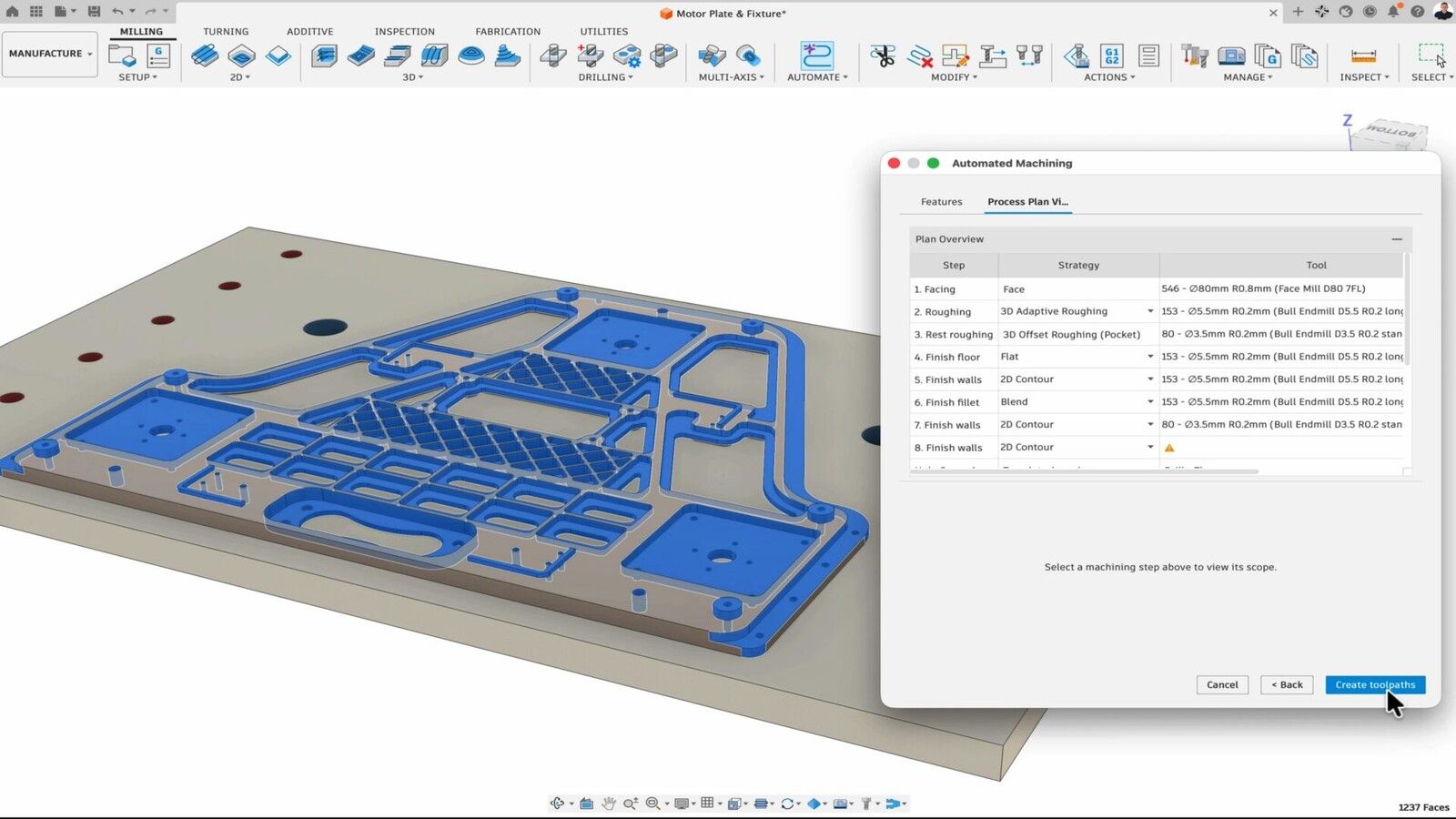

Autodesk Fusion
Free for personal use$680 a year for commercial use
Autodesk's CAD and CAM in one file: adaptive clearing, turning and laser, plasma and waterjet profiling.
- Windows, Mac
- Free for home, non-commercial use
- The free licence keeps 2- and 3-axis milling, adaptive clearing and turning
- Model and toolpaths update together
- Free licence: no rapid moves, one tool per file, no multi-axis
- Files live in Autodesk's cloud
Screenshot: Autodesk
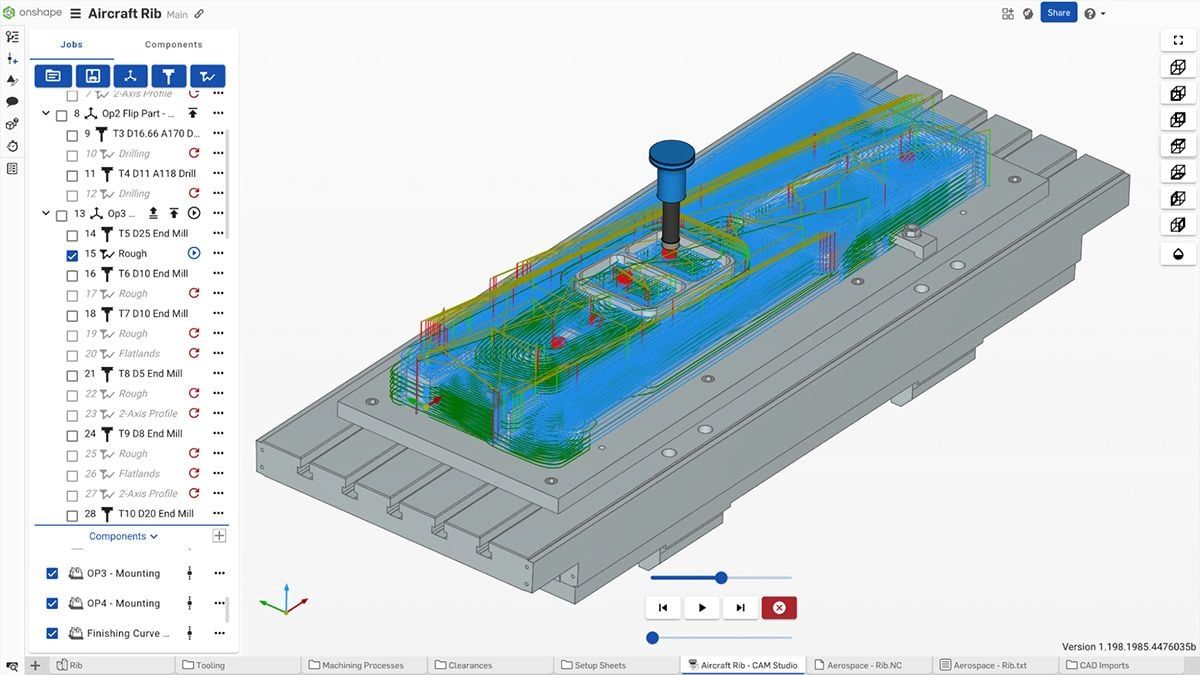

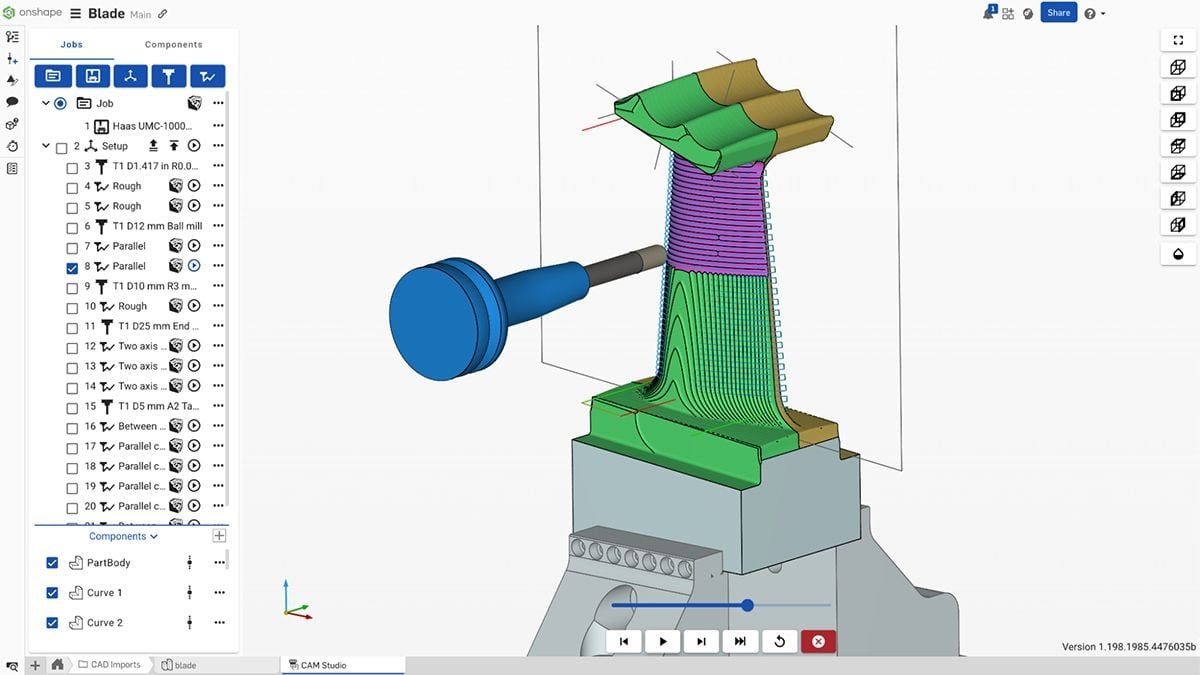
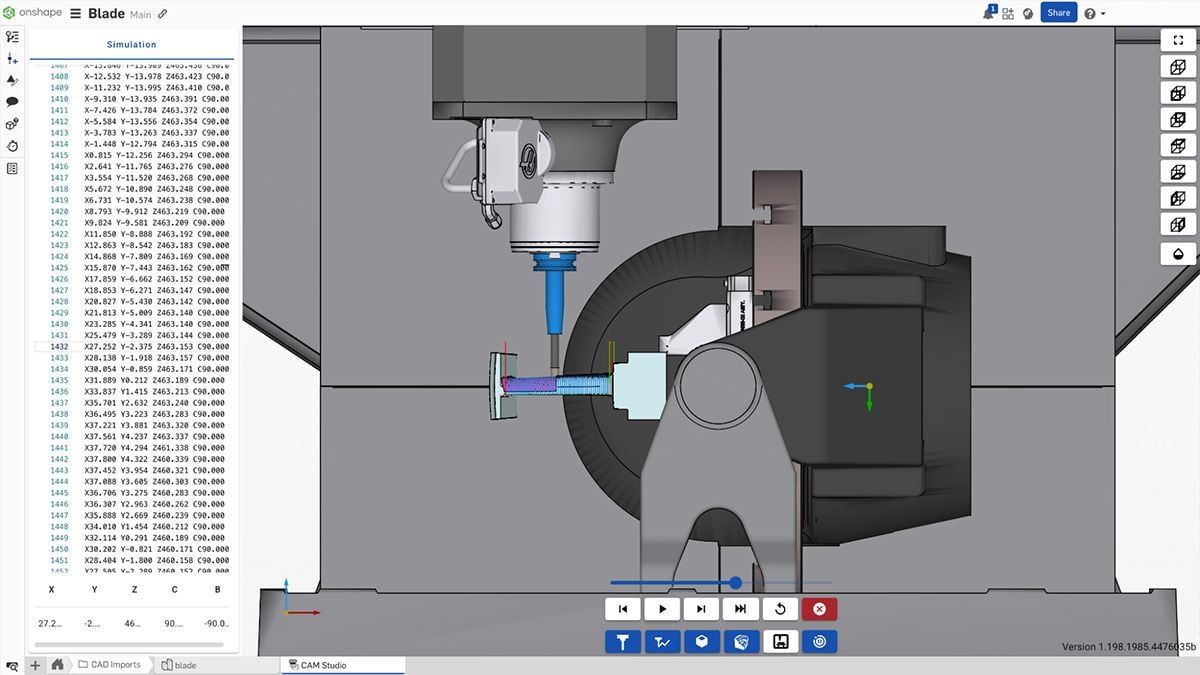
Onshape CAM Studio
$2,500 a yearcomes with Onshape Professional
CAM inside Onshape, PTC's browser CAD: 2.5- and 3-axis milling next to the model, on any computer.
- In the browser
- Onshape Professional and up
- Nothing to install
- Toolpaths follow design changes
- Not in the Free or Standard plans
- Multi-axis and turning aren't out yet
Screenshots: PTC Onshape
For lasers and plasma
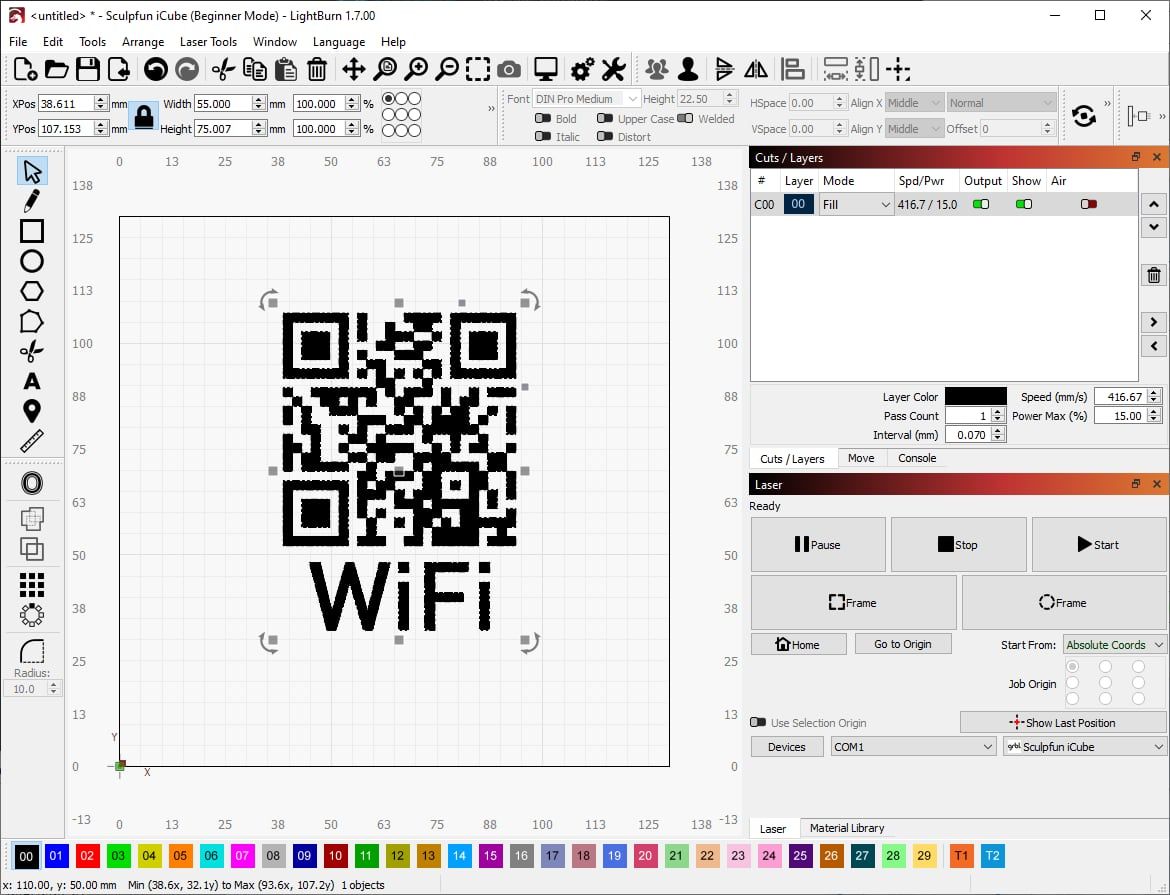

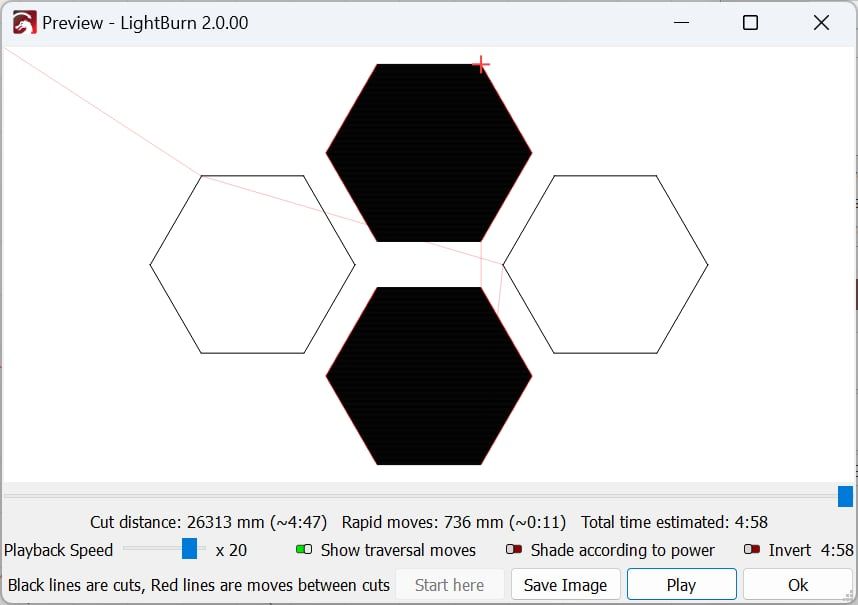
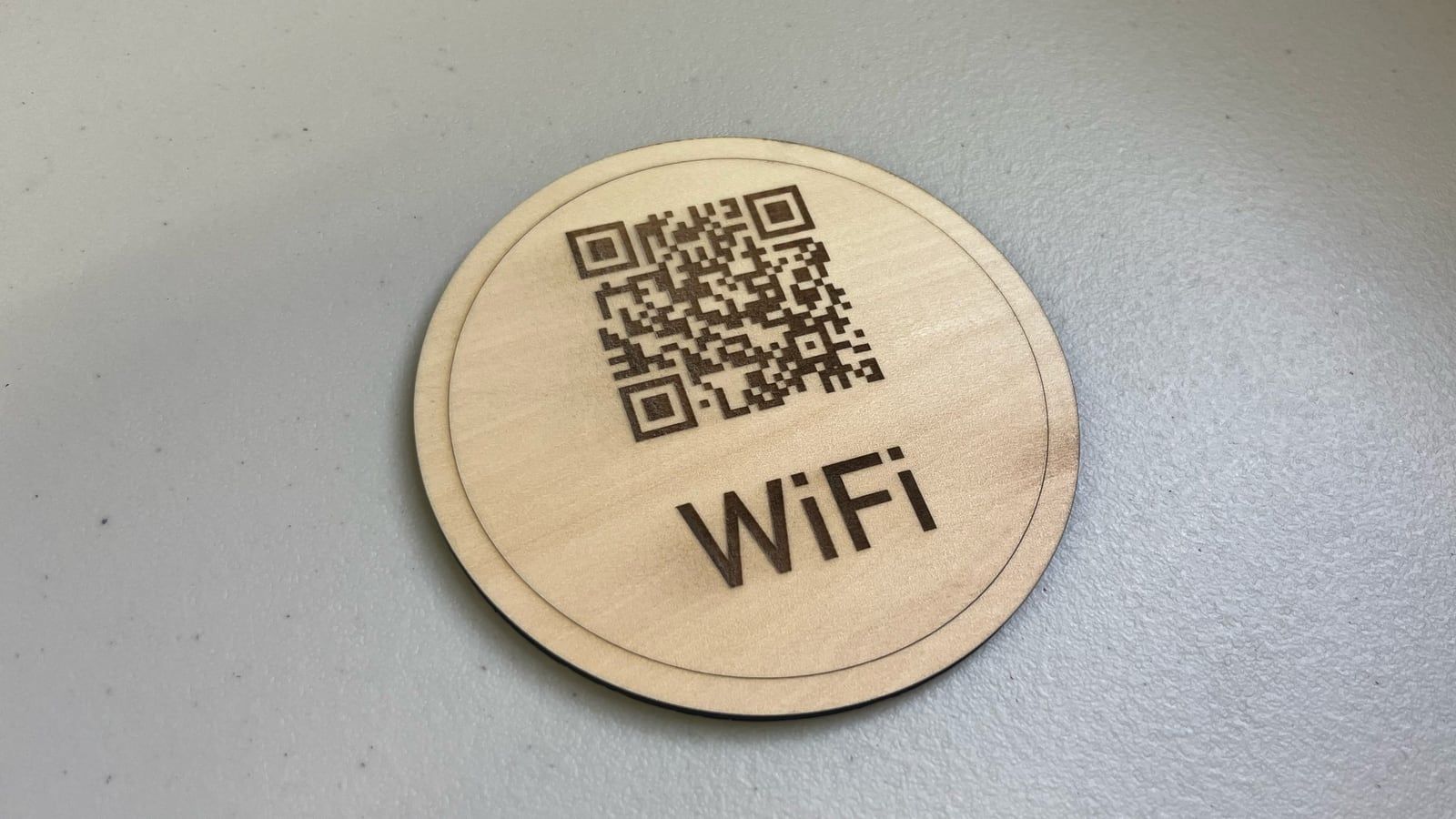
LightBurn
$99 or $199paid once, with a year of updates
Design, settings and control for laser cutters and engravers in one program. MillMage is its sister for routers.
- Version 2.2
- Windows, Mac
- Runs the laser directly
- 30-day trial with no limits
- Linux stayed at version 1.7
- Lasers only
Screenshots: LightBurn Software

SheetCAM
$279paid once
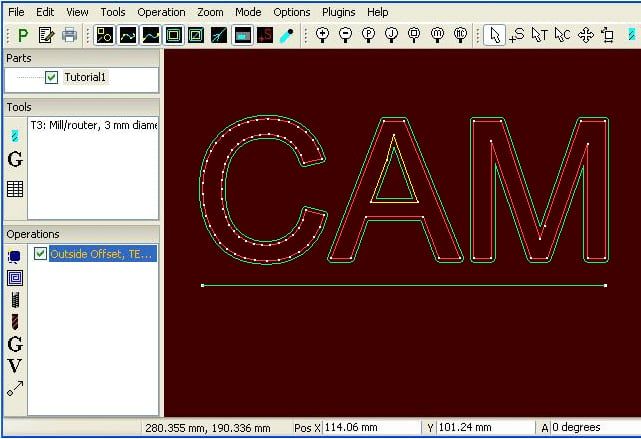
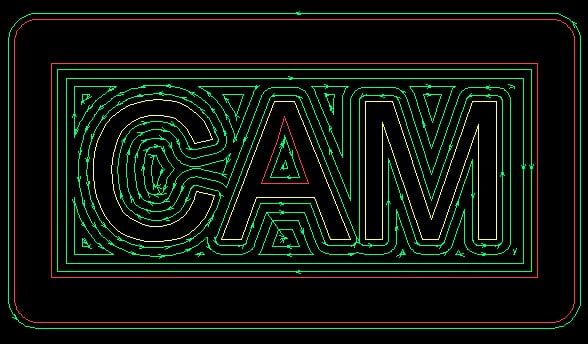
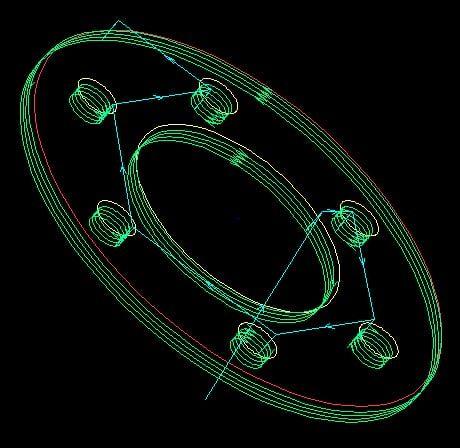
2D CAM made with plasma tables in mind: nesting, kerf, cut order and ramped pierces, plus routing and milling.
- Version 8.0
- Windows
- Automatic nesting and cut ordering
- Torch height control
- Windows only
- 2D only
Screenshots: SheetCAM
For machine shops

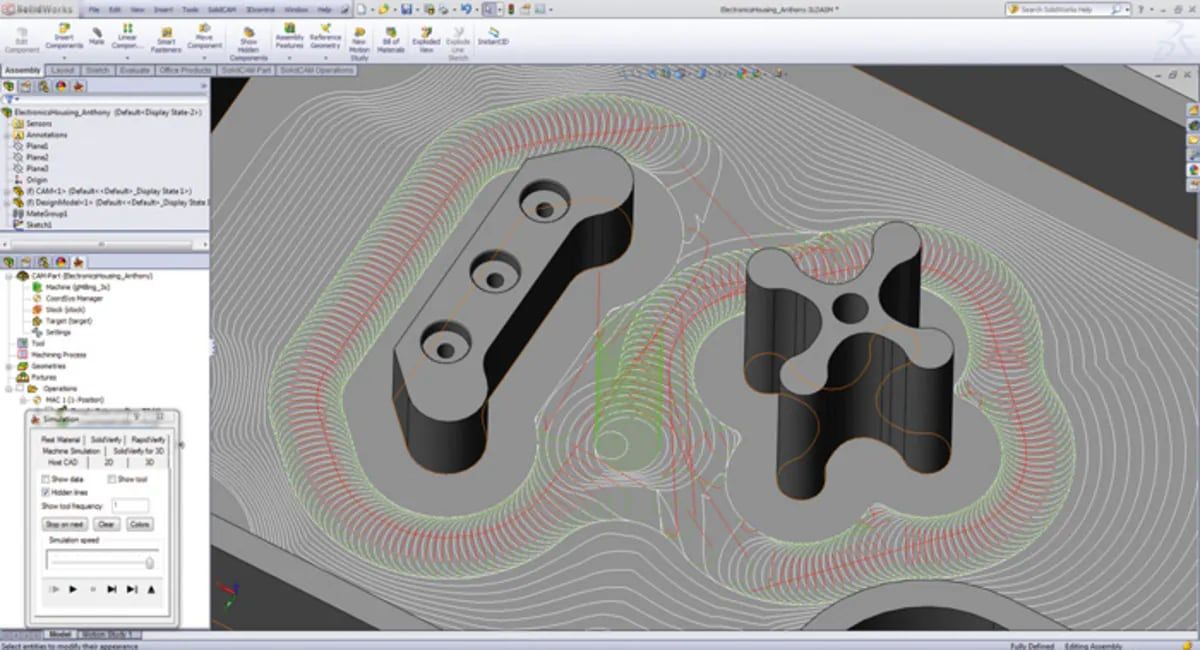
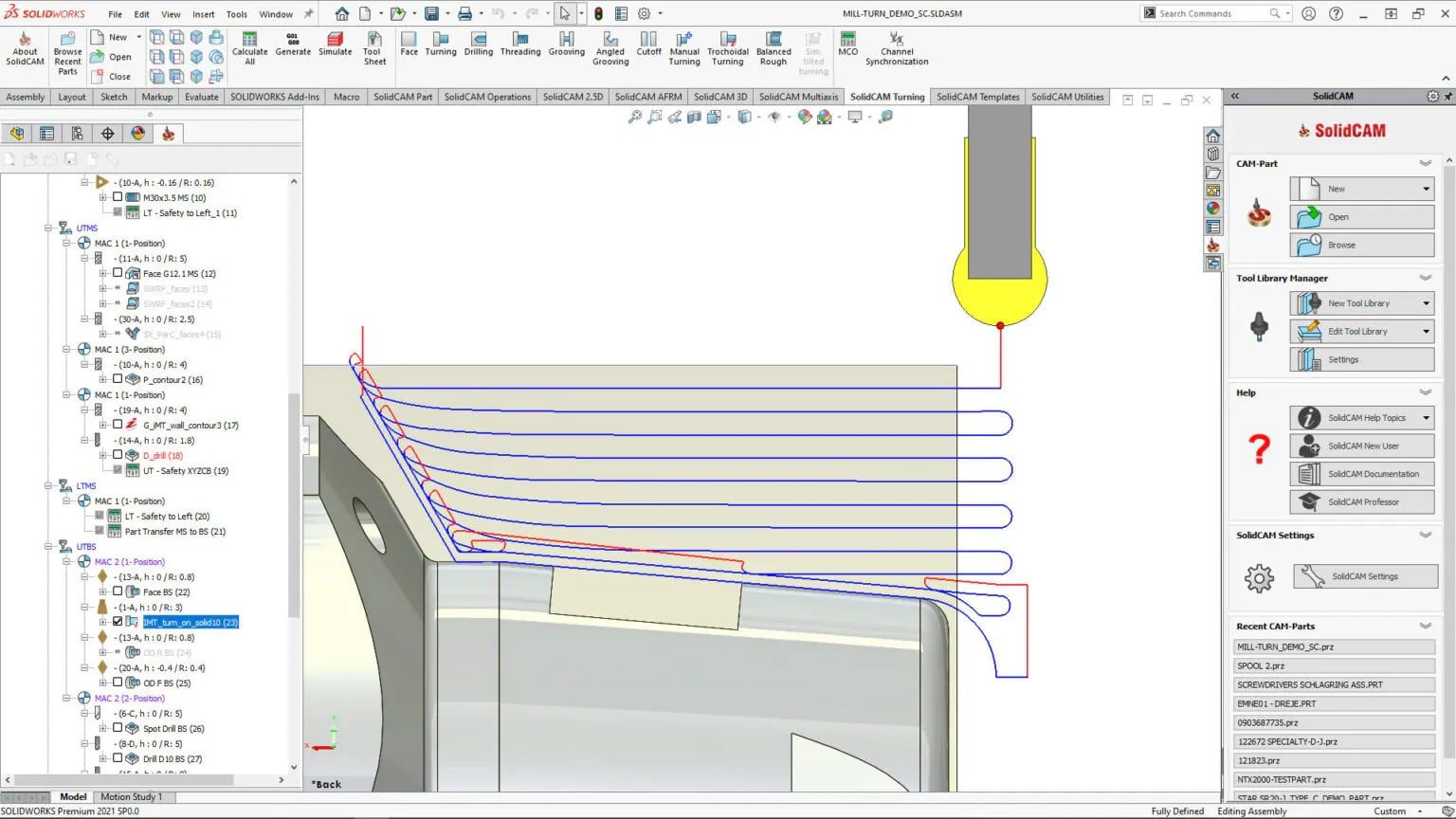
SolidCAM
Price on requestfree Maker version for hobby use
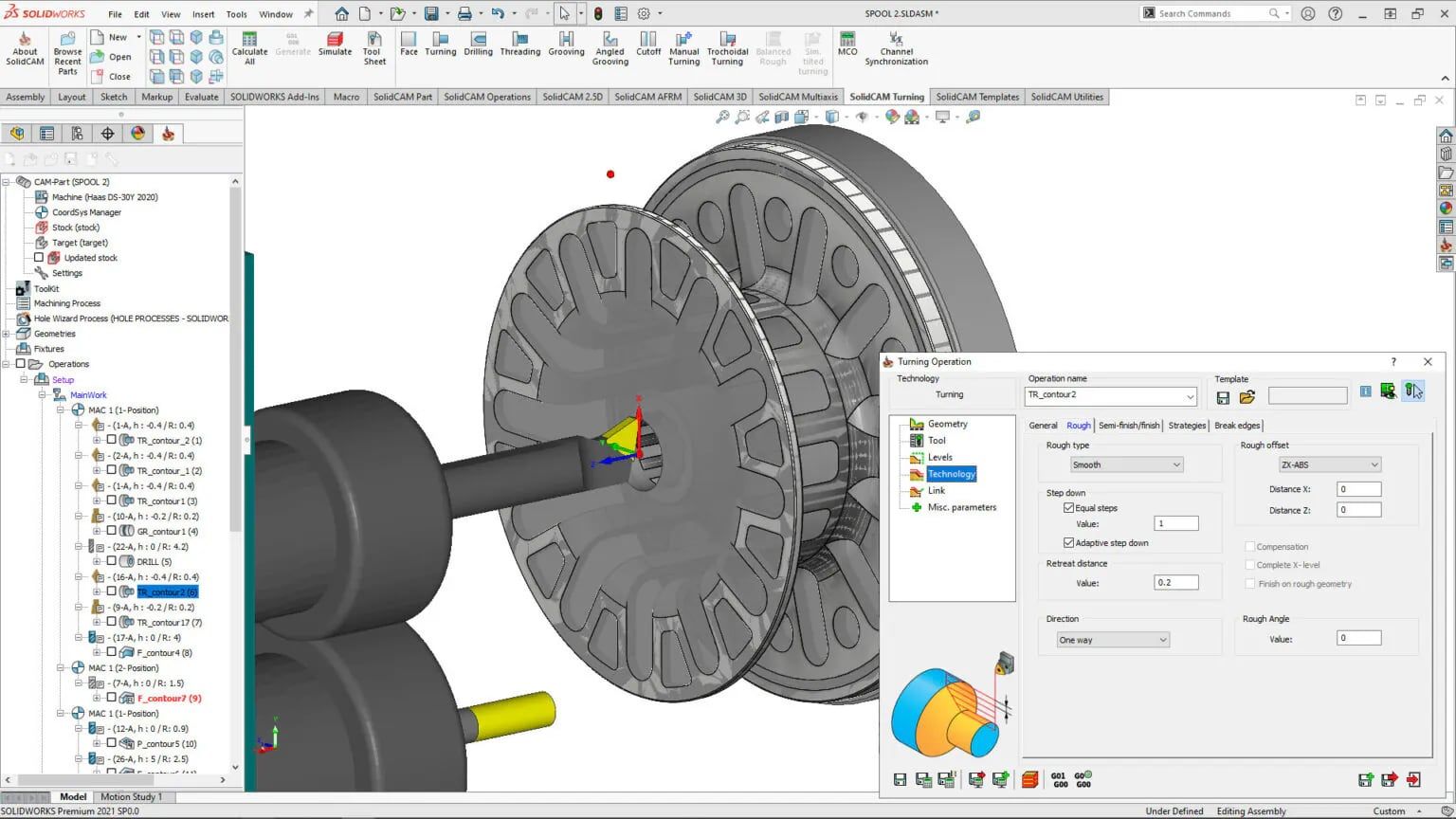
CAM inside SOLIDWORKS, Solid Edge and Inventor, best known for iMachining, its adaptive roughing.
- SolidCAM 2026
- Free Maker version
- Free for hobby use, iMachining included
- Up to 5-axis and mill-turn
- Maker version: set posts only, no 5-axis output
- Maker files don't open in the paid version
Screenshots: SolidCAM
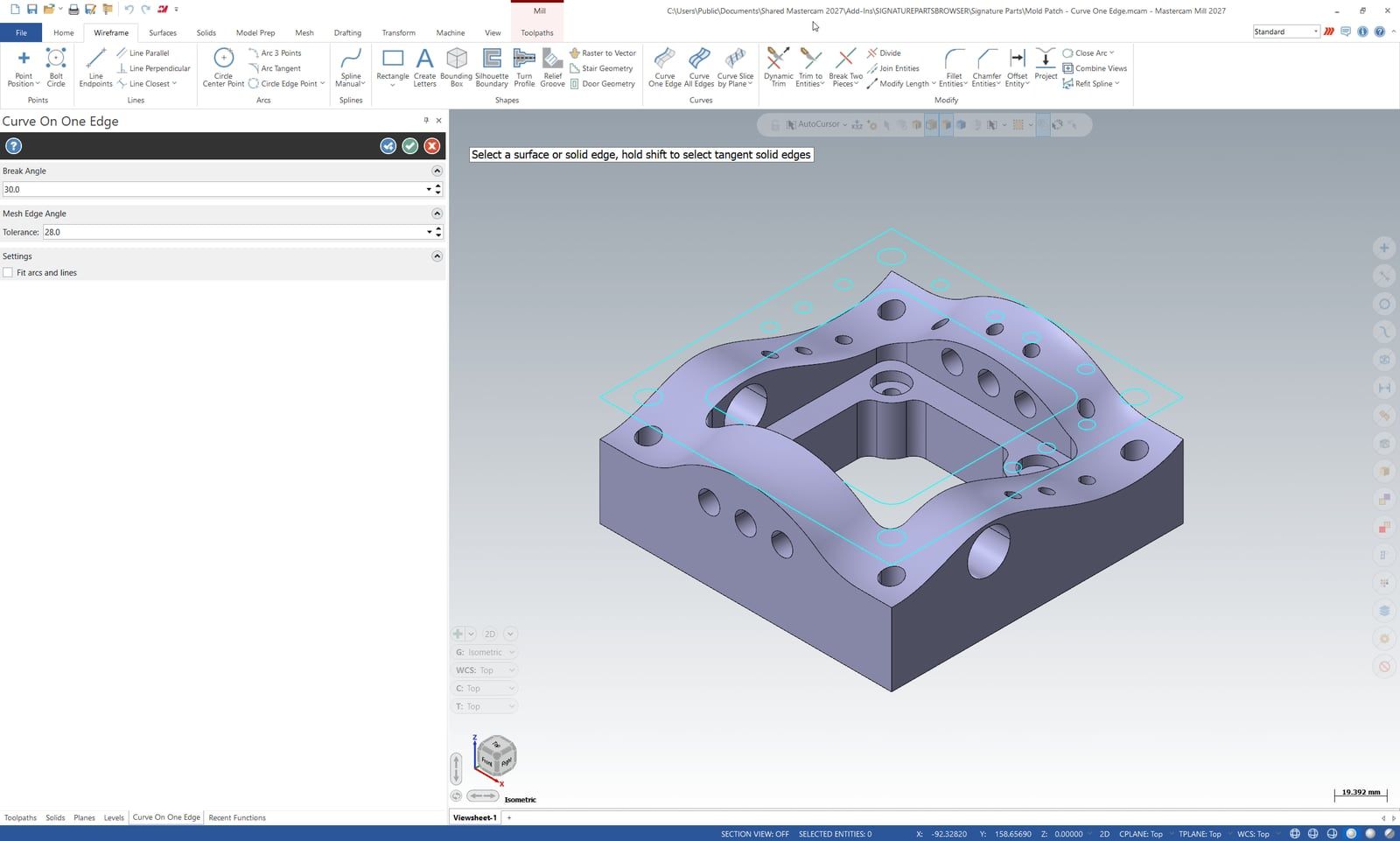

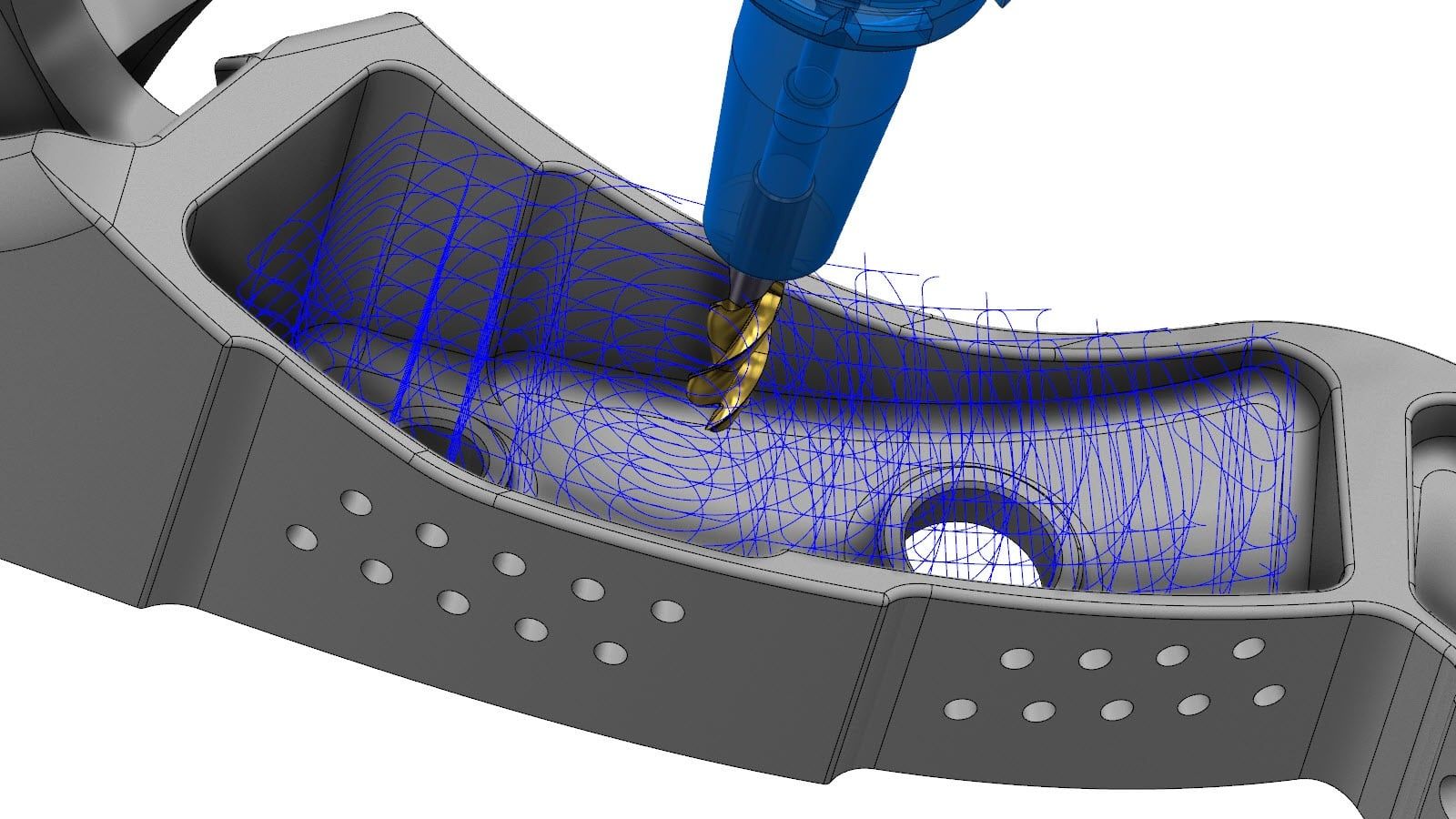
Mastercam
Price on requestthrough resellers
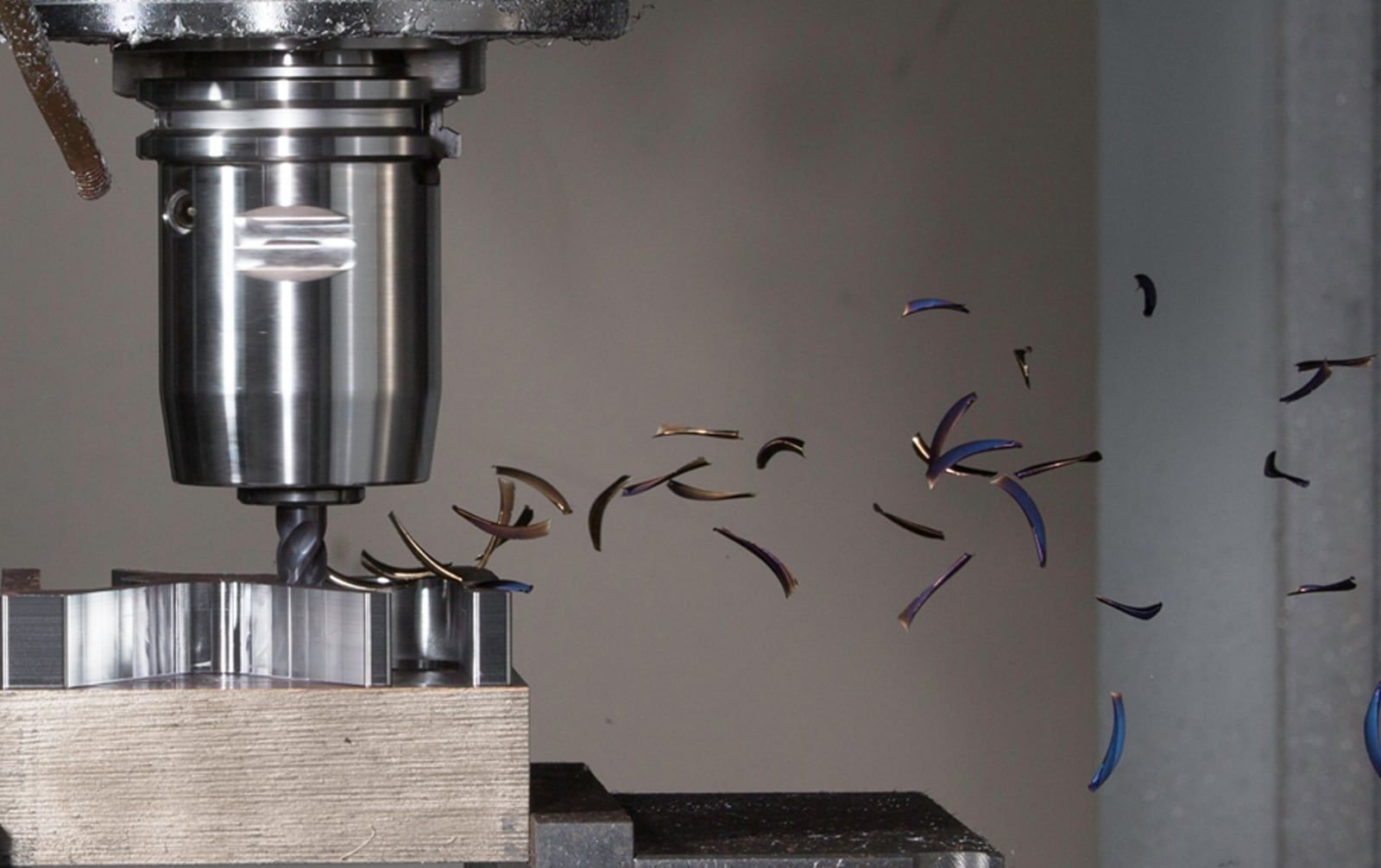
Mills, lathes, routers, mill-turn, Swiss and wire EDM. Mastercam calls itself the most widely used CAM, citing CIMdata.
- Mastercam 2027
- Windows 11
- Covers almost every CNC machine
- Free Learning Edition, without G-code
- No published price
- Windows only
Screenshots: Mastercam (CNC Software)

hyperMILL
Price on request
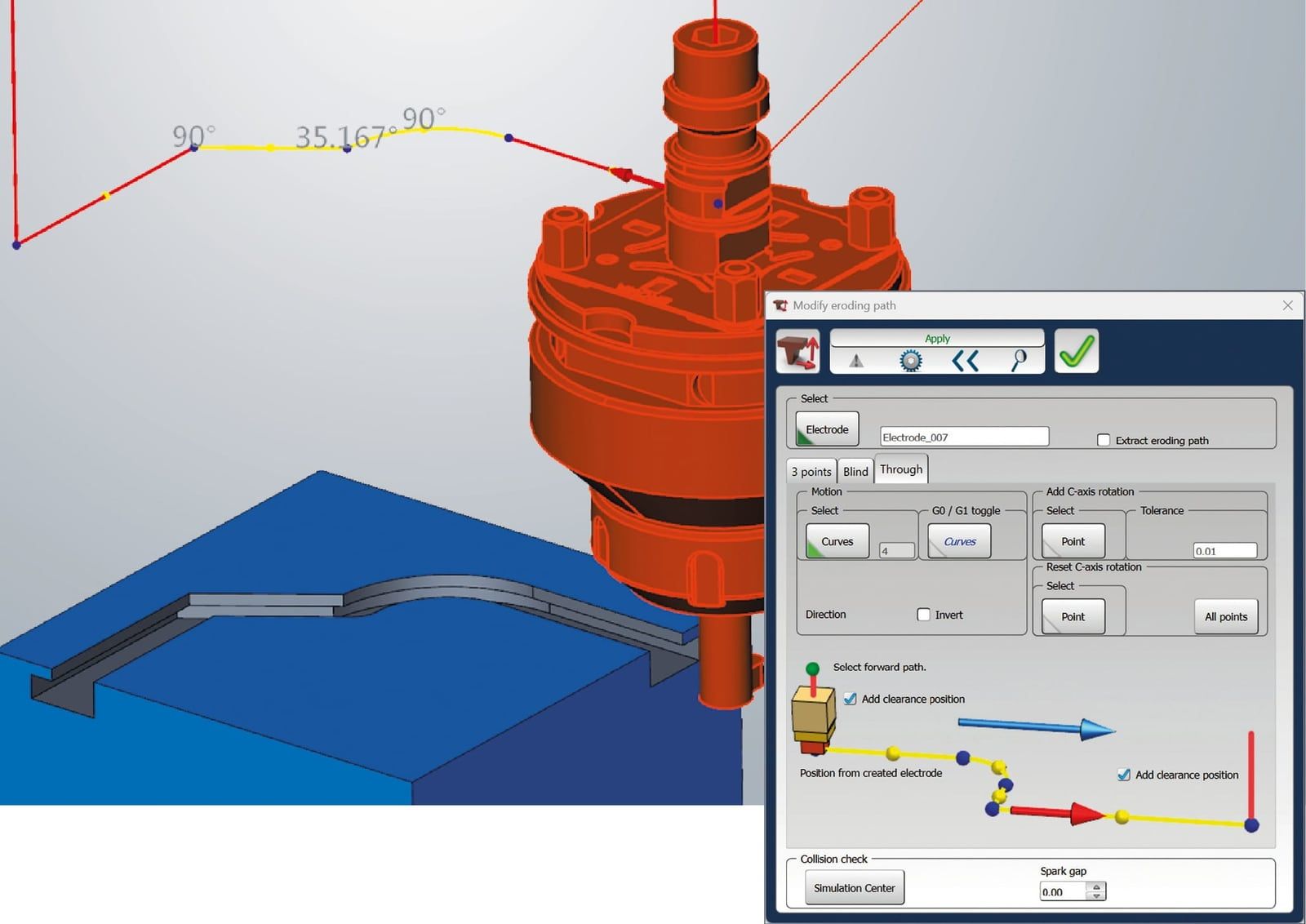
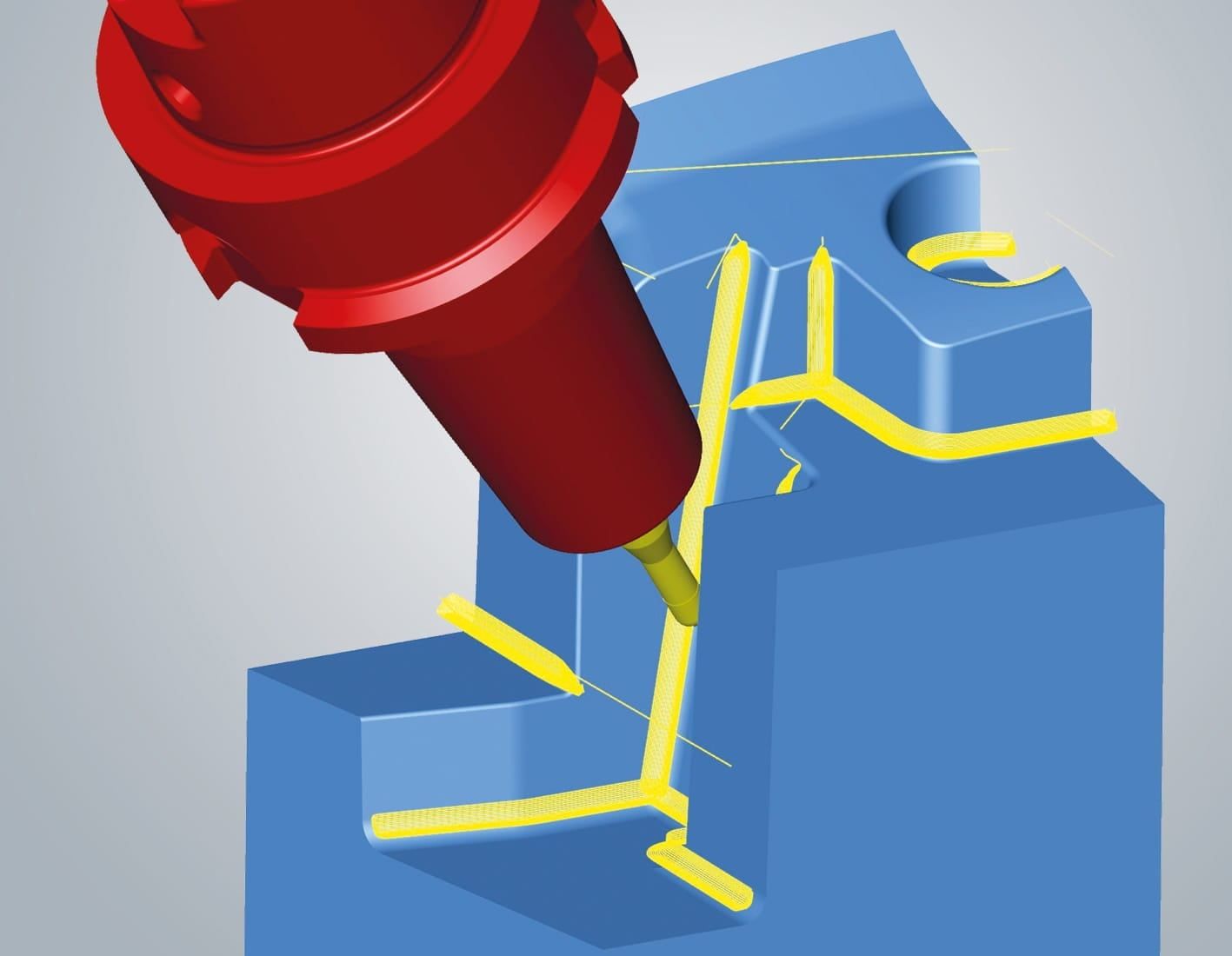
OPEN MIND's CAM for 5-axis work, moulds and impellers, in its own CAD or inside SOLIDWORKS and Inventor.
- hyperMILL 2026
- Test licences on request
- 5-axis strategies with collision avoidance
- Turning, mill-turn and wire EDM too
- No published price or free version
- More than a hobby machine needs
Screenshots: OPEN MIND
All 13 side by side
Not on the list
For machine shops: Siemens NX CAM, Hexagon’s ESPRIT EDGE, HCL’s CAMWorks and BobCAD-CAM. For hobby routers: MeshCAM for 3D from STL files, CamBam for 2.5D, and Carveco for 3D carving like Aspire. Autodesk’s HSMWorks is being wound down in favour of Fusion.
Which would we use?
In our opinion, at home, start with Fusion’s free personal licence: adaptive clearing, turning and 3D from the same file as your model, and its limits hardly matter without a tool changer. FreeCAD does the same offline, but takes longer to learn. For signs and inlays, Vectric VCarve is quicker; for plasma, SheetCAM; for a laser, LightBurn. Learning CNC for a job? Learn Mastercam: its Learning Edition is free.
All of them start from a model of the part. Our CAD software guide compares the CAD programs, and if you’d rather not machine it yourself, online services will cut, mill or print it from the same STEP file. We make CadFlow, modern CAD for makers and engineers: faster to model, easier to use and more robust than traditional CAD. It isn’t public yet. If you'd like to try it, join the waitlist.
Questions people ask
What's the difference between CAD and CAM?
CAD is where you design the part: its shape and dimensions. CAM is where you decide how a machine makes it: the stock, the tools, the order of operations and the toolpaths, which it writes out as G-code. Fusion, Onshape, SolidCAM and FreeCAD do both in one program; Vectric, Estlcam and SheetCAM take a drawing from another program.
What is the best free CAM software?
For a hobby router or mill, Fusion's free personal licence does the most, with limits: no rapid moves, one tool per posted file and no multi-axis. FreeCAD's CAM workbench is free for any use and open source. Kiri:Moto runs in the browser with no account, and Carbide Create and Easel are free and simple for 2.5D work.
What is a post-processor?
A small script that writes a CAM program's toolpaths as G-code for one kind of machine controller, because Fanuc, Haas, Heidenhain, LinuxCNC, Mach3 and GRBL each expect slightly different code. Use the post made for your controller, and test a new one by cutting air first.
Do I need CAM for a laser cutter or 3D printer?
A 3D printer uses a slicer, which is CAM for printing; see our guide to slicers. A laser cutter uses a program like LightBurn, which does the same job for 2D outlines and engraving, and runs the laser too.
How do I work out feeds and speeds?
Start from the tool maker's cutting speed and chip load for your material. Spindle speed in rpm is cutting speed in m/min × 1,000 ÷ (π × tool diameter in mm), and feed in mm/min is rpm × number of teeth × chip load. Most CAM programs fill these in from their tool libraries. For tapping, our tap drill size calculator gives the hole to drill first.
Where do the facts come from?
From each maker's own pages on 11 November 2026: Carbide 3D, Inventables, Estlcam, Vectric, Grid.Space, FreeCAD's source code, Autodesk's help page on Fusion for personal use, Onshape, LightBurn, SheetCAM, SolidCAM, Mastercam and OPEN MIND. The feeds and speeds formulas are Sandvik Coromant's. Which programs people use came from the Carbide 3D, Onefinity, V1 Engineering and Practical Machinist forums.
History of this post
- Published
Read next
Top 10 online laser cutting, CNC and 3D printing services for 2027
The best desktop CNC machines for 2027: 12 compared by price
The best laser engravers for 2027: the 12 people buy most


This blog is by the team making CadFlow, where you build your project in 3D and show how it goes together.
See how CadFlow works